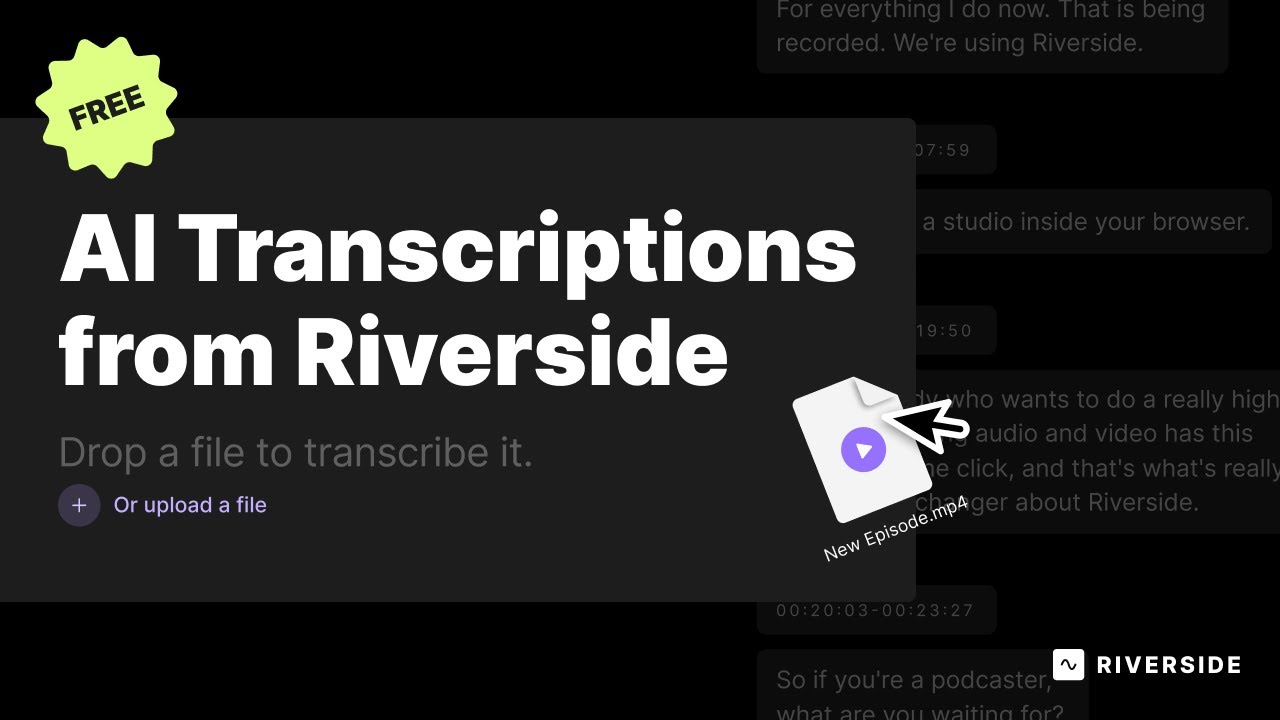
An AI service that generates high-accuracy audio and video transcription in multiple languages.
Riverside Audio & Video Transcription provides a highly accurate audio and video transcription service, boasting a 99% accuracy rate. It can transcribe content in over 100 languages, allowing users to work with a wide range of international content. This service allows users to quickly transcribe recordings as soon as they upload them, eliminating long wait times.
This feature is especially beneficial for content creators, educators, and professionals who must transcribe interviews, podcasts, lectures, or meetings quickly and accurately.
Furthermore, Riverside offers additional features that extend beyond just transcription. Users can record in up to 4K video quality with clear audio, regardless of internet connection quality. Once recording is complete, the AI begins transcribing automatically, distinguishing between different speakers. Post-transcription, it enables users to easily edit their recordings directly from the waveform or the transcript itself, by deleting words, sentences, or paragraphs.
Ultimately, Riverside Audio & Video Transcription streamlines the creation process from recording to editing, making it easier for users to produce professional-grade content.
FAQs
💬
What is Riverside Transcription, and who is it for?
Riverside Transcription is a free AI-powered tool that converts audio and video files into editable text transcripts. It’s ideal for podcasters, video creators, journalists, and remote teams who need quick, accurate transcriptions without extra software. You can record directly in their online studio or upload files, and it handles everything from interviews to webinars seamlessly.
How accurate is the transcription?
It claims 99% accuracy, and recent user tests from 2025 reviews back this up, especially for clear English audio. It captures nuances like idioms and accents well, though heavy background noise or thick dialects might need minor edits. In comparisons, it often outperforms free alternatives like basic Otter.ai but falls short of premium paid services for non-English content.
What file types and languages does it support?
It works with common formats like MP3, WAV, MP4, and MOV. Transcription covers over 100 languages and dialects, including regional variations, making it versatile for global creators. You get automatic speaker detection too, which labels who said what without manual tagging.
Is Riverside Transcription really free, and are there limits?
Yes, it’s completely free with unlimited transcriptions and no sign-up required for basic use. Upload or record, and you’re set. Paid Riverside plans (starting at $19/month) unlock extras like higher storage and faster processing, but the core transcriber stays open to everyone.
How long does it take to transcribe a file?
Processing starts right away after upload or recording, often finishing in minutes for short files. Longer ones, like an hour-long podcast, might take 5-15 minutes depending on server load. Users in 2025 reviews note it’s quicker than before, thanks to updates, but peak times can add a bit of wait.
Can I edit the transcript or use it for other tasks?
Absolutely. You can fix errors by clicking words, then use the transcript to edit your video or audio—like deleting sections or adding captions. It also generates SRT files for subtitles and integrates with Riverside’s Magic Clips for quick social media highlights. This text-based editing saves hours compared to traditional timelines.
Does it work well for non-English or accented speech?
It handles 100+ languages pretty reliably, with good results for accents in tests from mid-2025. For example, users report solid performance on Arabic dialects or Norwegian podcasts, but you might tweak outputs for perfect precision. It’s better than many free tools but not flawless for rare idioms.
What are the main limitations or drawbacks?
Occasional glitches, like freezing during upload or login prompts, pop up in user feedback from late 2025. It shines for Riverside-recorded files but can struggle with very noisy uploads from other sources. Also, advanced editing needs a paid plan, and it’s browser-based, so Chrome works best.
How does it compare to tools like Descript or Otter.ai?
Riverside edges out on free unlimited use and high-quality recording integration, with similar 99% accuracy to Descript. Otter.ai is simpler for quick notes but lacks video support and speaker labels. Descript wins for deep editing, but Riverside’s all-in-one flow (record-transcribe-clip) feels more streamlined for beginners, per 2025 comparisons.
Is it secure for sensitive content, like client interviews?
Yes, it processes files securely with local recording options in the full platform, and transcripts aren’t stored long-term without your account. No major breaches reported in recent reviews, but always review their privacy policy for compliance needs. It’s trusted by pros for confidential podcasts.