
Best AI Writing & Editing Tools
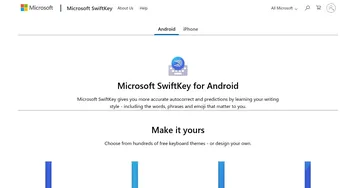
AI writing tools help you draft, rewrite, and polish text, turning a rough idea or a few bullet points into clear prose and then tightening grammar, tone, and structure. They handle everything from emails and essays to blog posts, scripts, and stories, with capable all-rounders like Claude and Poe alongside in-browser helpers like Brave Leo and on-keyboard assistants like SwiftKey AI Keyboard.
Writers, students, marketers, and anyone who sends a lot of email lean on these to beat the blank page and to edit faster. When you're picking one, think about whether you mainly need a drafting partner or a careful editor. Some excel at generating fresh copy, others at catching errors and sharpening what you already wrote. The best results still come from a human guiding the tone, so treat its output as a strong first pass, not a finished piece.




















What can you do with AI tools for writing?
These are great tools that can be incredibly versatile for creation of a wide range of content, including (but not limited to):-
Blog posts and articles
You can use these tools to generate ideas for blog posts, create outlines, and even draft entire articles. Furthermore, AI can help you with research by generating relevant content that can be used as a starting point. -
Social media content
AI knows what's working on social platforms better than most people. That's why many people find it useful in the process of crafting their social media campaigns to get ideas for posts, create captions, or draft entire posts. -
Copywriting
AI also understands words that sell and is, in that sense, used for copywriting of ads, website headlines, and other marketing materials. Modern AI tools for writing can even generate text in a specific tone or style that matches your brand. -
Creative writing
Beyond business-related writing, some of these tools will also have your back for generating fiction texts. They can generate story ideas, create characters, and draft entire scenes or chapters -- helping overcome writer's block along the way. -
Academic paper writing
Writing tools have also been trained on a fair share (to say the least) of academic papers and have learned how to properly phrase and generate essays, research papers, and other documents. As such, they can help you research many subjects and help in the creation of properly structured documents. -
Business communication
Last but not least, AI writing tools could be used for drafting emails, creating presentations and other business-related documents. As a result, you get to communicate more effectively with your prospects, clients, partners, and other parties.