
Best AI Music & Audio Tools
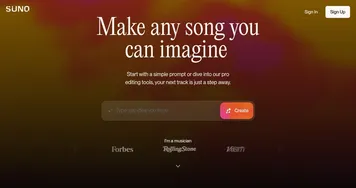
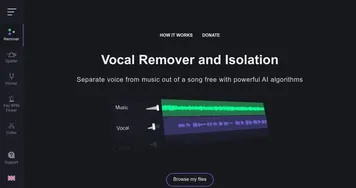
AI music and audio tools generate original songs, instrumentals, and sound from a text prompt, and clean up or transform existing audio. You describe a genre and mood and the model writes and produces a full track, or you upload a recording and the tool separates the vocals, removes noise, or remasters it. The category includes song generators like Suno and BandLab SongStarter, plus audio utilities such as Vocal Remover and the licensed library Artlist.
Musicians, podcasters, video creators, and hobbyists use these to draft a backing track, find royalty-free music, or strip vocals for a karaoke version without a studio. When you're picking one, separate generation from cleanup: a song generator is judged on how musical and original its output sounds, while an audio utility is judged on how cleanly it isolates or repairs a track. Watch the licensing terms closely if you plan to publish, since rights on AI-made music vary widely.










What can you do with AI tools for audio?
With AI tools for audio, you can create or modify all kinds of audio content, including:-
Voiceovers
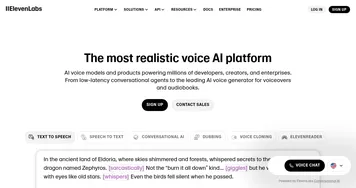
Thanks to text-to-speech (TTS) technology, you can convert written text into natural-sounding speech that you can then use for voiceovers in videos or presentations. This is particularly useful if you don't have access or can't afford a professional voice actor, or need a voiceover in a different language. Services to try: ElevenLabs, Murf and Fliki, and perhaps FakeYou. -
Podcasts
Again, you can create a script and convert it to audio with the TTS technology, or you could use a different tool to create music for intros, outros, and jingles for your podcast. Probably the best tool for podcasts is Podcastle. -
Audiobooks
Related to the previous point, you can use these tools to narrate entire books, not just podcast episodes. Yes, they are that good and can produce some amazing results (that are only getting better). -
Music
Not all of us have the tech skills to create original music compositions from scratch. With modern AI tools, we don't necessarily need those skills, as we can rely on AI to do the hard (tech) work for us. Just set parameters such as tempo and key, select instruments, and let the technology do its magic. -
Sound effects
It's not just podcasts and videos you need sound effects for; you can also use them in game development if you're into that sort of thing. Or create a ringtone of your own. -
Interactive Voice Response (IVR) systems
You can use these tools to create natural-sounding speech for automated phone systems or virtual assistants.