logo-darklogo-darklogo-darklogo-dark
  • Tool Categories
    • ๐ŸŽจArt & Creative Design505
    • ๐ŸขBusiness Management644
    • ๐Ÿ’ปCoding & Development515
    • ๐Ÿ‘ฎDetection83
    • ๐Ÿง General Use727
    • ๐ŸฅHealth & Wellness55
    • ๐Ÿ“ทImage & Photo Analysis100
    • ๐Ÿ–ผ๏ธImage Generation & Editing618
    • ๐Ÿ“Interior & Architectural Design37
    • ๐ŸŽ“Learning & Education483
    • โš–๏ธLegal & Finance90
    • ๐ŸŽญLifestyle & Entertainment236
    • ๐Ÿ“ขMarketing & Advertising627
    • ๐ŸŽงMusic & Audio138
    • ๐Ÿ‘”Office & Workplace1,014
    • ๐Ÿ”ฌResearch & Data Analysis372
    • ๐Ÿ‘ฅSocial Media245
    • ๐ŸŽฅVideo Generation & Editing426
    • ๐Ÿ‘ง๐ŸปVirtual Companion135
    • ๐ŸŽคVoice Generation & Editing381
    • โœ๏ธWriting & Editing808
    • All Categories
    • AI Use Cases
  • News
  • Events
    • Academic Conferences
    • Developer Conferences
    • Expos / Trade Shows
    • Industry Summits
    • Workshops / Training
    • All Events
    • Past Events
  • Saved Tools
  • Suggest a Tool
โœ•
Home › Video Generation & Editing › Video Editing› Clipchamp
Clipchamp

Clipchamp by Microsoft

Edit videos effortlessly with AI-powered tools and templates

Microsoft Clipchamp bursts onto the scene like a friendly guide, ready to demystify video editing for anyone who’s ever felt intimidated by clunky software. I think it’s the kind of tool that makes you wonder why video editing ever felt so hard. With its browser-based interface, it’s as if Clipchamp whispers, “You don’t need a fancy computer or a film degree to make something great.” You just hop into Microsoft Edge or Google Chrome, and you’re off, trimming clips, adding snazzy transitions, or letting AI sprinkle some magic with auto-generated subtitles. It’s accessible, it’s intuitive, and it feels like Microsoft took a good look at what casual creators and small businesses need.

What’s immediately striking is how Clipchamp balances simplicity with power. The drag-and-drop timeline is a godsend for beginners, letting you layer video, audio, and effects without breaking a sweat. Features like AI Subtitles, which transcribe your audio into captions in over 80 languages, are a standout, saving hours of manual work. The Text-to-Speech tool, powered by Microsoft Azure, churns out natural-sounding voiceovers in hundreds of voices, which is perfect for narrating a quick explainer video or a YouTube vlog. You can resize videos for platforms like TikTok or LinkedIn with a single click, and the royalty-free stock library — packed with music, clips, and images — means you’re never stuck for content. It’s like having a mini production studio in your browser.

But let’s not get too starry-eyed. Clipchamp’s free plan, while generous with 1080p exports, slaps watermarks on premium stock assets, which might irk creators aiming for a polished look without paying. Compared to competitors like Canva Video Editor, which integrates seamlessly with design tools, or CapCut, a mobile-friendly favorite for TikTok creators, Clipchamp can feel a tad less flexible for advanced editing. Large projects might lag in weaker browsers, a frustration if your laptop isn’t top-tier. And while the iOS app is handy for on-the-go edits, Android users are left out, which feels like an oversight in today’s mobile-first world.

The surprise element? Clipchamp’s integration with Microsoft 365. If you’re already in the Microsoft ecosystem, you can pull media from OneDrive, share via Teams, or save to SharePoint, making it a dream for workplace or classroom projects. The Brand Kit feature, available with premium plans, lets you store logos and colors for consistent branding, a small but mighty touch for businesses. It’s not perfect — advanced editors might crave the granular control of Adobe Premiere Rush — but for most, Clipchamp delivers.

Want to dive in? Start with the free plan to test the waters, use templates for quick wins, and enable content backup to avoid relinking media. If you’re hooked, a premium plan unlocks more stock assets and 4K exports. Play around with AI tools like noise suppression to clean up audio, and don’t sleep on the tutorials — they’re gold for mastering the platform.

Visit Clipchamp ↗
Categories
๐ŸŽฅ Video
โœ๏ธ Video Editing โบ๏ธ Video Recording ๐Ÿ“ฒ Short Video Generation ๐Ÿ“ฑ Reel Generation ๐ŸŽถ Tiktok Video Generation
โœ๏ธ Writing
๐Ÿ’ฌ Subtitle Generation ๐Ÿท๏ธ Caption Generation
๐ŸŽค Voice
๐Ÿ“ข Text-to-Speech ๐Ÿ“ฃ Voice Over
๐ŸŽง Music
๐ŸŽš๏ธ Audio Editing

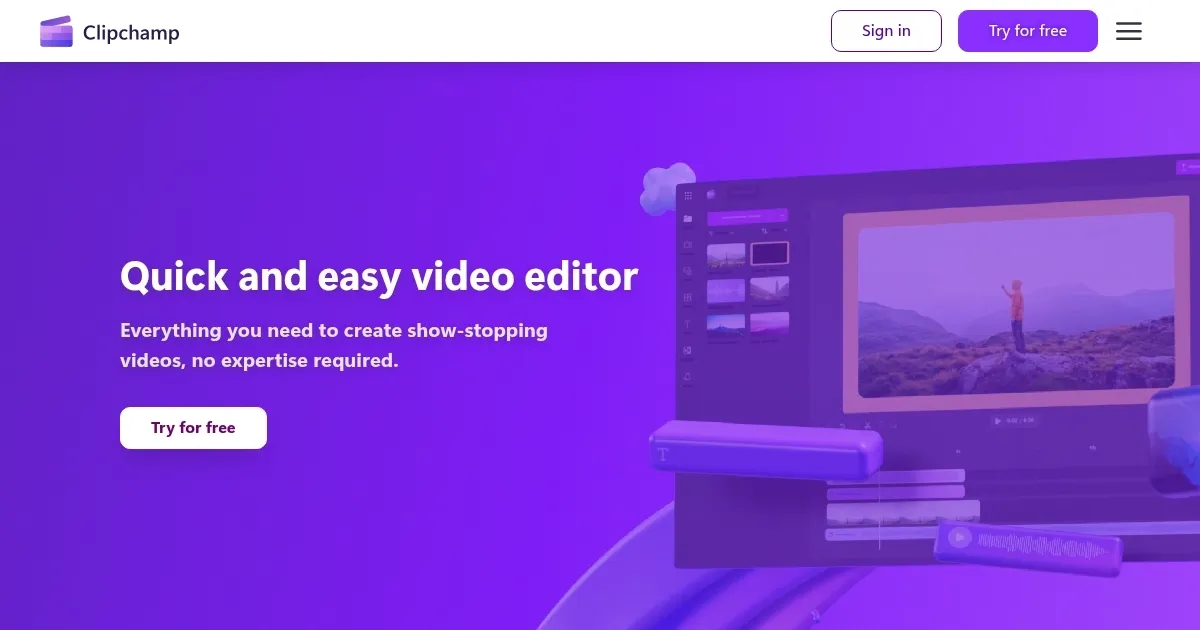
Homepage Screenshot 📸

Clipchamp screenshot

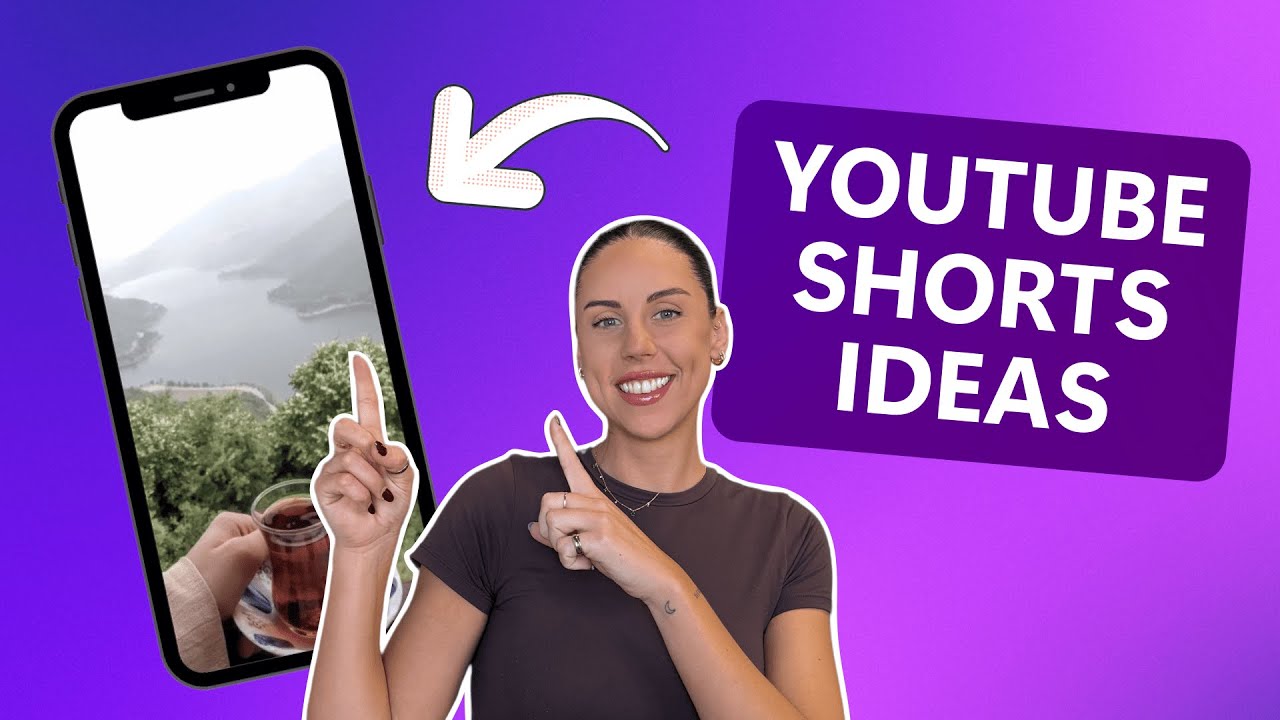
Video Overview 🎬

Clipchamp - Video Overview

What are the key features? ✨

  • AI Subtitles: Generates accurate captions in over 80 languages.
  • Text-to-Speech: Offers 400+ voices for natural-sounding voiceovers.
  • Drag-and-Drop Timeline: Simplifies layering video, audio, and effects.
  • Stock Library: Provides royalty-free videos, images, and music.
  • Resize Video: Adjusts aspect ratios for social media platforms.

Who is it for? 🤔

Microsoft Clipchamp is ideal for beginners, content creators, small business owners, educators, and students who need an easy-to-use video editing tool with professional results. Its browser-based access and Microsoft 365 integration make it perfect for those in the Microsoft ecosystem, while AI features and templates suit users creating social media content, presentations, or educational videos without advanced editing skills.

Examples of what you can use it for 💡

  • YouTuber: Crafts engaging vlogs using templates and AI voiceovers.
  • Small Business Owner: Creates branded promo videos with stock assets.
  • Educator: Produces lecture videos with captions for accessibility.
  • Student: Builds presentation videos using drag-and-drop tools.
  • Marketer: Designs social media ads with resized video formats.

Pros & Cons ⚖️

  • Free 1080p exports
  • Robust AI-powered features
  • Microsoft 365 integration
  • Watermarks on free plan assets
  • Limited advanced editing tools

FAQs 💬

What browsers does Clipchamp support?
Clipchamp works in Microsoft Edge and Google Chrome with the latest updates.
Can I use Clipchamp for free?
Yes, the free plan offers 1080p exports and basic editing tools.
Does Clipchamp work on mobile devices?
Itโ€™s available on iOS, but Android support is not yet offered.
Can I integrate Clipchamp with Microsoft 365?
Yes, it syncs with OneDrive, Teams, and SharePoint for seamless workflows.
Does Clipchamp support 4K video exports?
4K exports are available with premium plans or Microsoft 365 subscriptions.
Are there watermarks on exported videos?
Free plan exports are watermark-free, but premium assets may include watermarks.
Can I use my own media in Clipchamp?
Yes, you can upload videos, images, and audio from your device or cloud storage.
Is Clipchamp suitable for beginners?
Its user-friendly interface and templates make it ideal for those new to editing.
Does Clipchamp offer stock media?
Yes, it includes royalty-free videos, images, and music in its content library.
How do I access Clipchamp for work or education?
Your organizationโ€™s Microsoft 365 admin must enable it for work or school accounts.

Ready to try Clipchamp?

Edit videos effortlessly with AI-powered tools and templates

Visit Clipchamp ↗
Clipchamp alternatives 🔗

  1. Runway Runway Generates and edits AI-powered videos from text prompts
  2. Canva Magic Design Canva Magic Design Generates custom, on-brand designs from text prompts or uploaded media in seconds.
  3. Adobe Express Adobe Express Creates on-brand content with AI-driven design and video tools
  4. Vimeo AI Vimeo AI Creates polished videos from single recordings using AI edits and scripts
  5. CapCut Creative Suite CapCut Creative Suite Online creative suite for everyone to create stunning images and videos
  6. Loom AI Loom AI Record better video messages with automatic titles, summaries, share messages, and more
Share
Clipchamp screenshot enlarged
Promote Clipchamp
light badge
Copy Embed Code
dark badge
Copy Embed Code
neutral badge
Copy Embed Code
Best AI Tools

Discover the best AI tools for any use case

Explore
  • Tool Categories
  • AI Use Cases
  • AI Events
  • AI News
  • Saved Tools
Company
  • About Us
  • Contact Us
  • Media & Partnerships
  • Suggest a Tool
Legal
  • Privacy Policy
  • Terms of Service
Copyright © 2026 Best AI Tools 415 Mission Street, 37th Floor, San Francisco, CA 94105