Descript
Transforms video editing with AI-driven text-based tools and automated design
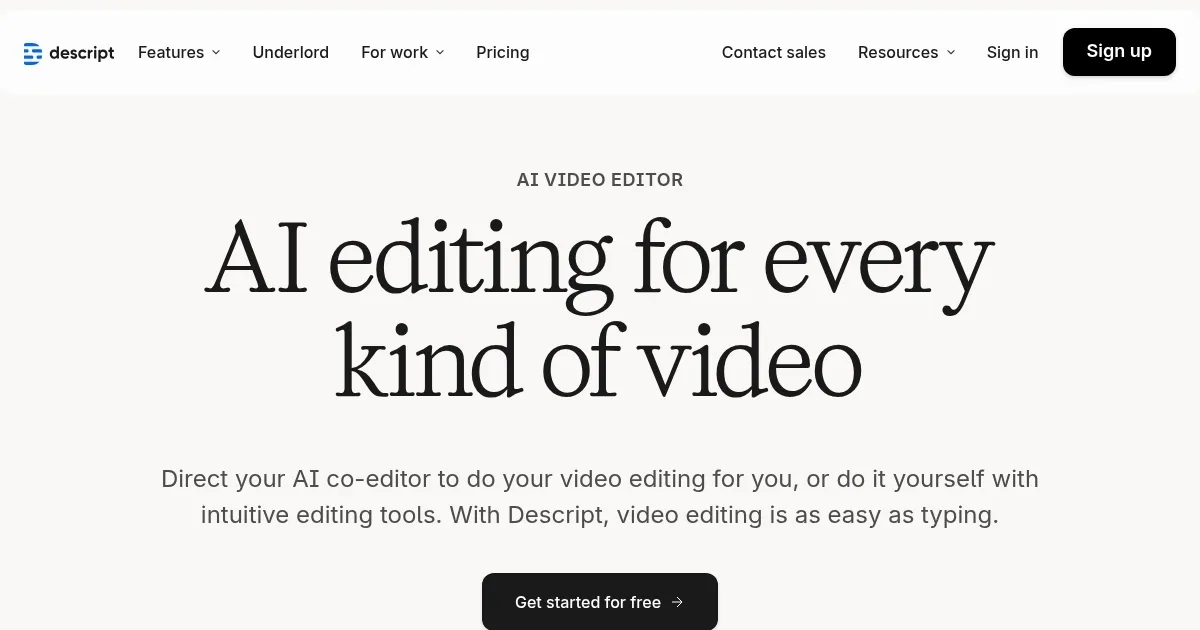
Descript is a video editing platform that utilizes AI to simplify the process, allowing users to edit videos by manipulating text transcripts. Its core feature, text-based editing, generates an instant transcript from uploaded or recorded videos, allowing you to cut, rearrange, or delete sections by editing the text. This approach makes editing accessible, especially for beginners. The AI co-editor, Underlord, can generate scripts, suggest edits, or create videos from prompts, while features like Studio Sound enhance audio quality by removing background noise. Descript also offers a stock library with GIFs, B-roll, and music, as well as smart transitions for polished results.
The platform’s interface is clean and intuitive, with drag-and-drop functionality that streamlines workflows. Users can apply pre-designed layouts or customize them, and Underlord can suggest fonts and colors for a professional look. Collaborative tools allow real-time editing for teams, making it ideal for marketing or training projects. Compared to Adobe Premiere Pro, which requires more technical skill, or Final Cut Pro, which is Mac-only, Descript prioritizes ease and speed without sacrificing quality.
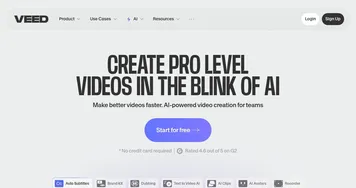
Descript’s pricing includes a free plan with one media hour per month and watermarked exports. Paid plans, like Hobbyist and Creator, offer more media hours, higher-resolution exports, and access to advanced AI tools. These plans are competitively priced against tools like VEED or Canva, though costs can add up for teams. The free plan is suitable for testing, but serious users will require a paid tier for watermark-free 4K exports and unlimited access to stock media.
Users love the time-saving features. Text-based editing cuts hours off traditional workflows, and the stock library adds instant visual flair. Studio Sound delivers clean audio, even from low-quality mics, and collaborative tools streamline team projects. The AI Speech feature, which creates custom voice clones, is a standout for narration without recording. However, the AI’s outputs, such as generated scripts or images, can sometimes lack precision, requiring manual adjustments. The free plan’s limitations also restrict its usefulness for frequent users.
Descript shines for non-experts and teams needing quick, professional results. Podcasters benefit from fast transcription-based editing, while marketers can create polished product videos. The platform’s surprises include the depth of its stock library and the near-human quality of AI Speech. However, advanced users may find the timeline editing less robust than that of competitors like Premiere Pro. The AI tools work best with clear, specific prompts to avoid generic results.
To get started, try the free plan with a small project to test text-based editing. Use specific prompts with Underlord to improve AI outputs, and explore the stock library for quick enhancements. If you require advanced features, consider the Creator plan, which includes 4K exports and unlimited stock access. Pair Descript with a traditional editor for complex projects, but for most tasks, it’s a powerful standalone tool.
Homepage Screenshot 📸
Video Overview 🎬
What are the key features? ✨
- Text-based Editing: Edit videos by modifying a transcript, simplifying the process.
- Underlord AI: Generates scripts, suggests edits, or creates videos from prompts.
- Studio Sound: Enhances audio by removing background noise with one click.
- Stock Library: Offers royalty-free GIFs, B-roll, music, and images for visuals.
- Smart Transitions: Automatically adds fades and animations for smooth edits.
Who is it for? 🤔
Examples of what you can use it for 💡
- Podcaster: Edits podcast videos by tweaking transcripts for quick turnaround.
- Marketer: Creates product launch videos with AI-generated scripts and visuals.
- Trainer: Builds engaging training videos using stock media and smart layouts.
- YouTuber: Produces polished content with AI voice clones and transitions.
- Support Team: Crafts help videos with clean audio and professional designs.
Pros & Cons ⚖️
- Fast text-based editing
- Rich stock media library
- Intuitive AI co-editor
- Strong collaboration tools
- Limited free plan
- AI outputs need tweaks
FAQs 💬
Ready to try Descript?
Transforms video editing with AI-driven text-based tools and automated design
Visit Descript