Best AI Audio Editing Tools

76 toolsRanked by traffic

AI audio editing tools cut, arrange, transcribe, and clean up recordings so you can turn raw takes into a finished podcast, voiceover, or video soundtrack. Many work from a transcript, so you delete a sentence by deleting its text and the audio follows. Editors like Descript and Streamlabs Podcast Editor handle the spoken-word workflow, while CapCut Creative Suite and VEED pair audio edits with video in one timeline.

Podcasters, YouTubers, and course creators lean on these to remove filler words, balance levels, and add captions without learning a full digital audio workstation. When you're choosing one, decide whether you mainly edit talking or talking-over-video: a transcript-based editor is fastest for interviews and narration, while a video suite is better when picture and sound move together. The catch is that automatic edits still need a human pass, since AI sometimes trims a breath or word you wanted to keep.


CapCut Creative Suite
CapCut Creative Suite - icon
CapCut Creative Suite
Online creative suite for everyone to create stunning images and videos
VEED
VEED - icon
VEED
Creates pro-level videos with AI-powered editing and collaboration tools
Clipchamp
Clipchamp - icon
Clipchamp
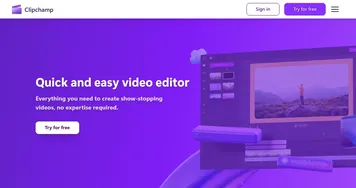
Edit videos effortlessly with AI-powered tools and templates
Vocal Remover
Vocal Remover - icon
Vocal Remover
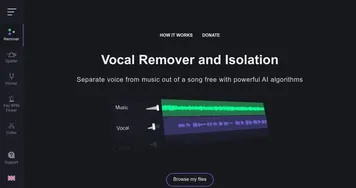
Separates vocals from instrumentals in songs using AI
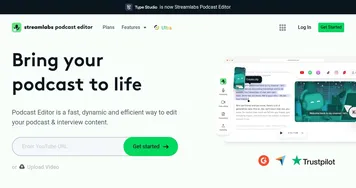
Streamlabs Podcast Editor
Streamlabs Podcast Editor - icon
Streamlabs Podcast Editor
A podcast editing solution that transcribes audio and video to text for easy edits and repurposing content
Media.io
Media.io - icon
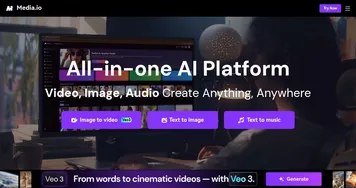
Media.io
An online platform offering AI-powered video, audio, and image editing tools
Moises
Moises - icon
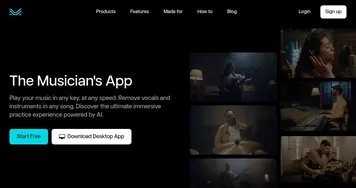
Moises
Separates vocals and instruments from songs using AI for practice and production.
Descript
Descript - icon
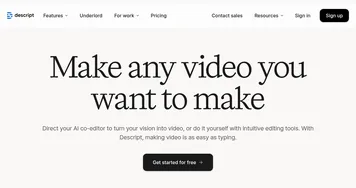
Descript
Transforms video editing with AI-driven text-based tools and automated design
AudioCleaner
AudioCleaner - icon
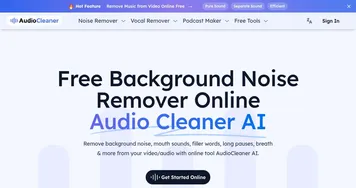
AudioCleaner
Removes background noise and enhances audio clarity with AI
LALAL.AI
LALAL.AI - icon
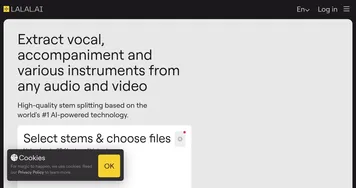
LALAL.AI
Splits audio into vocals, instruments, and stems with AI precision
LANDR
LANDR - icon
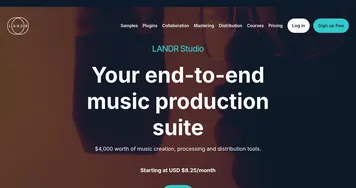
LANDR
Offers AI mastering, music distribution, samples, plugins, and courses for creators
Vozard
Vozard - icon
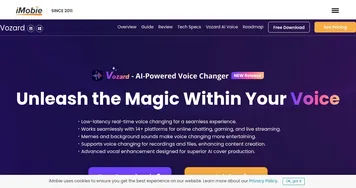
Vozard
Transforms voices in real time for gaming and streaming
Flixier
Flixier - icon
Flixier
An AI-powered cloud-based video editing tool
FineShare
FineShare - icon
FineShare
A set of AI tools that lets you create videos, record your voice, and more
Murf
Murf - icon
Murf
Converts text to lifelike speech for various applications

Frequently Asked Questions

What is the best AI audio editing tool?
The best AI audio editing tool depends on your format. Descript is the strongest for podcasts and voiceovers thanks to its transcript-based editing, Streamlabs Podcast Editor suits quick spoken-word cleanup, and CapCut works well when you edit audio alongside video. Most creators pick one and learn it deeply.
How does transcript-based audio editing work?
Transcript-based editing turns your recording into text you can edit like a document. When you delete a word or sentence from the transcript, the matching audio is removed automatically, and rearranging paragraphs reorders the sound. It makes cutting interviews and narration far faster than dragging clips on a traditional waveform timeline.
Can AI audio editors remove filler words and pauses?
Yes, most AI audio editors can detect and strip filler words like "um" and "uh" plus long silences in one pass. You review the suggested cuts before applying them, which keeps the pacing natural. This feature alone saves hours on interview and podcast edits where filler is constant.
Do I need recording experience to use these tools?
No, AI audio editors are built for people without studio training. The interfaces hide most technical settings and automate leveling, noise reduction, and captioning. You still get better results from a decent microphone and a quiet room, but the editing itself is approachable for a complete beginner.
Are AI audio editing tools free?
Many AI audio editors offer a free tier with limits on export length, watermarks, or monthly transcription minutes. Paid plans, often in the range of twelve to thirty dollars a month, unlock longer projects, higher-quality export, and extras like AI voices or unlimited transcription. Free tiers are usually enough to test the workflow.