Best AI Video Recording Tools

34 toolsRanked by traffic

AI video recording tools capture your screen, webcam, or meetings and then transcribe and lightly edit the recording for you. They sit at the capture stage rather than the generation stage: you record a demo, lesson, or call, and the AI adds a transcript, trims dead air, and produces a shareable clip. Familiar tools include Loom AI, Descript, Fathom for meetings, and Clipchamp.

Teams recording async updates, educators making tutorials, and salespeople logging calls rely on these to capture and clean a recording in one pass. The useful AI parts are automatic transcripts, filler-word removal, and instant highlight reels from a long session. When you're choosing, look at whether the tool records screen, camera, or meetings well enough for your use, and how its transcription handles your audio. A recorder that edits by transcript, like Descript, lets you delete a sentence to cut the matching video, which saves the most time.


Vimeo AI
Vimeo AI - icon
Vimeo AI
Creates polished videos from single recordings using AI edits and scripts
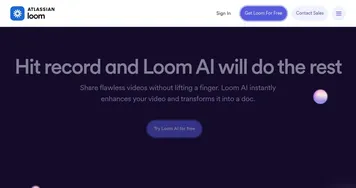
Loom AI
Loom AI - icon
Loom AI
Record better video messages with automatic titles, summaries, share messages, and more
VEED
VEED - icon
VEED
Creates pro-level videos with AI-powered editing and collaboration tools
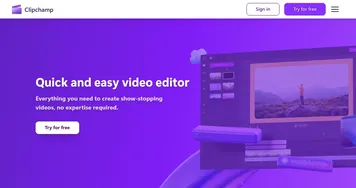
Clipchamp
Clipchamp - icon
Clipchamp
Edit videos effortlessly with AI-powered tools and templates
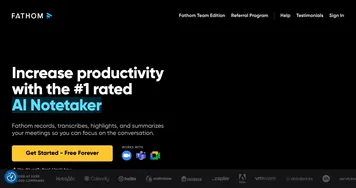
Fathom
Fathom - icon
Fathom
An AI assistant for recording, transcribing, highlighting, and summarizing your meetings
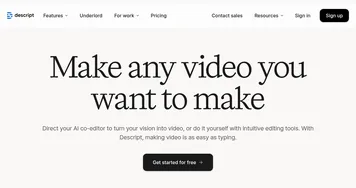
Descript
Descript - icon
Descript
Transforms video editing with AI-driven text-based tools and automated design
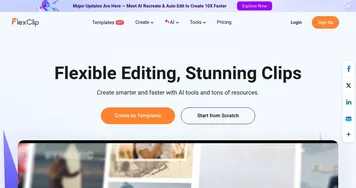
FlexClip
FlexClip - icon
FlexClip
Easily create and edit videos for the brand, marketing, social media, and any other purpose
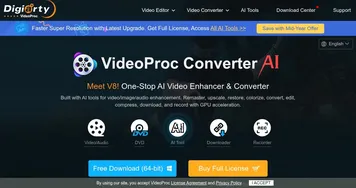
VideoProc
VideoProc - icon
VideoProc
Enhances, converts, compresses, and edits videos with AI and GPU acceleration
ScreenApp
ScreenApp - icon
ScreenApp
Transforms screen recordings into searchable AI transcripts and summaries
Vizard
Vizard - icon
Vizard
Turn long videos into shorter, social-ready clips with AI
tl;dv
tl;dv - icon
tl;dv
AI tool that automatically transcribes, takes notes, and summarizes meetings
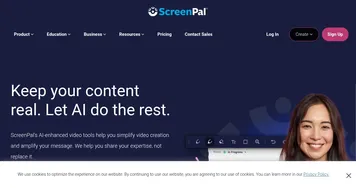
ScreenPal
ScreenPal - icon
ScreenPal
Capture, edit, and share screen recordings and videos with AI-enhanced tools
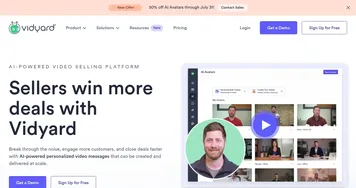
Vidyard
Vidyard - icon
Vidyard
An online tool designed to help businesses create, host, and share videos
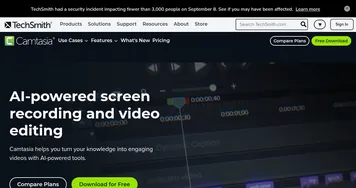
Camtasia
Camtasia - icon
Camtasia
Records and edits professional-quality videos with ease
Vmaker AI
Vmaker AI - icon
Vmaker AI
Records and edits high-quality screen and webcam videos with AI enhancements

Frequently Asked Questions

What is the best AI screen recorder?
The best AI screen recorder depends on what you capture. Loom AI is the standard for quick async screen recordings with transcripts, Descript pairs recording with edit-by-transcript power, and Fathom focuses on recording and summarizing meetings. Clipchamp suits Windows users who want recording and editing in one place.
Can AI transcribe a recording automatically?
Yes, AI video recorders transcribe speech to text as you record or right after, producing a searchable transcript alongside the video. Accuracy is high for clear audio and lets you jump to any moment by clicking the text. Some tools also generate a summary and action items from the transcript automatically.
Can AI record and summarize meetings?
Yes, meeting recorders like Fathom join your call, record it, and produce a transcript plus a summary with key decisions and action items. They work across the major video conferencing platforms and share notes automatically afterward. This lets you stay present in the conversation instead of typing notes the whole time.
What's the difference between a video recorder and a video editor?
A video recorder captures new footage from your screen, camera, or a meeting, while a video editor reworks footage you already have. Many AI recorders include light editing like trimming and filler removal, but a dedicated editor offers deeper control. If your main need is capturing, start with a recorder.
Are AI video recorders free?
Many AI video recorders offer a free tier with limits on recording length, number of videos, or storage. Paid plans, often around ten to twenty dollars a month, raise those caps and add transcripts, removal of filler words, and team sharing. The free tiers are usually enough to test the workflow.