Vmaker AI by Animaker Inc.
Records and edits high-quality screen and webcam videos with AI enhancements
Vmaker AI is a screen recording and video editing platform that combines high-quality capture with AI-powered editing tools. It supports 4K screen and webcam recording, internal and external audio capture, and a suite of 24 AI editing features, including automatic subtitle generation in over 35 languages, B-roll insertion, and one-click video enhancement. Available as a Chrome plugin or desktop app for Mac and Windows, it offers a free plan with no watermarks and paid plans for advanced features like unlimited storage.
The platform’s core strength is its ease of use. The recorder lets users capture full screens, specific windows, or custom areas, with options to annotate or highlight mouse movements. The AI Video Editor automates tasks like trimming, adding transitions, and generating short-form clips for social media. Integration with tools like Google Drive and Slack simplifies sharing, while team collaboration features allow role assignments and privacy controls. The virtual background feature, with over 70 templates, and the blur tool for hiding sensitive data enhance its versatility.
Drawbacks include occasional lag in the Chrome plugin, particularly with unstable internet connections. The AI’s automated effects can sometimes feel excessive, requiring manual adjustments. Compared to Loom, which focuses on team communication, or Descript, which prioritizes audio editing, Vmaker AI excels in AI-driven video automation but may lack the depth of manual controls found in AVS Video Editor.
Storage limits on the free plan can restrict heavy users, though paid plans offer scalability. The platform’s security features, including SSL encryption and 2-factor authentication for enterprise users, ensure data safety. Recent updates, like the virtual background and blur tools, add practical value for creators.
To get started, use the free plan to record and edit a test video, leveraging the AI subtitle and clip generation tools. Set up integrations early to streamline workflows, and explore the Viral Styles Library for social media content.
In a nutshell, regular updates and responsive support make Vmaker AI a reliable choice for quick, high-quality video production.
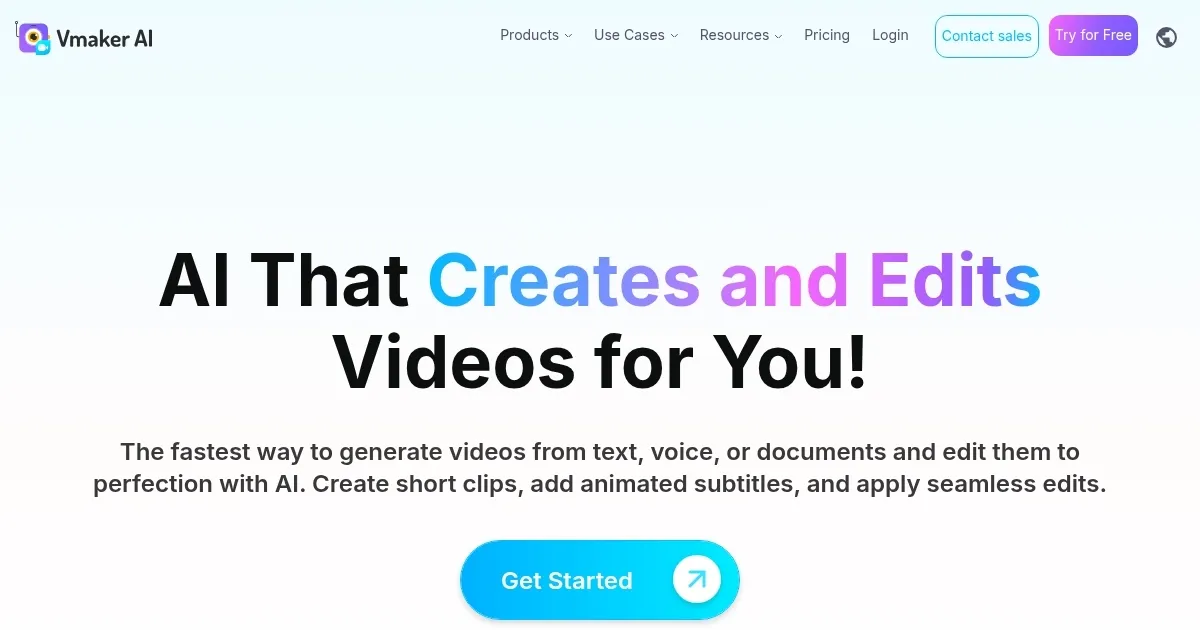
Homepage Screenshot 📸
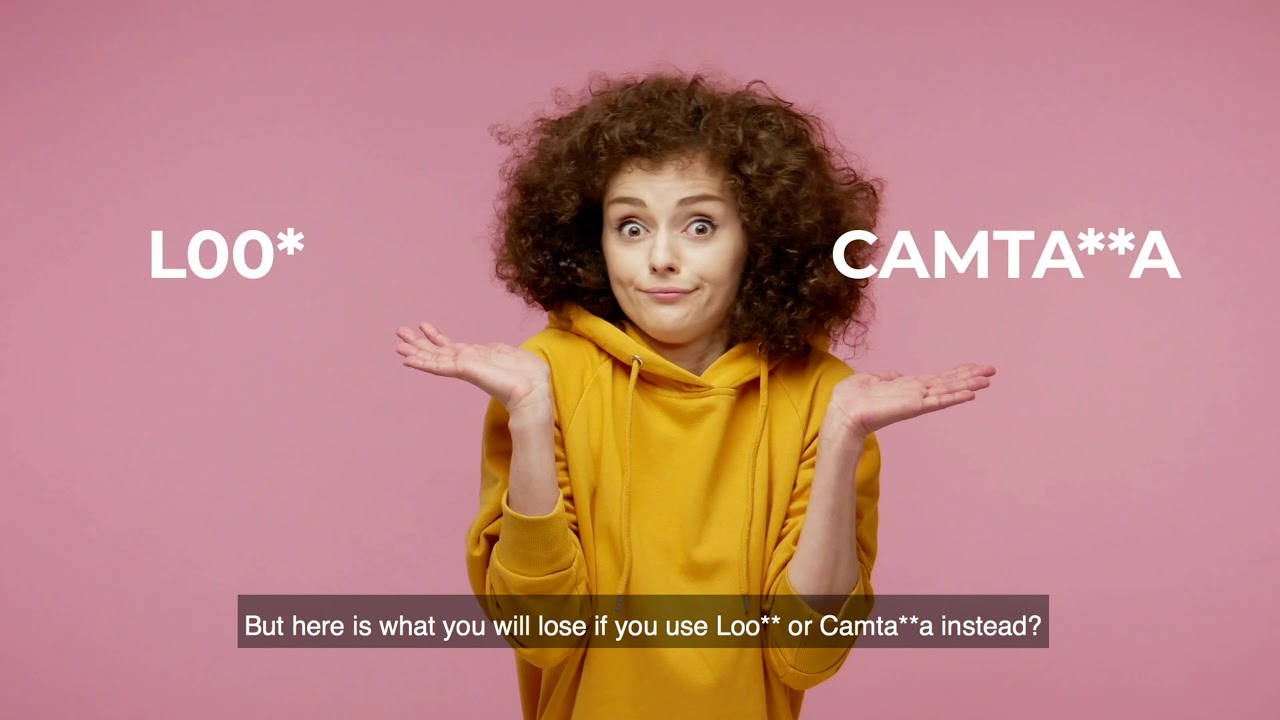
Video Overview 🎬
What are the key features? ✨
- 4K Recording: Captures screen and webcam in high-resolution 4K for crisp visuals.
- AI Video Editor: Automates editing with 24 features, including transitions and B-rolls.
- Subtitle Generator: Creates animated subtitles in over 35 languages with customization.
- Virtual Backgrounds: Offers 70+ templates or custom uploads for webcam recordings.
- Team Collaboration: Allows role assignments and privacy controls for shared workspaces.
Who is it for? 🤔
Examples of what you can use it for 💡
- Content Creator: Records and edits YouTube videos with AI-generated subtitles and effects.
- Educator: Creates training videos with screen and webcam capture for student engagement.
- Marketer: Produces product demo videos with virtual backgrounds for brand consistency.
- Sales Professional: Sends personalized video emails to leads using 4K webcam recording.
- Developer: Records code reviews with annotations for clear team communication.
Pros & Cons ⚖️
- Free plan with no watermarks
- AI automates editing tasks
- Supports 4K recording quality
- AI effects can feel overdone
- Limited manual editing controls
FAQs 💬
Ready to try Vmaker AI?
Records and edits high-quality screen and webcam videos with AI enhancements
Visit Vmaker AI