VEED
Creates pro-level videos with AI-powered editing and collaboration tools
VEED is a browser-based video editing platform that uses AI to simplify creating professional-grade videos for creators and teams. It offers tools such as auto subtitles, AI avatars, and collaboration features, all of which are accessible without the need to download software. The platform’s strength lies in its speed, you can churn out polished videos in minutes, whether for social media or corporate use. Its clean interface makes editing intuitive, even for beginners, and the cloud-based setup means you can work from anywhere. Compared to competitors like Canva or Descript, VEED prioritizes video-specific AI tools, though it may not match Canva’s broader design capabilities.
The Auto Subtitle Generator is a key feature that produces captions with a single click, often with high accuracy; however, niche terms can occasionally trip it up. The AI Clips tool automatically cuts long videos into short, shareable segments, ideal for platforms like TikTok or Instagram. The stock library, with over 2 million royalty-free assets, provides an extensive collection of visuals and audio, while the Brand Kit ensures consistent logos, fonts, and colors across all projects. For teams, collaboration tools like real-time feedback and review modes streamline workflows, making it a solid choice for group projects.
VEED’s AI Avatars enable you to create digital clones for talking head videos, a time-saver for scaling content; however, the technology can feel gimmicky if overused. The text-to-speech and voice cloning features work well for quick voiceovers but lack the warmth of human narration. The VEED Captions App extends the platform’s functionality to mobile, allowing you to record and edit on the go, although larger files can slow it down. Translation tools support over 50 languages, but accuracy tends to drop for less commonly spoken ones.
The free plan is a great starting point, offering access to most features, but exported videos carry a watermark. Paid plans, such as Lite and Pro, remove this limitation and unlock advanced tools, although the pricing may seem high compared to InVideo, which offers similar AI features at a lower cost. Unlike Adobe Premiere Pro, VEED doesn’t cater to users needing deep, technical control, so professionals working on complex projects might find it limiting. The platform’s focus on simplicity sometimes sacrifices depth, especially for audio editing.
Surprises include the mobile app’s polish; it’s rare to find a phone-based editor this capable. The AI cleanup tools, such as background removal and eye contact correction, are also impressive, although they work best with high-quality source material.
To get started, try the free plan to explore the AI tools and stock library. Focus on Auto Subtitles and AI Clips for quick wins, and use the Brand Kit to maintain consistency. Check AI outputs for accuracy, especially translations or voiceovers. If you’re a team, the Pro plan’s collaboration features are worth the upgrade, and the mobile app is great for quick edits. Test with small projects before committing to a paid plan.
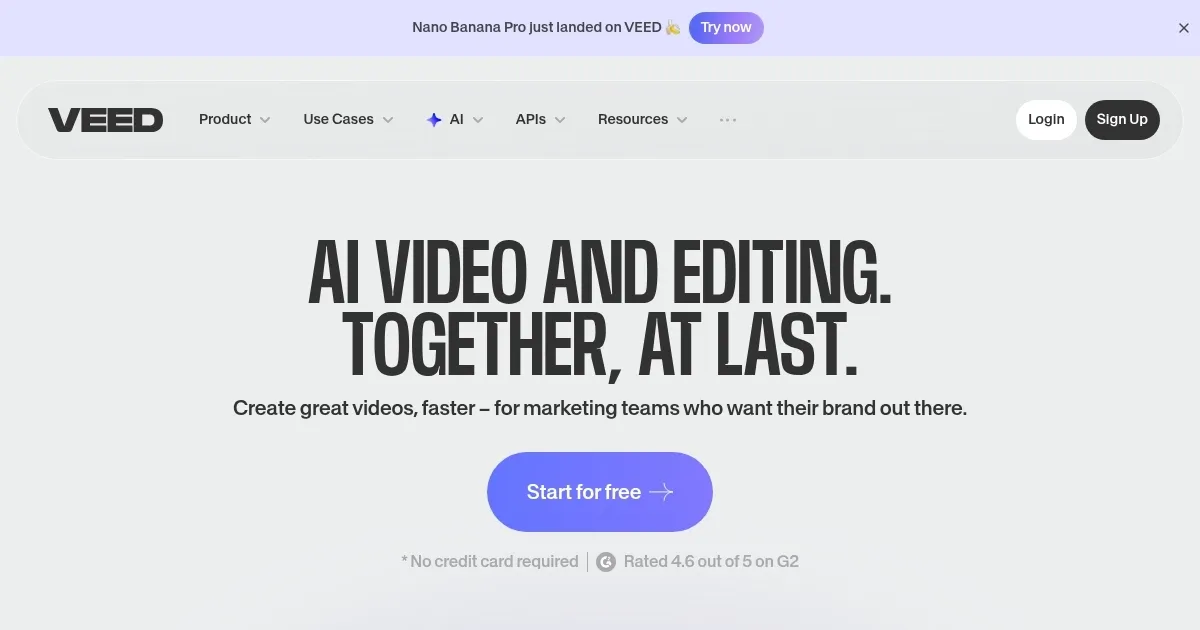
Homepage Screenshot 📸
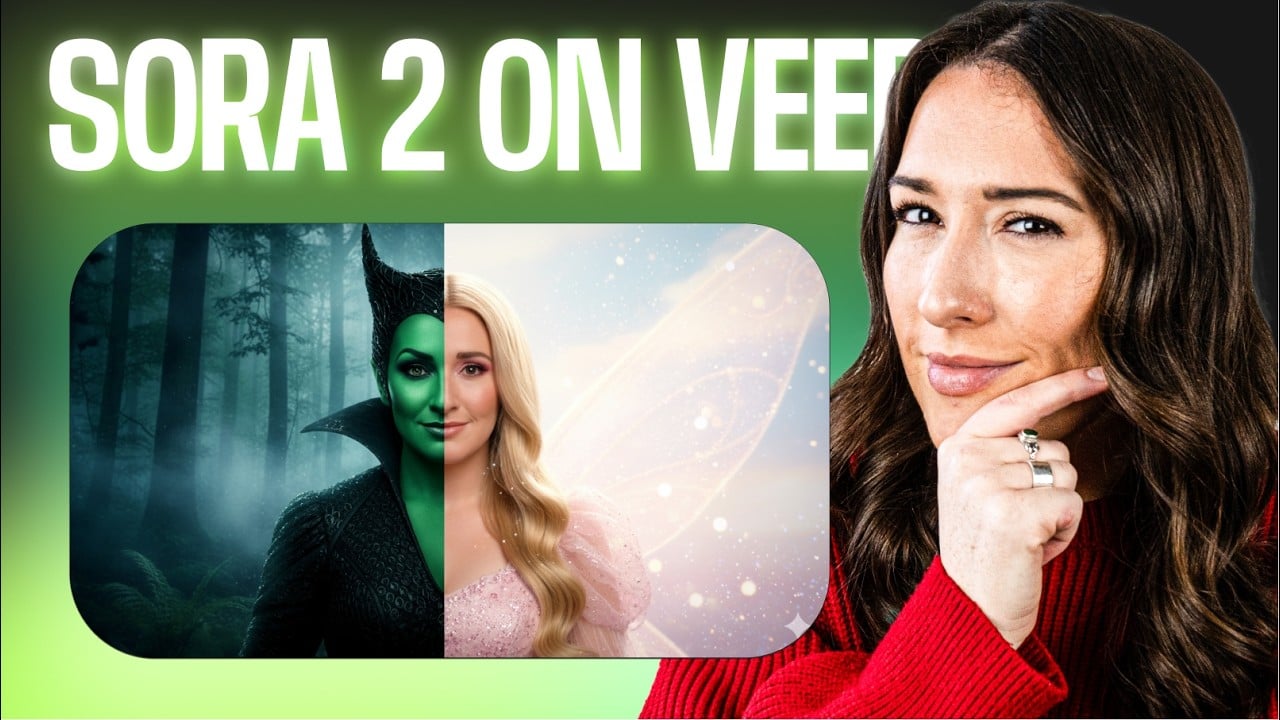
Video Overview 🎬
What are the key features? ✨
- Auto Subtitle Generator: Creates accurate captions with one click.
- AI Clips: Automatically cuts long videos into social media snippets.
- AI Avatars: Generates digital clones for quick talking head videos.
- Stock Library: Offers over 2 million royalty-free video and audio assets.
- Brand Kit: Ensures consistent fonts, colors, and logos across videos.
Who is it for? 🤔
Examples of what you can use it for 💡
- Social Media Creator: Uses AI Clips to turn long videos into short, viral content.
- Marketing Team: Leverages Brand Kit for consistent, on-brand campaign videos.
- Educator: Creates engaging tutorials with auto subtitles and stock assets.
- Small Business Owner: Records and edits product demos using the mobile app.
- Content Strategist: Translates videos into multiple languages for global reach.
Pros & Cons ⚖️
- Fast, intuitive AI editing tools
- Rich stock library with 2M+ assets
- Strong collaboration features
- Polished mobile app for on-the-go edits
- Free plan includes watermarks
- AI features can be inconsistent
FAQs 💬
Ready to try VEED?
Creates pro-level videos with AI-powered editing and collaboration tools
Visit VEED