Vimeo AI
Creates polished videos from single recordings using AI edits and scripts
Vimeo AI, also known as Vimeo One-Take, is an AI-powered video creation suite that streamlines the recording and editing process into a single, fluid experience. It combines script generation, teleprompter support, and text-based editing to produce professional videos from one take. Users input a brief description, select tone and length, and the tool generates a tailored script using generative AI. This feature draws on models similar to those in OpenAI, ensuring that outputs align with user intent while maintaining a natural language flow.
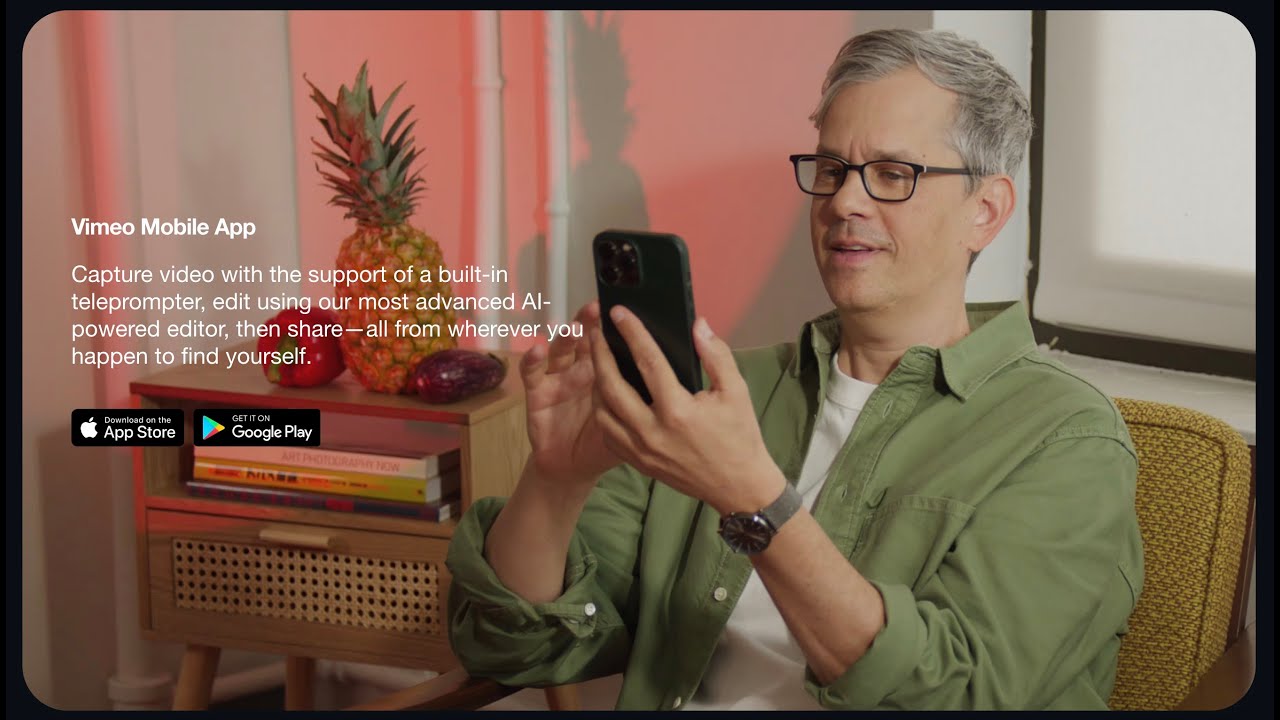
The built-in teleprompter displays the script during recording, with customizable font sizes and pacing options. This setup promotes eye contact and reduces retakes, as noted in user feedback from professionals handling high-stakes content. Integration occurs directly within the Vimeo Mobile App, available on iOS and Android, allowing for on-the-go creation without the need for additional hardware.
Text-based editing forms the core innovation. After recording, an auto-generated transcript appears, allowing users to delete filler words, pauses, or awkward segments. Changes are reflected instantly in the video timeline, eliminating the need for traditional scrubbing. This method, similar to editing a document, significantly cuts production time; Vimeo’s research indicates an up to 80 percent reduction for some teams.
Compared to competitors, Vimeo One-Take emphasizes end-to-end workflow within a secure hosting platform. Descript excels in audio-focused transcript edits but requires separate hosting, while InVideo prioritizes template-driven marketing videos over spontaneous recording. Vimeo’s approach suits users who need quick, polished outputs with built-in distribution. However, it may lack the visual effects depth of CapCut.
Additional functionalities include AI-generated highlights, multilingual subtitles, and automated metadata like chapters and tags. These enhance discoverability and accessibility, supporting global audiences. Recent updates as of 2025 expand to interactive queries within videos, allowing users to pull key information on demand.
Users appreciate the confidence boost from seamless fixes, but note occasional transcript inaccuracies in noisy environments. For best results, test in controlled settings and review outputs before publishing. Start with short clips to build familiarity, then gradually incorporate advanced edits for more complex projects.
Homepage Screenshot 📸

Video Overview 🎬
What are the key features? ✨
- AI Script Generator: Generates tailored video scripts from text prompts, specifying tone and length for quick pre-production.
- Built-in Teleprompter: Displays adjustable scripts during recording to maintain natural delivery and eye contact.
- Text-based Video Editor: Edits footage by modifying transcripts, automatically removing fillers and pauses in real time.
- Mobile App Integration: Enables full recording and editing workflow directly on iOS and Android devices for on-the-go use.
- Automated Highlights: Extracts key moments from videos to create shareable reels and summaries effortlessly.
Who is it for? 🤔
Examples of what you can use it for 💡
- Marketer: Generates engaging promo scripts and edits talking head videos to highlight product benefits swiftly.
- Educator: Records lectures with teleprompter support, then trims pauses for concise online courses.
- Freelancer: Creates client demo reels from single takes, adding auto subtitles for international delivery.
- Social Media Manager: Produces short updates by extracting highlights from longer recordings for platform posts.
- Business Owner: Builds team training videos with AI scripts, ensuring clear messaging without multiple reshoots.
Pros & Cons ⚖️
- Fast one-take edits
- Intuitive mobile use
- Built-in hosting
- AI automation saves time
- Limited desktop depth
- Transcript errors possible
FAQs 💬
Ready to try Vimeo AI?
Creates polished videos from single recordings using AI edits and scripts
Visit Vimeo AI