captions
Using AI to create studio-grade videos in just a few taps
Captions is an AI-powered creative studio that simplifies and enhances video production and storytelling. It offers a wide array of features aimed at content creators, including an AI scriptwriter to combat writer’s block, recording and production tools, AI voiceover and voice cloning, and several AI-enhanced editing capabilities such as automatic trim of filler words, background noise removal, speech enhancement, eye contact correction, and speech correction. Moreover, it provides AI-driven cinematography features like color grading, background removal, and the generation of engaging transitions and zoom effects to keep videos captivating.
Captions also include sound immersion options, allowing creators to add the perfect track or sound effects to their videos — thereby enhancing the overall viewing experience.
Furthermore, Captions expands its utility with features tailored for broader distribution and accessibility. It supports AI video metadata generation for easier discovery on social platforms, AI dubbing to maintain the creator’s voice in multiple languages, and automatic extraction of interesting clips for viral potential.
Additional desktop app features include video compression, AI correction for eye contact, subtitle addition, translation services into 28 languages, and scriptwriting assistance. This suite of tools underscores Captions’ commitment to providing an end-to-end solution for content creation, editing, and distribution, all empowered by the latest advancements in artificial intelligence.
The platform caters to a wide range of creators, boasting a community of 3 million users, 100K daily users, and over 1 million monthly video productions.
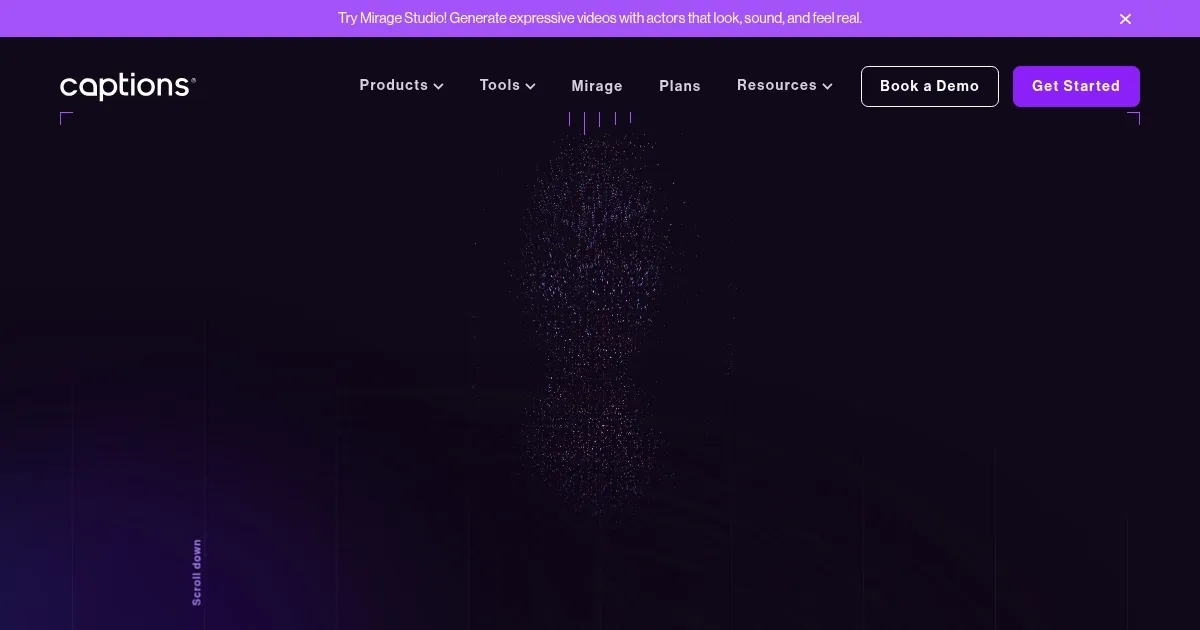
Homepage Screenshot 📸
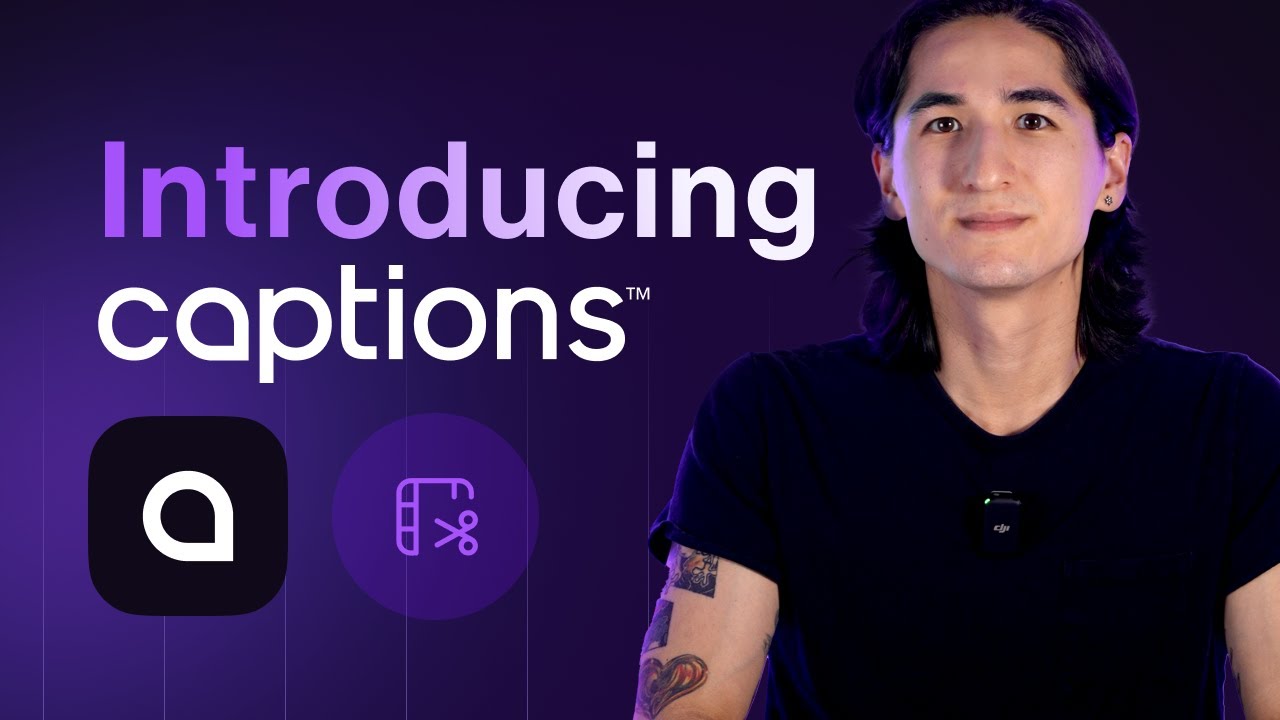
Video Overview 🎬
What are the key features? ✨
- AI script writing: Generates scripts from simple prompts, helping users overcome writer's block.
- AI voiceover & voice cloning: Creates realistic voiceovers and clones voices for a natural and engaging audio experience.
- Video editing: Offers tools like AI trimming, background noise removal, and color grading to enhance video quality.
- Automatic captioning and dubbing: Adds captions and dubs videos into multiple languages, making content accessible to a global audience.
- Eye contact correction: Uses AI to adjust eye contact in post-production, ensuring on-camera talent appears engaged and professional.
Who is it for? 🤔
Examples of what you can use it for 💡
- Generate and enhance videos with scripts, captions, and engaging visuals for platforms like YouTube, Instagram, and TikTok
- Create high-quality, captioned educational content for online courses or tutorials
- Produce professional video ads with AI-generated scripts, voiceovers, and edits
- Develop training materials with clear instructions, voiceovers, and accurate captions for employee education
- Improve audio quality, add voiceovers, and enhance visual appeal for podcasts and vlogs.
Pros & Cons ⚖️
- Makes it easier to produce high-quality content
- Social media managers will love it
- Also useful for marketers, educators, HR, and more
- It could take some time to master it
FAQs 💬