Best AI Transcriber Tools

161 toolsRanked by traffic

An AI transcriber records a meeting, interview, or video and produces a tidy written transcript with speakers labeled and timestamps attached. These tools join your calls or take an uploaded recording, separate who said what, and hand back text you can search, edit, and share. Popular options include Otter.ai for live meeting notes, TurboScribe for fast file transcription, and Zoom AI Companion built right into the call.

Journalists, researchers, sales teams, and anyone who sits through a lot of calls lean on these to skip the manual typing. The thing that actually separates them is accuracy on real-world audio: crosstalk, accents, and background noise are where cheap transcribers fall apart. If your work involves video, a tool like Loom AI handles screen recordings and their transcripts together, while a dedicated app gives you cleaner speaker labels for multi-person interviews.

AWS HealthScribe
AWS HealthScribe - icon
AWS HealthScribe
Automatically create clinical notes from patient-clinician conversations using generative AI
Vimeo AI
Vimeo AI - icon
Vimeo AI
Creates polished videos from single recordings using AI edits and scripts
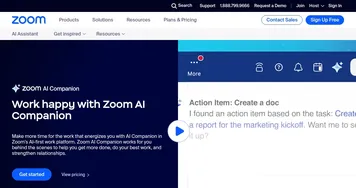
Zoom AI Companion
Zoom AI Companion - icon
Zoom AI Companion
Get high-quality results when drafting emails and chat messages, summarizing meetings and chat threads
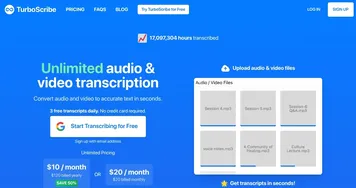
TurboScribe
TurboScribe - icon
TurboScribe
Transcribes audio and video files to accurate text instantly
Loom AI
Loom AI - icon
Loom AI
Record better video messages with automatic titles, summaries, share messages, and more
VEED
VEED - icon
VEED
Creates pro-level videos with AI-powered editing and collaboration tools
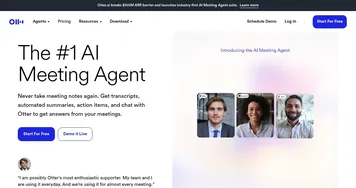
Otter.ai
Otter.ai - icon
Otter.ai
An AI meeting assistant that writes notes, captures slides and more
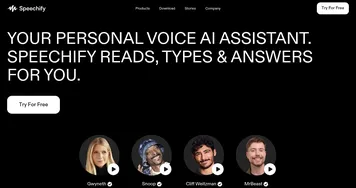
Speechify
Speechify - icon
Speechify
Transforms text into natural-sounding speech for effortless listening
Kapwing
Kapwing - icon
Kapwing
Transforms text or images into edited videos with AI-driven features
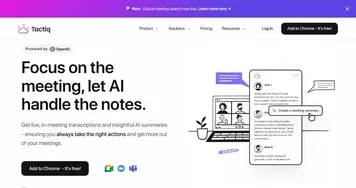
Tactiq
Tactiq - icon
Tactiq
Real-time transcriptions in multiple languages across online meeting platforms
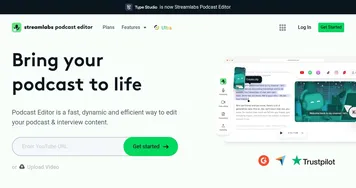
Streamlabs Podcast Editor
Streamlabs Podcast Editor - icon
Streamlabs Podcast Editor
A podcast editing solution that transcribes audio and video to text for easy edits and repurposing content
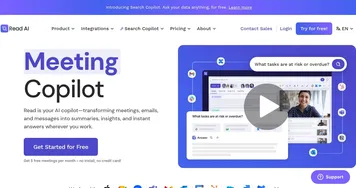
Read AI
Read AI - icon
Read AI
AI-generated summaries, transcripts, playback, and highlights to improve your meetings
Fireflies
Fireflies - icon
Fireflies
Bring ChatGPT to meetings to transcribe, search, and analyze voice conversations
Fathom
Fathom - icon
Fathom
An AI assistant for recording, transcribing, highlighting, and summarizing your meetings
Descript
Descript - icon
Descript
Transforms video editing with AI-driven text-based tools and automated design

Frequently Asked Questions

What is the best AI transcriber?
The best AI transcriber depends on your source. Otter.ai is strong for live meetings and shared notes, TurboScribe handles uploaded audio and video quickly with generous limits, and Zoom AI Companion is the easiest if your calls already run on Zoom. For interviews, prioritize clean speaker separation over raw speed.
How accurate are AI transcribers?
AI transcribers reach roughly 90 to 95 percent accuracy on clear audio with a single speaker. Accuracy drops with crosstalk, heavy accents, technical jargon, or background noise. Plan to do a quick review pass on important transcripts, since even small errors in names or numbers can change the meaning of a quote.
Can an AI transcriber identify different speakers?
Yes, most AI transcribers offer speaker diarization, which tags each line with who said it. The feature works best when voices are distinct and people do not talk over each other. You usually relabel the generic Speaker 1 and Speaker 2 tags with real names once, and the tool keeps them straight from there.
Is a transcriber the same as a meeting recorder?
They overlap but are not identical. A transcriber focuses on producing an accurate written transcript of what was said, while a meeting recorder is built to capture the call and then summarize it. Many tools now do both, but if your priority is a clean, quotable document, choose one that leads with transcription quality.
Can AI transcribe a video file?
Yes, AI transcribers accept common video formats and pull the audio track automatically. You upload an MP4 or paste a link, and the tool returns timestamped text you can use for subtitles, show notes, or searchable archives. Tools aimed at creators also sync the transcript to the video so you can edit by clicking the words.