Best AI Meeting Assistant Tools

113 toolsRanked by traffic

An AI meeting assistant joins your calls to record, transcribe, summarize, and track action items, so you can focus on the conversation instead of typing notes. It sits in the meeting itself, capturing what's said and turning it into a clean recap afterward. Popular options include Zoom AI Companion, Otter.ai, and Loom AI for recorded video updates.

The real payoff is the follow-up: a searchable transcript, a short summary, and a list of who agreed to do what. Some teams pair a meeting bot with Slack AI so the recap lands where everyone already talks. When you're choosing, check whether it works with your video platform, how it handles consent and recording notices, and whether the summaries are accurate enough to trust without re-listening.


Slack AI
Slack AI - icon
Slack AI
Search smarter, summarize conversations instantly, and be at your most productive
FigJam AI
FigJam AI - icon
FigJam AI
Instantly visualize ideas, suggest best practices, and automate tedious tasks
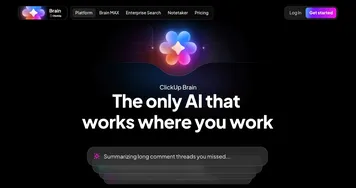
ClickUp Brain
ClickUp Brain - icon
ClickUp Brain
Automates workflows with contextual AI for tasks, meetings, and content creation
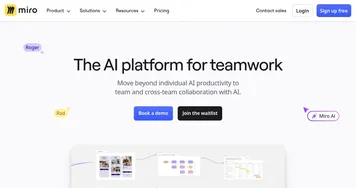
Miro AI
Miro AI - icon
Miro AI
Visual collaboration platform that lets you build the next big thing with a prompt and a chat
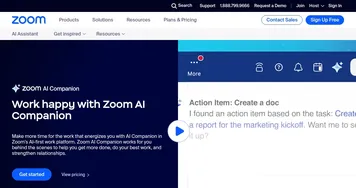
Zoom AI Companion
Zoom AI Companion - icon
Zoom AI Companion
Get high-quality results when drafting emails and chat messages, summarizing meetings and chat threads
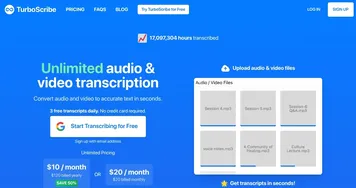
TurboScribe
TurboScribe - icon
TurboScribe
Transcribes audio and video files to accurate text instantly
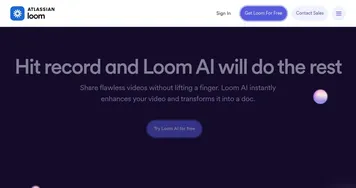
Loom AI
Loom AI - icon
Loom AI
Record better video messages with automatic titles, summaries, share messages, and more
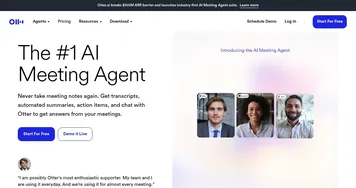
Otter.ai
Otter.ai - icon
Otter.ai
An AI meeting assistant that writes notes, captures slides and more
NoteGPT
NoteGPT - icon
NoteGPT
Summarizes content, creates notes, and boosts learning with AI-powered tools
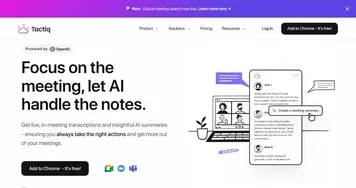
Tactiq
Tactiq - icon
Tactiq
Real-time transcriptions in multiple languages across online meeting platforms
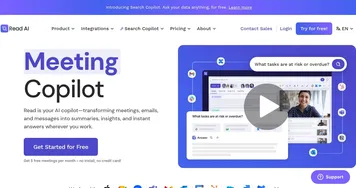
Read AI
Read AI - icon
Read AI
AI-generated summaries, transcripts, playback, and highlights to improve your meetings
Fireflies
Fireflies - icon
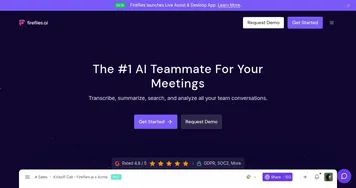
Fireflies
Bring ChatGPT to meetings to transcribe, search, and analyze voice conversations
Fathom
Fathom - icon
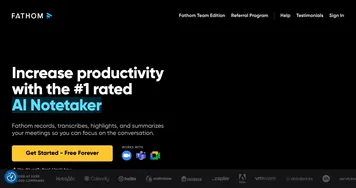
Fathom
An AI assistant for recording, transcribing, highlighting, and summarizing your meetings
Plaud Note
Plaud Note - icon
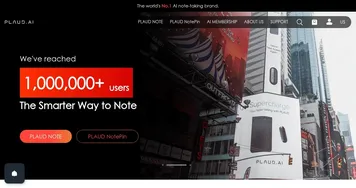
Plaud Note
An AI-powered voice recorder that leverages advanced technology to make note-taking easier
Dialpad
Dialpad - icon
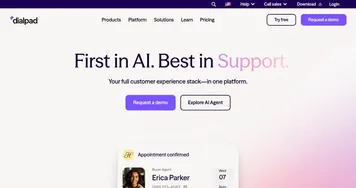
Dialpad
Support customers, drive sales, and collaborate with your team with the power of AI

What can AI tools for meetings do for you?

Once you start using an AI tool for your meeting, you will never want to go back to old ways. These tools can do many things for you, including:
  • Real-time transcription

    Modern AI tools can transcribe the meeting in real time. It's like having a dedicated person taking notes while you talk, except that this is a machine doing all the hard work of a human being. And it's doing it better.
  • Translation

    There are also services that can translate what has been said during the meeting, presuming that one of the participants is speaking a foreign language. Heck, we have even seen tools translating in real-time.
  • Summarize meetings

    After every meeting, an AI tool will create a text-based summary of what has been said by everyone. You can later read this summary and even archive it for future use. Or you can share it with others who haven't had the chance to attend the meeting.
  • Generate action items

    With its ability to understand what has been said during the meeting, AI tools can also come up with actionable items that could be shared with everyone participating in a meeting - or just with those who are expected to act on those items.
  • Generate agendas

    We all know it is important to have an agenda for every meeting, but sometimes we forget to make one. And so, some AI tools can help you in this process, generating an agenda based on the text input (prompt) you provide.
  • Draft meeting minutes

    These meeting minutes include key points discussed, decisions made, and action items assigned. This ensures that important details are not missed and can be shared with the team after the meeting.
  • Create visual aids

    In addition to agendas, visual aids will also keep meeting participants engaged. These would include things like presentations, charts, and graphs that some tools could generate if you provide them with enough data.
As we've said at the beginning, we expect that soon, everyone will use AI tools lik Otter.ai, Dialpad, Fireflies, Tactiq, and tl;dv for their meetings. Simply put, there are major benefits and zero downsides from what we can tell.

Frequently Asked Questions

What is an AI meeting assistant?
An AI meeting assistant is a tool that joins your video or phone calls to record and transcribe them, then produces a summary and a list of action items. It works during the meeting itself, capturing the discussion live so you can pay attention rather than scribble notes, and gives everyone a shared recap afterward.
How does an AI meeting assistant work?
An AI meeting assistant connects to your call, usually as a bot or a built-in feature, and listens to the audio in real time. It transcribes the speech, identifies who said what, and uses a language model to write a concise summary and pull out decisions and tasks. You get a searchable record minutes after the call ends.
What's the difference between a meeting assistant and an AI note generator?
A meeting assistant joins the live meeting to capture and recap it as it happens, focused on the call experience itself, while an AI note generator is the broader category for turning any audio, including uploaded recordings, into written notes. Most meeting assistants generate notes, but the meeting tools center on the meeting rather than file uploads.
Are AI meeting assistants accurate?
AI meeting assistants are quite accurate for clear audio and common languages, often getting transcripts and summaries right enough to skip re-listening. Accuracy drops with heavy accents, crosstalk, jargon, and poor microphones. For important calls, treat the summary as a strong draft and spot-check key decisions and action items against the transcript before acting on them.

Do I need consent to use an AI meeting assistant?
You usually do need to tell participants when an AI assistant is recording a meeting, and in some regions you must get their consent. Most tools show a recording notice or announce the bot when it joins. Check your local rules and your company policy, and let people know up front to keep things transparent.