Best AI Note Taking Tools

142 toolsRanked by traffic

AI note-taking apps are where you write and organize your own notes, with AI built in to clean them up, summarize, and pull out action items as you go. These are the apps you keep open during the day, including Notion AI for structured docs, ClickUp Brain inside your projects, and the visual canvas of FigJam AI.

The point of these tools is that your notes live somewhere you'll find them again, tied to your tasks and projects rather than scattered across sticky notes. The AI helps by tidying messy capture, tagging, and answering questions about what you've written. When you're choosing, think about where the rest of your work already lives, since a notes app you'll actually open beats a clever one you forget. Many also handle summaries from meetings or recordings if you want capture in one place.

Slack AI
Slack AI - icon
Slack AI
Search smarter, summarize conversations instantly, and be at your most productive
FigJam AI
FigJam AI - icon
FigJam AI
Instantly visualize ideas, suggest best practices, and automate tedious tasks
AWS HealthScribe
AWS HealthScribe - icon
AWS HealthScribe
Automatically create clinical notes from patient-clinician conversations using generative AI
ClickUp Brain
ClickUp Brain - icon
ClickUp Brain
Automates workflows with contextual AI for tasks, meetings, and content creation
Miro AI
Miro AI - icon
Miro AI
Visual collaboration platform that lets you build the next big thing with a prompt and a chat
Zoom AI Companion
Zoom AI Companion - icon
Zoom AI Companion
Get high-quality results when drafting emails and chat messages, summarizing meetings and chat threads
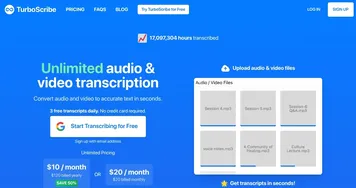
TurboScribe
TurboScribe - icon
TurboScribe
Transcribes audio and video files to accurate text instantly
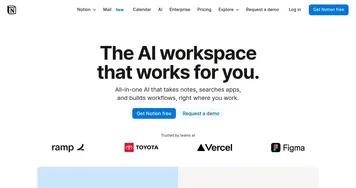
Notion AI
Notion AI - icon
Notion AI
Streamlines work with AI-powered note-taking, app searches, and workflow automation
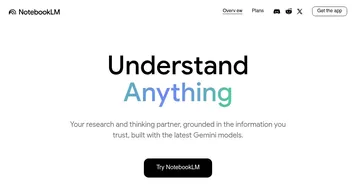
NotebookLM
NotebookLM - icon
NotebookLM
Transforms uploaded documents into interactive AI-powered research assistants
Otter.ai
Otter.ai - icon
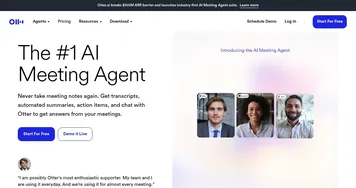
Otter.ai
An AI meeting assistant that writes notes, captures slides and more
NoteGPT
NoteGPT - icon
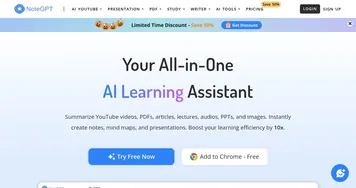
NoteGPT
Summarizes content, creates notes, and boosts learning with AI-powered tools
Tactiq
Tactiq - icon
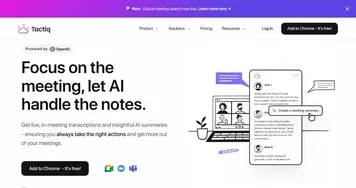
Tactiq
Real-time transcriptions in multiple languages across online meeting platforms
Read AI
Read AI - icon
Read AI
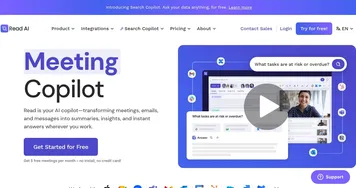
AI-generated summaries, transcripts, playback, and highlights to improve your meetings
Fireflies
Fireflies - icon
Fireflies
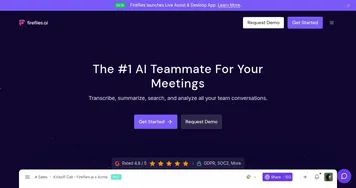
Bring ChatGPT to meetings to transcribe, search, and analyze voice conversations
Fathom
Fathom - icon
Fathom
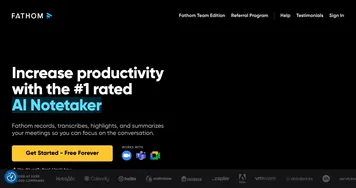
An AI assistant for recording, transcribing, highlighting, and summarizing your meetings

Frequently Asked Questions

What is an AI note-taking app?
An AI note-taking app is a place to write and store your own notes, with artificial intelligence built in to organize, summarize, and surface them later. You capture ideas, meeting points, and tasks the way you normally would, and the AI tidies the text, suggests structure, tags topics, and answers questions about what you've saved.
What's the difference between a note-taking app and an AI note generator?
A note-taking app is where you write notes yourself, with AI helping you organize and search them, while an AI note generator listens to a meeting or recording and creates the notes for you automatically. One is your workspace for capture; the other is a transcription-and-summary engine. Some apps do both, but the core jobs differ.
What is the best AI note-taking app?
The best AI note-taking app is the one that fits where your work already lives. Notion AI suits people who want structured docs and a wiki, ClickUp Brain works well if your notes sit alongside tasks and projects, and lighter apps win if you just want fast capture. Match it to your existing workflow first.
Are AI note-taking apps free?
Most AI note-taking apps are free for basic note storage, then charge for the AI features like summarizing and asking questions about your notes, often as an add-on of around eight to fifteen dollars a month. You can usually try the AI on a free trial before paying, so test how much you actually use it.
Can AI note apps keep my notes private?
AI note apps vary in how they handle privacy, so it's worth checking. Reputable ones don't train their models on your private notes by default and let you control sharing, but policies differ between providers and plans. For sensitive material, read the data settings, keep training off where offered, and avoid storing anything you wouldn't want processed.