Best AI Knowledge Management Tools

88 toolsRanked by traffic

AI knowledge management tools organize and retrieve your own documents, notes, and files so you can find what your team already knows without hunting through folders. Instead of searching the open web, they search across your workspace: think tools like Notion AI for connected notes, Box AI for stored files, and Glean for company-wide search across every app you use.

Teams adopt these to stop losing time re-finding answers that live somewhere in their drive, wiki, or chat history. The payoff is real, but so is the setup: a knowledge management tool is only as useful as the content you connect, and messy, outdated docs in mean messy answers out. When you're choosing one, look at which apps it integrates with and how it handles permissions, since you don't want it surfacing files people shouldn't see. Tools like NotebookLM work well for smaller, self-contained sets of sources.

Box AI
Box AI - icon
Box AI
An assistant that taps into your enterprise content and documents
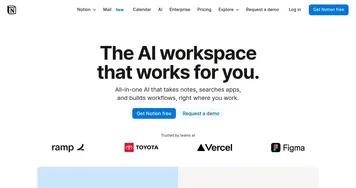
Notion AI
Notion AI - icon
Notion AI
Streamlines work with AI-powered note-taking, app searches, and workflow automation
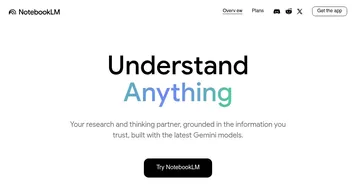
NotebookLM
NotebookLM - icon
NotebookLM
Transforms uploaded documents into interactive AI-powered research assistants
Semantic Scholar
Semantic Scholar - icon
Semantic Scholar
A free, AI-powered tool designed to help researchers navigate scientific literature
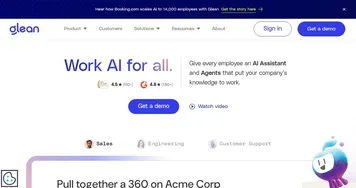
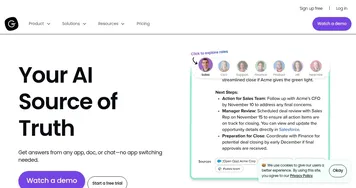
Glean
Glean - icon
Glean
An AI platform designed to integrate and harness the power of a company's knowledge base
Whimsical Mind Maps
Whimsical Mind Maps - icon
Whimsical Mind Maps
An AI-powered tool for the quick and collaborative creation of mind maps
Glasp
Glasp - icon
Glasp
Organize and highlight quotes and content from the web and summarize them
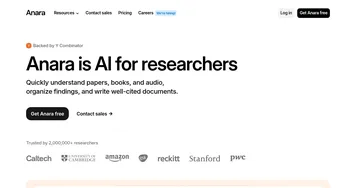
Anara
Anara - icon
Anara
An AI-powered tool that aims to revolutionize how users interact with academic content
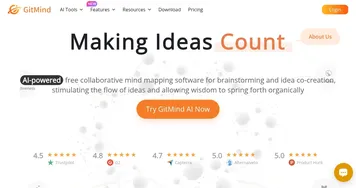
GitMind
GitMind - icon
GitMind
An AI-powered mind mapping and brainstorming app
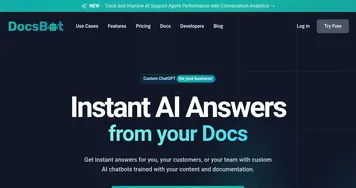
DocsBot
DocsBot - icon
DocsBot
Create custom AI-powered chatbots trained on their documentation and content
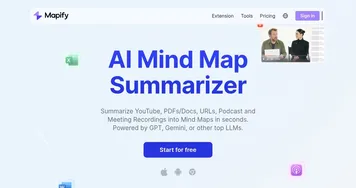
Mapify
Mapify - icon
Mapify
An AI-powered tool designed to enhance the efficiency of generating mind maps
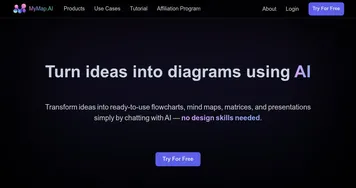
MyMap.ai
MyMap.ai - icon
MyMap.ai
Transforms ideas into visual diagrams via AI chat
Guru
Guru - icon
Guru
An AI-powered knowledge management tool designed to help teams keep track of what they know
Rayyan
Rayyan - icon
Rayyan
An AI-powered platform that makes literature reviews more efficient and less time-consuming
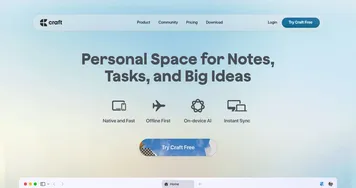
Craft
Craft - icon
Craft
Transforms notes into polished docs with AI and tasks

Frequently Asked Questions

What is AI knowledge management?
AI knowledge management is software that organizes your own documents, notes, and files and lets you ask questions against them. Rather than searching the public internet, it searches your internal content: a wiki, a drive, chat history, or a project workspace. The goal is to surface what your team already knows without digging through folders.
What's the difference between knowledge management and a knowledge graph?
Knowledge management is about finding and retrieving your existing documents, answering "where is the file that explains this?" A knowledge graph is about mapping how ideas connect, showing the relationships between concepts as a network. One helps you locate known content; the other helps you see structure and links you might have missed.
How does AI knowledge management keep company data private?
Reputable tools honor your existing access permissions, so the assistant only surfaces files a given person is already allowed to see. Many offer enterprise plans with data isolation and no training on your content. Still, review the privacy terms and permission settings before connecting sensitive systems, because a poor configuration can expose more than intended.
Can AI knowledge management search across all my apps?
Some can. Tools built for company-wide search, like Glean, connect to many systems at once, so a single query reaches your drive, wiki, ticketing, and chat. Others focus on one workspace, like notes or stored files. Check the integration list before committing, since coverage of the apps you actually use is what decides whether it helps.
Do AI knowledge management tools work with messy documents?
They help, but they cannot fix bad source material. If your docs are outdated, duplicated, or contradictory, the tool will faithfully surface that mess in its answers. Most teams get the best results by cleaning up and tagging their key documents first, then letting the tool handle retrieval across the tidied set.