GitMind
An AI-powered mind mapping and brainstorming app
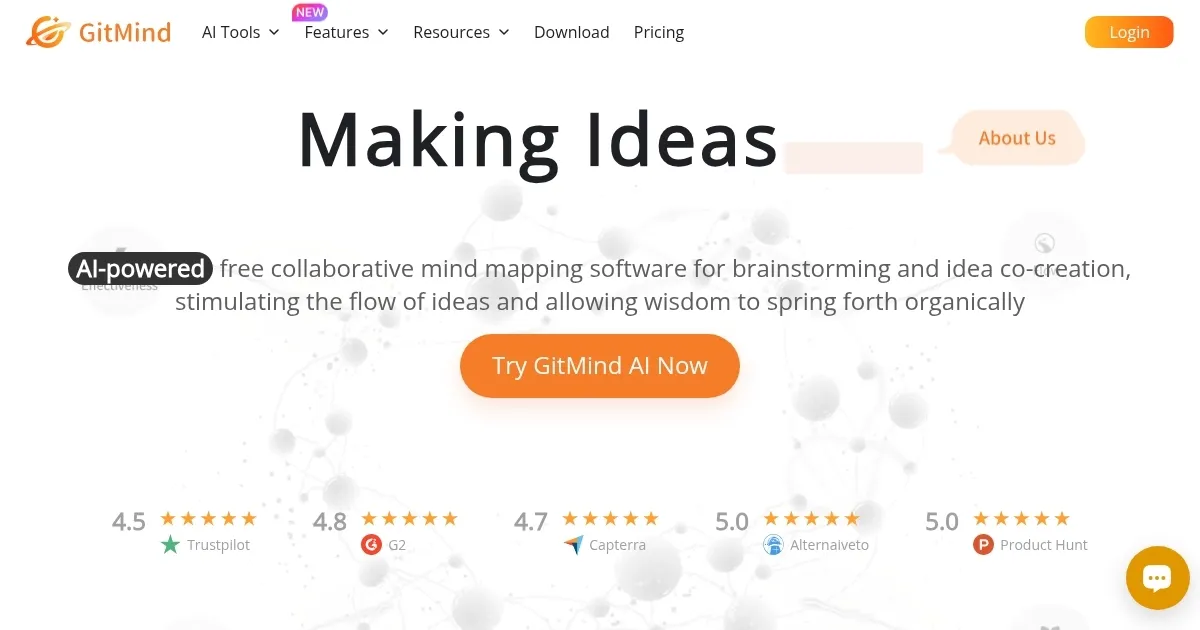
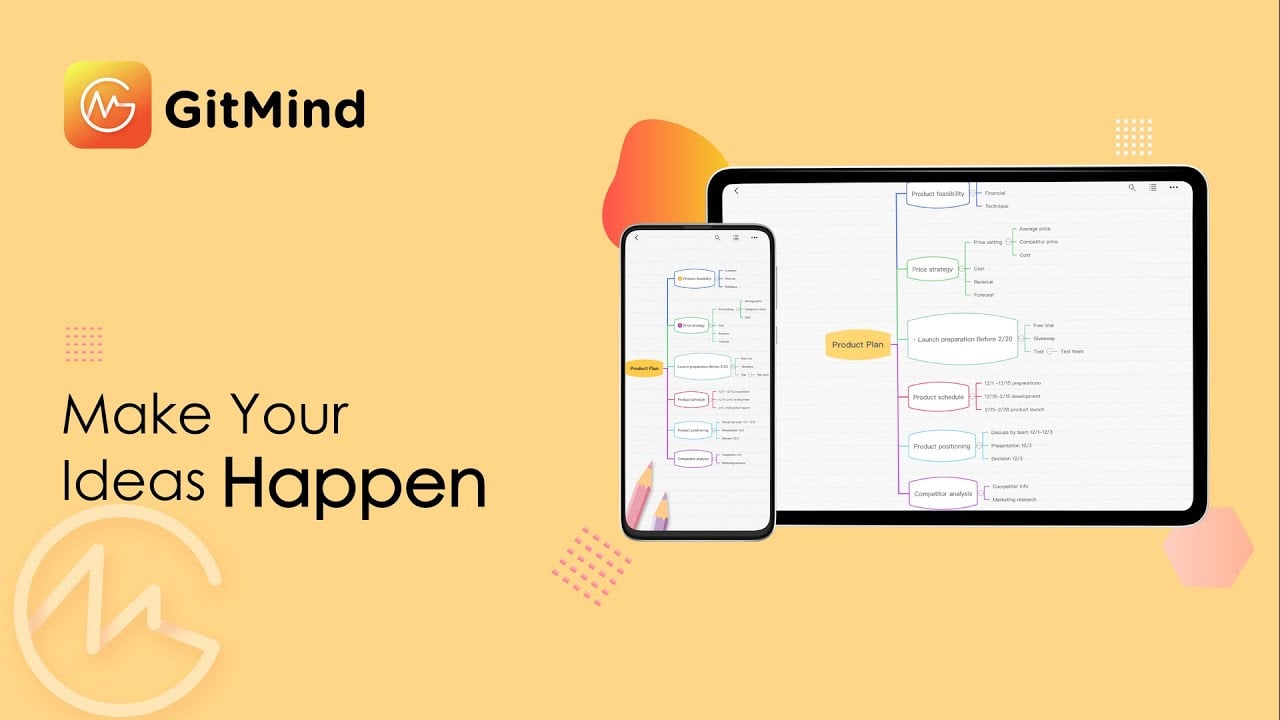
GitMind is an online tool designed to foster creativity and organization through mind maps and flowcharts. It lets users visually organize ideas, making it easier to brainstorm, plan projects, and share complex information in a comprehensible manner. As such, the tool caters to a wide audience, including students, educators, and professionals, by offering features that enhance collaboration and productivity.
With GitMind, you can create detailed diagrams that map out thoughts, tasks, or workflows — enabling a clearer understanding of concepts and facilitating more effective communication. This can be particularly beneficial in educational settings where visual learning aids can significantly impact comprehension and in business environments where strategic planning and project management are crucial.
The platform’s user-friendly interface allows for quick adoption, regardless of technical proficiency — making it accessible to a broad user base. Users can easily customize their mind maps and flowcharts with various templates, colors, and styles, ensuring that each diagram accurately reflects the intended message or idea.
Collaboration is also included with GitMind as it allows multiple users to work on the same project simultaneously. This ensures that teams can brainstorm, edit, and finalize projects efficiently — regardless of their physical location.
All in all — by providing a platform that simplifies the visualization of ideas and enhances collaborative efforts, GitMind is a valuable asset in various contexts.
Homepage Screenshot 📸
Video Overview 🎬
What are the key features? ✨
- Mind mapping and flowcharts: Create and organize ideas visually with mind maps and flowcharts, making complex information easier to understand.
- Templates: Access a wide range of templates for different needs, helping you get started quickly without having to build from scratch.
- Collaboration: Share your mind maps and flowcharts with others, allowing for real-time collaboration and feedback.
- Cross-platform support: Use GitMind on any device, enabling you to work from anywhere at any time.
- Export and share: Easily export your mind maps and flowcharts in various formats or share them online.
Who is it for? 🤔
Examples of what you can use it for 💡
- Use mind maps to brainstorm and organize your thoughts for projects or personal goals
- Create detailed project plans with flowcharts to visualize steps and processes
- Organize notes and information for study or work in a structured and visual way
- Design engaging presentations to visualize data and convey information clearly
- Work with team members on projects by sharing and editing mind maps and flowcharts in real-time
Pros & Cons ⚖️
- An easy way to create mind maps and flowcharts
- Allows multiple users to collaborate on charts and graphs
- Suitable for different use cases and user groups
- The UI looks a bit confusing at times
FAQs 💬
GitMind alternatives 🔗