Box AI
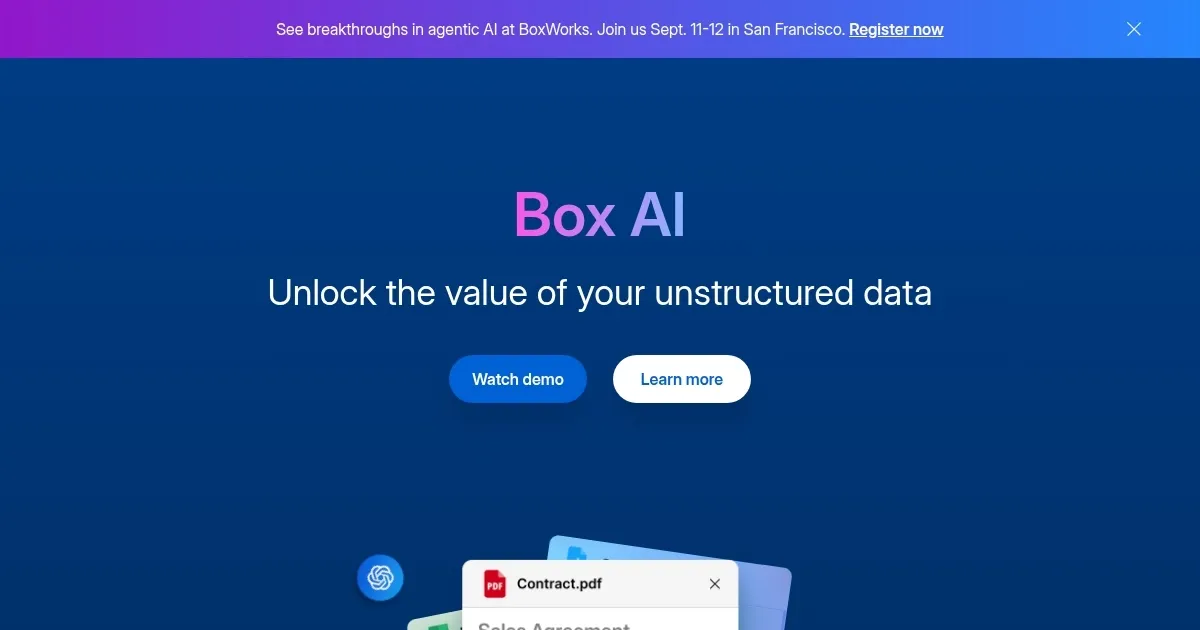
An assistant that taps into your enterprise content and documents
File sharing and online storage services Box has its own AI offering, allowing organizations to “tap into the wealth of knowledge” within their enterprise content.
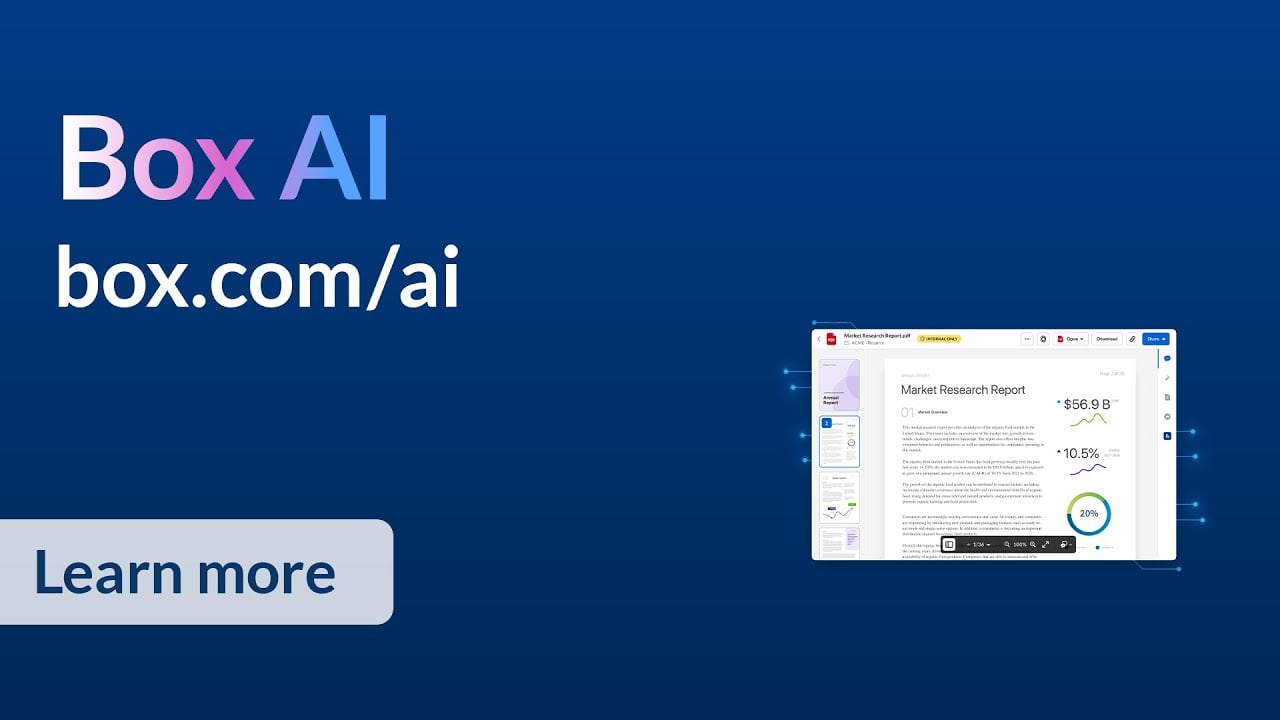
All you have to do is ask Box AI anything and get answers in seconds — from summarizing a lengthy research study to uncovering key findings across multiple documents. With Box AI-powered insights, you can make mission-critical decisions faster and with confidence.
The tool also lets you create content in seconds, whether it’s a press release, personalized sales emails, or action items from a meeting. Box AI will speed up work with content intelligence that frees up your time to “focus on customers and innovation.”
As that’s the case with the “regular” Box service, its AI component also comes with enterprise-class security and privacy features. There are granular access permissions and wide-ranging industry compliance, making sure your Box AI data is always protected. In addition, AI models are never trained on your data without your written consent, so your proprietary data stays safe and secure.
Finally, we’ll mention a few additional features that make Box AI great, such as the ability to create a competitive analysis of market research reports with enterprise content analytics, personalize onboarding materials, refine messaging for marketing campaigns, ability to easily translate your reports to any language, and job posting generation.
All in all – if you’re using Box, you’ll want to try its AI features, as well.
Homepage Screenshot 📸
Video Overview 🎬
What are the key features? ✨
- Generative AI capabilities: Box AI can summarize documents, find key information, and help in decision-making by going through your organization's documents stored on Box.
- Content creation support: The tool can assist you in drafting various types of content like sales and marketing emails, press releases, and more.
- Security & privacy included: Box AI ensures data protection based on all the major standards and requires consent for training AI models on user data.
- Versatile applications: The tool is especially handy for tasks such as competitive analysis, personalizing materials, and translating reports.
- It's all about efficiency: With Box AI, you get a partner that can help you refine marketing messages, generate job postings, and much more.
Who is it for? 🤔
Examples of what you can use it for 💡
- Quickly get key insights from lengthy documents.
- Create content such as press releases or sales emails with little effort
- Understand market trends and competitor strategies
- Tailor marketing and sales materials for specific audiences
- Easily translate different kinds of documents and improve their clarity
Pros & Cons ⚖️
- Great for existing Box users
- It's like ChatGPT added on top of Box
- Helps with various business tasks
- There are better tools for content generation
FAQs 💬