Best AI PDF Tools

70 toolsRanked by traffic

AI PDF tools let you chat with, search, and work through PDF files using natural language instead of reading every page. You upload a document and ask questions, request a summary, or pull out a fact, and the tool answers from the text inside. This is the broad PDF bucket, covering everything from Box AI and Kimi to research-focused helpers like SciSpace and CoCounsel.

People lean on these tools for dense files: contracts, research papers, manuals, and long reports nobody wants to read cover to cover. When you're picking one, think about how big a file it accepts, whether it cites the page an answer came from, and how it handles scanned PDFs versus clean digital text. Browser extensions like Sider are handy for quick one-off questions, while document platforms suit teams managing files at scale.

Box AI
Box AI - icon
Box AI
An assistant that taps into your enterprise content and documents
Kimi
Kimi - icon
Kimi
An AI assistant that can interpret images, analyze code, and provide real-time information
CoCounsel
CoCounsel - icon
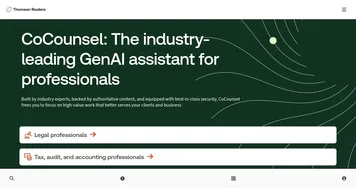
CoCounsel
Tool for legal document review, research memos, deposition preparation, and contract analysis
Monica
Monica - icon
Monica
A browser extension powered by ChatGPT that acts as a chatbot assistant
LINER
LINER - icon
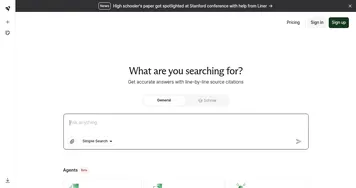
LINER
A web-based tool that combines searching and collecting information in a user-friendly interface
SciSpace
SciSpace - icon
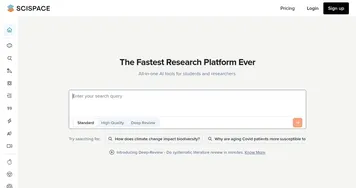
SciSpace
Your AI assistant to discover and understand research papers
Sider
Sider - icon
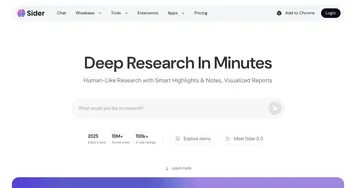
Sider
Quick access to ChatGPT from a sidebar of your web browser
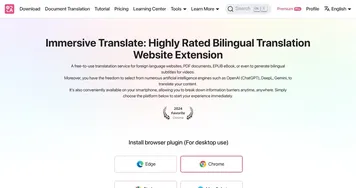
Immersive Translate
Immersive Translate - icon
Immersive Translate
A browser extension designed to break down language barriers by offering bilingual translations
Goodnotes
Goodnotes - icon
Goodnotes
Captures, organizes, and enhances handwritten and typed notes across devices
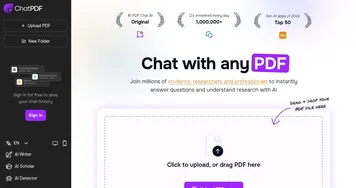
ChatPDF
ChatPDF - icon
ChatPDF
An online tool that enables users to interact with their PDF documents as if it were a human
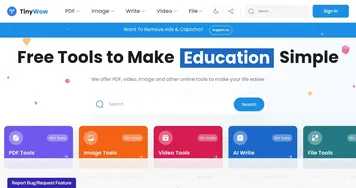
TinyWow
TinyWow - icon
TinyWow
A collection of PDF, video, image, and other AI-powered online tools to make your life easier
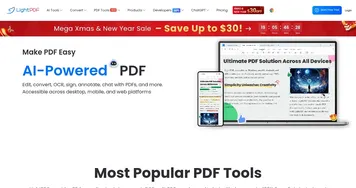
LightPDF
LightPDF - icon
LightPDF
Ask anything about your documents, get summaries, outlines, and answers instantly
Anara
Anara - icon
Anara
An AI-powered tool that aims to revolutionize how users interact with academic content
DocsBot
DocsBot - icon
DocsBot
Create custom AI-powered chatbots trained on their documentation and content
Mindgrasp
Mindgrasp - icon
Mindgrasp
AI learning assistant that creates notes and answers questions from documents, videos, and more

Frequently Asked Questions

What is the best AI tool for working with PDFs?
The best AI PDF tool depends on your files. Box AI and CoCounsel suit teams handling contracts and business documents, SciSpace is built for research papers, and Kimi handles long PDFs with a generous context window. Browser extensions like Sider work well for quick questions on whatever PDF is open in front of you.
Can AI read a PDF and answer questions about it?
Yes, AI PDF tools read the text inside a document and answer questions about it in plain language. You upload the file, then ask things like what the contract says about termination or what the study concluded. Good tools cite the exact page, so you can verify the answer instead of trusting it blindly.
How do AI PDF tools handle large files?
AI PDF tools handle large files by splitting them into chunks and retrieving the most relevant sections to answer each question, a technique called retrieval. Limits vary widely: some cap uploads at a few hundred pages, while tools with long context windows handle book-length documents. Check the page or file-size limit before relying on one for big files.
Are AI PDF tools free?
Many AI PDF tools offer a free tier that covers a few documents or a limited number of pages per day. Heavier use, larger uploads, and team features sit behind paid plans, often around ten to twenty dollars a month. Free tiers are a fair way to test whether a tool reads your specific files accurately.
Can AI PDF tools read scanned documents?
Some AI PDF tools read scanned documents and others do not. A scanned PDF is really an image, so the tool needs built-in OCR to convert the picture of the page into searchable text first. If your files are scans or photos, confirm the tool supports OCR, otherwise it will treat the pages as blank.