logo-darklogo-darklogo-darklogo-dark
  • Tool Categories
    • 🎨Art & Creative Design505
    • 🏢Business Management644
    • 💻Coding & Development515
    • 👮Detection83
    • 🧠General Use727
    • 🏥Health & Wellness55
    • 📷Image & Photo Analysis100
    • 🖼️Image Generation & Editing618
    • 📐Interior & Architectural Design37
    • 🎓Learning & Education483
    • ⚖️Legal & Finance90
    • 🎭Lifestyle & Entertainment236
    • 📢Marketing & Advertising627
    • 🎧Music & Audio138
    • 👔Office & Workplace1,014
    • 🔬Research & Data Analysis372
    • 👥Social Media245
    • 🎥Video Generation & Editing426
    • 👧🏻Virtual Companion135
    • 🎤Voice Generation & Editing381
    • ✍️Writing & Editing808
    • All Categories
    • AI Use Cases
  • News
  • Events
    • Academic Conferences
    • Developer Conferences
    • Expos / Trade Shows
    • Industry Summits
    • Workshops / Training
    • All Events
    • Past Events
  • Saved Tools
  • Suggest a Tool
✕
Home › Office & Workplace › Note Taking› Goodnotes
Goodnotes

Goodnotes

Captures, organizes, and enhances handwritten and typed notes across devices

Using Goodnotes is like stepping into a digital stationery store with a pen that never runs out of ink. The app’s interface is clean, almost inviting you to start scribbling, and I found myself doodling a quick mind map before I even realized it. The digital ink flows smoothly, mimicking the glide of a fountain pen, and the ability to mix handwriting with typed text feels like a superpower. I tried the Spellcheck feature, which caught a typo in my messy scrawl, and I couldn’t help but grin — it’s like having a teacher peering over your shoulder, but without the judgment. The AI Math Assistance also impressed me when I scribbled a quick equation; it flagged an error before I could embarrass myself in a study group.

Goodnotes syncs your notes across devices, which I tested by jumping from my iPad to my laptop. The transition was mostly smooth, though I noticed a slight lag when loading a hefty PDF. The Marketplace is a gem, offering templates like daily planners or graph paper that make your notes look like they belong in a design magazine. I grabbed a free journaling template and felt like a productivity guru within minutes. Sharing notes is simple too — just generate a link, and your colleague can jump in to edit or comment, which I tried with a friend who added a snarky doodle to my notes.

But it’s not all sunshine. The free version caps you at three notebooks, which felt like being handed a beautiful journal with only a few pages. The subscription for unlimited notebooks and features like collaboration isn’t cheap, and it’s comparable to what you’d pay for Evernote or Notion. I also found the Android version, which I peeked at on a friend’s tablet, a bit less polished than the iOS one, with fewer customization options. The array of tools — Lasso, Shape, Highlighter — can overwhelm at first, and I fumbled a bit before getting the hang of them.

The real surprise? The audio recording feature that syncs with your writing. I recorded a mock lecture and watched as my notes aligned with the audio, making it easy to revisit exactly what was said when I wrote “quadratic formula.” It’s a game-changer for students or meeting-heavy professionals. Compared to Microsoft OneNote, Goodnotes leans hard into stylus-based input, which I loved, but it might not suit those who prefer typing everything.

My advice: start with the free trial and test the AI features like Spellcheck or Math Assistance to see if they click for you. Play with a few templates to organize your thoughts, and if you’re a stylus user, you’ll probably fall in love. If you’re juggling multiple devices, double-check the sync works for your setup before committing to a subscription.

Visit Goodnotes ↗
Categories
👔 Work
🗒️ Note Taking 📝 Note Generation 🖍️ Whiteboard 📕 PDF ✏️ PDF Editing ⚡ Work Productivity
🎓 Education
📚 Reading
📷 Image Analysis
🔤 OCR

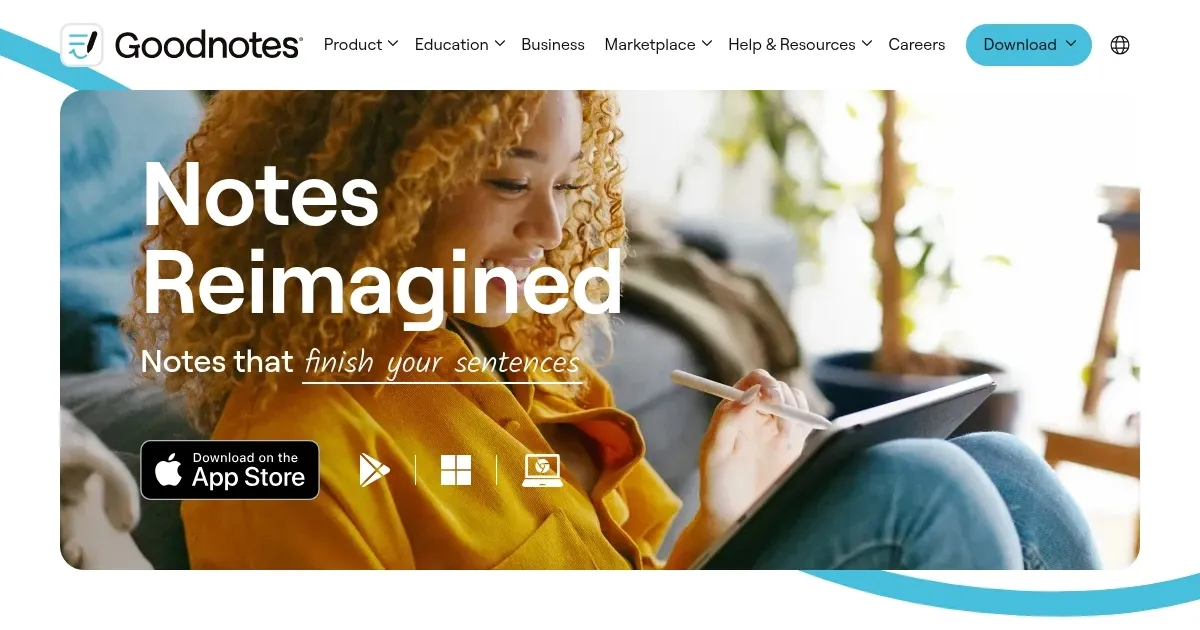
Homepage Screenshot 📸

Goodnotes screenshot

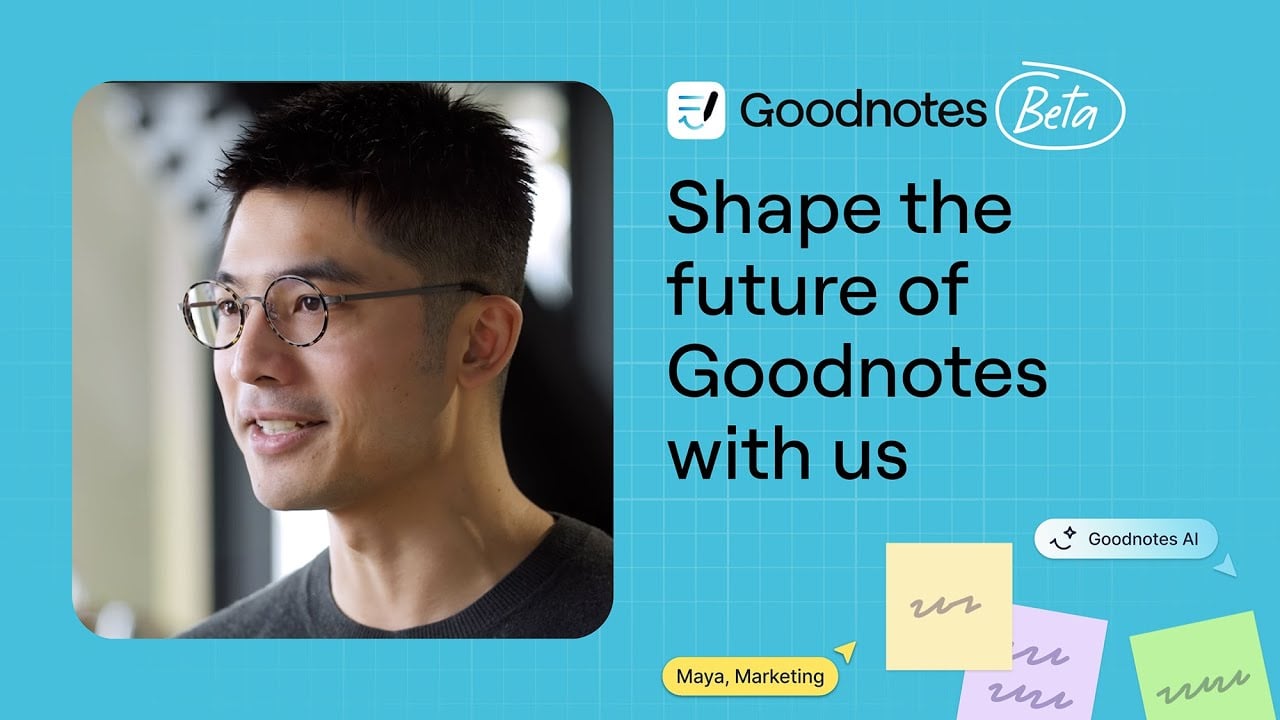
Video Overview 🎬

Goodnotes - Video Overview

What are the key features? ✨

  • Spellcheck: Corrects handwritten typos in your unique handwriting style.
  • AI Math Assistance: Detects errors in handwritten equations for accurate math notes.
  • Marketplace: Offers customizable templates like planners and graph paper.
  • Cross-Platform Sync: Access notes on iOS, Android, Windows, and Web with cloud backup.
  • Audio Recording: Syncs audio with written notes for lectures or meetings.

Who is it for? 🤔

Goodnotes is designed for students, professionals, and planners who prefer handwriting notes with a stylus, as well as those needing robust organization and collaboration tools. It suits tablet users, especially on iPad, who want a digital notebook experience with AI-enhanced features like handwriting correction and math assistance.

Examples of what you can use it for 💡

  • Student: Annotates lecture PDFs and uses AI Math Assistance to catch equation errors.
  • Professional: Marks up business documents and shares collaborative notes with colleagues.
  • Planner: Customizes journaling templates from the Marketplace for daily organization.
  • Educator: Records lectures with synced audio and notes for student distribution.
  • Designer: Creates visual mind maps using stylus tools and custom paper templates.

Pros & Cons ⚖️

  • Intuitive stylus-based note-taking
  • AI corrects handwriting typos
  • Syncs across multiple platforms
  • Customizable templates in Marketplace
  • Free version limits to three notebooks
  • Learning curve for advanced tools

FAQs 💬

Is Goodnotes free to use?
Goodnotes offers a free version with up to three notebooks; a subscription unlocks unlimited notebooks and advanced features.
Can I use Goodnotes on Android?
Yes, it's available on Android tablets with stylus support, though some features are limited compared to iOS.
Does Goodnotes sync across devices?
Notes sync via cloud across iOS, Android, Windows, and Web, with occasional delays on non-Apple devices.
What devices are compatible with Goodnotes?
It works on iOS, iPadOS, macOS, Android tablets (8"+ with 4GB RAM), Windows, and Chromebooks with stylus support.
Can I collaborate with others?
Yes, shareable links allow real-time or asynchronous collaboration, but this requires a subscription.
Does it support handwritten notes?
Yes, it supports stylus input with AI-powered Spellcheck and handwriting-to-text conversion.
Can I import PDFs?
Users can import PDFs to annotate or mark up directly within the app.
Is there a trial period?
Goodnotes offers a 7-day free trial for the Pro version with full feature access.
Can I customize templates?
The Marketplace provides free and paid templates, and users can adjust paper size, color, and layout.
What happens if I cancel my subscription?
You revert to the free tier, with access to view all notes but editing limited to three notebooks.

Ready to try Goodnotes?

Captures, organizes, and enhances handwritten and typed notes across devices

Visit Goodnotes ↗

Goodnotes alternatives 🔗

  1. Slack AI Slack AI Search smarter, summarize conversations instantly, and be at your most productive
  2. FigJam AI FigJam AI Instantly visualize ideas, suggest best practices, and automate tedious tasks
  3. AWS HealthScribe AWS HealthScribe Automatically create clinical notes from patient-clinician conversations using generative AI
  4. ClickUp Brain ClickUp Brain Automates workflows with contextual AI for tasks, meetings, and content creation
  5. Miro AI Miro AI Visual collaboration platform that lets you build the next big thing with a prompt and a chat
  6. Zoom AI Companion Zoom AI Companion Get high-quality results when drafting emails and chat messages, summarizing meetings and chat threads
Share
Goodnotes screenshot enlarged
Promote Goodnotes
light badge
Copy Embed Code
dark badge
Copy Embed Code
neutral badge
Copy Embed Code
Best AI Tools

Discover the best AI tools for any use case

Explore
  • Tool Categories
  • AI Use Cases
  • AI Events
  • AI News
  • Saved Tools
Company
  • About Us
  • Contact Us
  • Media & Partnerships
  • Suggest a Tool
Legal
  • Privacy Policy
  • Terms of Service
Copyright © 2026 Best AI Tools 415 Mission Street, 37th Floor, San Francisco, CA 94105