Best AI OCR Tools
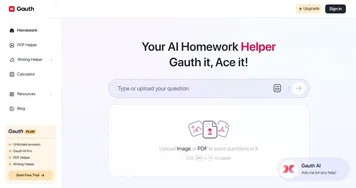
AI OCR tools extract text from images and documents, turning a photo, scan, or screenshot into words you can copy, edit, and search. Optical character recognition reads printed and handwritten text, then hands you the content as plain digital text. The category runs from study helpers like Gauth and StudyX that read a problem off a photo, to document tools like LightPDF and Goodnotes that digitize whole pages and handwriting.
Students, office workers, and anyone with a pile of paper reach for OCR to skip retyping: scan a receipt, capture notes from a whiteboard, or pull a quote out of a screenshot. Modern AI OCR handles messy handwriting and odd layouts far better than the old scanner software did. Results still depend on image quality, so a clear, straight, well-lit shot gives you cleaner text than a blurry photo taken at an angle.