Best AI Accounting Tools

15 toolsRanked by traffic

AI accounting tools keep the books: categorizing expenses, automating bookkeeping, and organizing receipts and financial records so they are ready when you need them. The category includes bookkeeping assistants like Keeper AI Accountant, receipt and expense organizers like SimplyWise and WellyBox, and money-tracking hubs like Monarch that tie spending back to your accounts.

Freelancers, small-business owners, and bookkeepers use these tools to cut the manual data entry that eats their evenings and to keep clean records year round. When choosing one, look at whether it imports from your bank, scans receipts accurately, and exports in a format your accountant accepts. A fair warning: AI categorization makes mistakes, especially on unusual transactions, so review the books before they feed into anything official rather than trusting every auto-tagged entry.


Monarch
Monarch - icon
Monarch
A financial management platform that allows users to track, organize, and budget
AngelList Relay
AngelList Relay - icon
AngelList Relay
Transform unstructured data from your inbox into an organized dashboard by simply forwarding an email
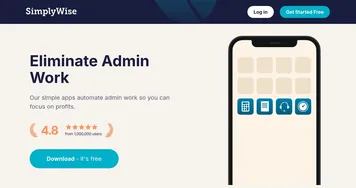
SimplyWise
SimplyWise - icon
SimplyWise
An AI app that streamlines expense tracking and document organization
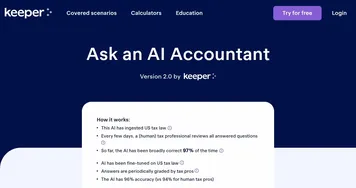
Keeper AI Accountant
Keeper AI Accountant - icon
Keeper AI Accountant
Ask an AI accountant service from Keeper, a smart tax filing app for freelancers
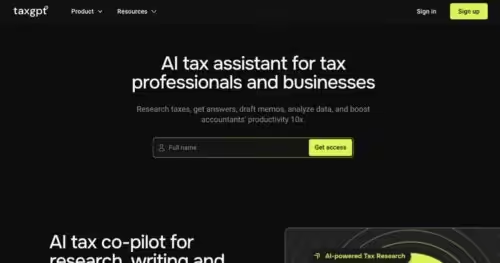
TaxGPT
TaxGPT - icon
TaxGPT
Streamlines tax research and automates workflows for tax professionals with AI precision
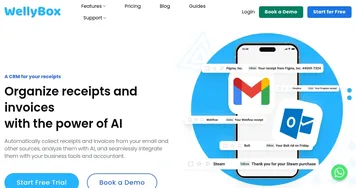
WellyBox
WellyBox - icon
WellyBox
An AI virtual assistant for receipts that automates manual admin tasks
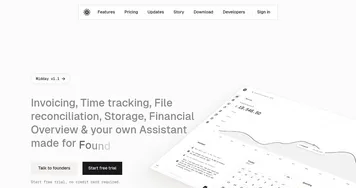
Midday
Midday - icon
Midday
Streamlines invoicing, time tracking, and financial management for freelancers
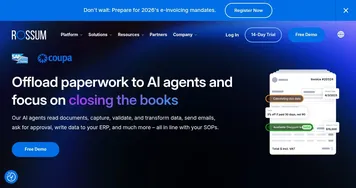
Rossum
Rossum - icon
Rossum
Automates transactional document processing with AI, boosting efficiency
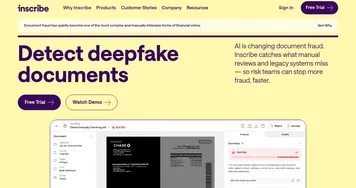
Inscribe
Inscribe - icon
Inscribe
Detects forged and AI-generated financial documents in real time using advanced AI agents
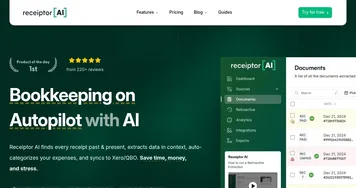
Receiptor AI
Receiptor AI - icon
Receiptor AI
Automates receipt extraction from emails and syncs to accounting tools.
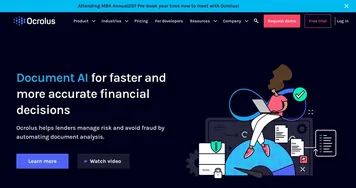
Ocrolus
Ocrolus - icon
Ocrolus
Automates financial document analysis for accurate lending decisions
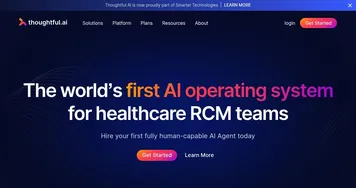
Thoughtful
Thoughtful - icon
Thoughtful
Automates healthcare revenue cycle tasks with AI precision
Finlo
Finlo - icon
Finlo
Curates AI-driven stock portfolios mimicking top investors for superior returns
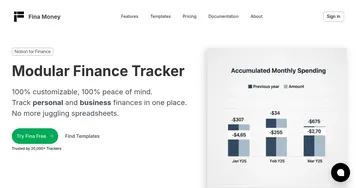
Fina Money
Fina Money - icon
Fina Money
Builds customizable AI-driven systems to track and optimize personal finances effortlessly
FinanceGPT Chat
FinanceGPT Chat - icon
FinanceGPT Chat
Create custom AI co-pilots to provide personalized financial insights

Frequently Asked Questions

What is the best AI accounting tool?
The best AI accounting tool depends on your size and needs. Keeper AI Accountant suits ongoing bookkeeping, SimplyWise and WellyBox excel at scanning and organizing receipts, and Monarch ties spending to your accounts. Freelancers usually want a simple receipt scanner, while small businesses benefit from a fuller bookkeeping platform.
Can AI do my bookkeeping automatically?
AI can automate much of your bookkeeping by importing transactions, categorizing them, and matching receipts, which removes hours of manual entry. It is not fully hands-off, though. The software still needs you to review unusual items, fix miscategorized entries, and confirm the numbers, so think of it as a fast assistant rather than a replacement.
Is AI accounting software the same as a tax tool?
No, accounting and tax tools serve different jobs. Accounting tools handle your day-to-day books: tracking income, expenses, and receipts all year. Tax tools focus on filing season, finding deductions, and preparing returns. Clean books from an accounting tool make tax time easier, but you usually need a dedicated tax tool to actually file.
Are AI accounting tools accurate enough to trust?
AI accounting tools are accurate enough for everyday tracking, but they are not flawless. Auto-categorization handles routine transactions well and stumbles on unusual ones, so errors slip through. Review your records regularly, and for taxes or audited statements, have an accountant verify the books rather than assuming the AI got everything right.