
Best AI Agent Tools
295 toolsRanked by traffic
An AI agent is software that works on a goal for you: you describe what you want, and it plans the steps, uses tools, browses the web, and runs the task to completion with little hand-holding. Leading examples include Gemini, Claude, and the coding agent in Replit AI.
The thing that sets an agent apart from a regular chatbot is autonomy: it doesn't just answer, it acts. Builders use Google AI Studio to wire agents to APIs and data, while teams lean on them to research, fill spreadsheets, or push code. When you're choosing one, pay attention to which tools it can reach, how far it runs before checking in, and whether you can watch and stop it mid-task.
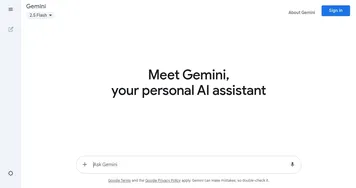

Gemini
Generates responses from text, images, audio, and video inputs using advanced multimodal AI


Claude
Assists users in reasoning, coding, writing, and analyzing data with advanced AI models


Windsurf
Empowers developers with AI-driven code generation and real-time collaboration.
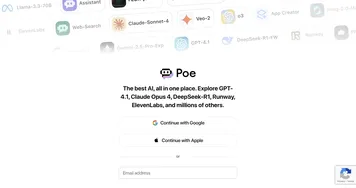
Poe
Aggregates top AI models for seamless chatting and bot creation


Replit AI
Transforms natural language prompts into fully deployable apps using AI agents
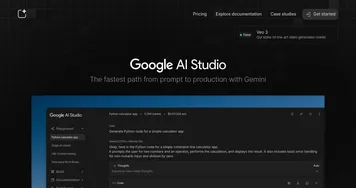
Google AI Studio
Prototypes AI solutions using Gemini models in a browser-based IDE
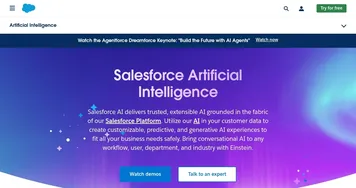

Salesforce Einstein
Generative AI for CRM, designed to supercharge your productivity
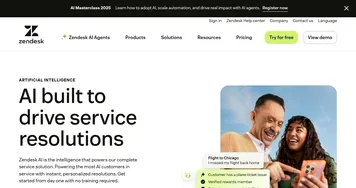

Zendesk AI
An AI tool built on billions of real customer service interactions that understands customer experience
Amazon Q Developer
Accelerates software development with AI code suggestions and task automation
Amazon Bedrock
The easiest way to build and scale generative AI applications with foundation models


Asana AI
An AI helper built into the Asana platform to make managing projects and tasks easier

Manus
An AI agent designed to handle complex tasks all by itself

n8n
An open-source automation tool that helps you connect different apps and services
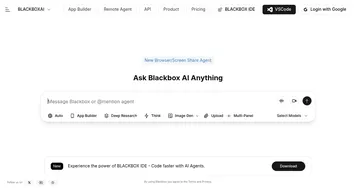

BlackBox AI
Generates code snippets and assists developers with AI-powered tools
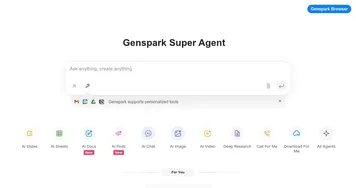

Genspark
An innovative AI-powered search engine designed to improve how we access information online
Frequently Asked Questions
What is an AI agent?
An AI agent is a program that pursues a goal on its own by planning steps and taking actions, not just replying with text. You give it a task, and it decides what to do, calls tools or websites it has access to, checks its own progress, and keeps going until the job is finished or it needs you.
What's the difference between an AI agent and a copilot?
An AI agent works autonomously, taking many steps on its own to finish a whole task, while a copilot sits beside you inside an app and assists as you work, suggesting and waiting for your go-ahead. The agent drives; the copilot rides along. Many products blend both modes depending on how much you let them act.
What can AI agents actually do?
AI agents can research a topic across many pages, fill out forms, write and run code, organize files, move data between apps, and handle repetitive multi-step workflows. Their reach depends on which tools and accounts you connect. The more access an agent has, the more it can do, and the more carefully you should supervise it.
Are AI agents safe to let run on their own?
AI agents are safe when you scope their access and review what they do, but risky if given broad permissions and left fully unattended. Mistakes compound across steps, so start with read-only or low-stakes tasks, keep a human checkpoint before anything irreversible, and use tools that show you the agent's actions as it works.
Do AI agents require coding to set up?
Many AI agents need no code at all: you connect your apps, describe the goal in plain language, and the agent handles the rest. More advanced setups, like custom agents built in a developer studio, do involve scripting and API keys. Pick a no-code agent for everyday tasks and a builder platform when you need custom logic.