logo-darklogo-darklogo-darklogo-dark
  • Tool Categories
    • 🎨Art & Creative Design505
    • 🏢Business Management644
    • 💻Coding & Development515
    • 👮Detection83
    • 🧠General Use727
    • 🏥Health & Wellness55
    • 📷Image & Photo Analysis100
    • 🖼️Image Generation & Editing618
    • 📐Interior & Architectural Design37
    • 🎓Learning & Education483
    • ⚖️Legal & Finance90
    • 🎭Lifestyle & Entertainment236
    • 📢Marketing & Advertising627
    • 🎧Music & Audio138
    • 👔Office & Workplace1,014
    • 🔬Research & Data Analysis372
    • 👥Social Media245
    • 🎥Video Generation & Editing426
    • 👧🏻Virtual Companion135
    • 🎤Voice Generation & Editing381
    • ✍️Writing & Editing808
    • All Categories
    • AI Use Cases
  • News
  • Events
    • Academic Conferences
    • Developer Conferences
    • Expos / Trade Shows
    • Industry Summits
    • Workshops / Training
    • All Events
    • Past Events
  • Saved Tools
  • Suggest a Tool
✕
Home › Coding & Development › Code Assistant› Amazon Q Developer
Amazon Q Developer

Amazon Q Developer

Accelerates software development with AI code suggestions and task automation

Formerly called Amazon CodeWhisperer, Amazon Q Developer is a generative AI assistant from AWS that enhances software development through code generation, task automation, and AWS expertise.

It provides real-time code suggestions in IDEs like VS Code and JetBrains. Suggestions range from cover snippets to full functions, based on comments and code context. Inline chat allows direct questions in the editor.

Agentic capabilities enable autonomous execution of complex tasks. These include feature implementation, unit testing, documentation, code reviews, refactoring, and upgrades. Agents read and write files, generate diffs, run commands, and incorporate user feedback.

AWS integration offers guidance in the console, Teams, and Slack. It optimizes costs, troubleshoots incidents, diagnoses networking, and follows well-architected patterns. Data tasks involve natural language queries, pipeline coding, and ML model design with governance.

Security features scan vulnerabilities across languages and suggest fixes. Customization connects to private repositories for relevant recommendations and codebase queries. CLI support includes autocompletions and bash translation.

Competitors include GitHub Copilot for suggestions, Tabnine for privacy focused completion, and Cody for codebase search. Amazon Q leads in agentic tasks and AWS depth. The Free Tier offers 50 chats and 1,000 lines per month, with usage-based pricing thereafter.

Test in a small project to gauge fit before full adoption.

Visit Amazon Q Developer ↗
Categories
💻 Coding
🤖 Code Assistant ⌨️ Code Generation 👨‍💻 Development 🔍 Code Review ✅ Testing 🐙 Github
👔 Work
🤖 Copilot 🔗 Agent

Homepage Screenshot 📸

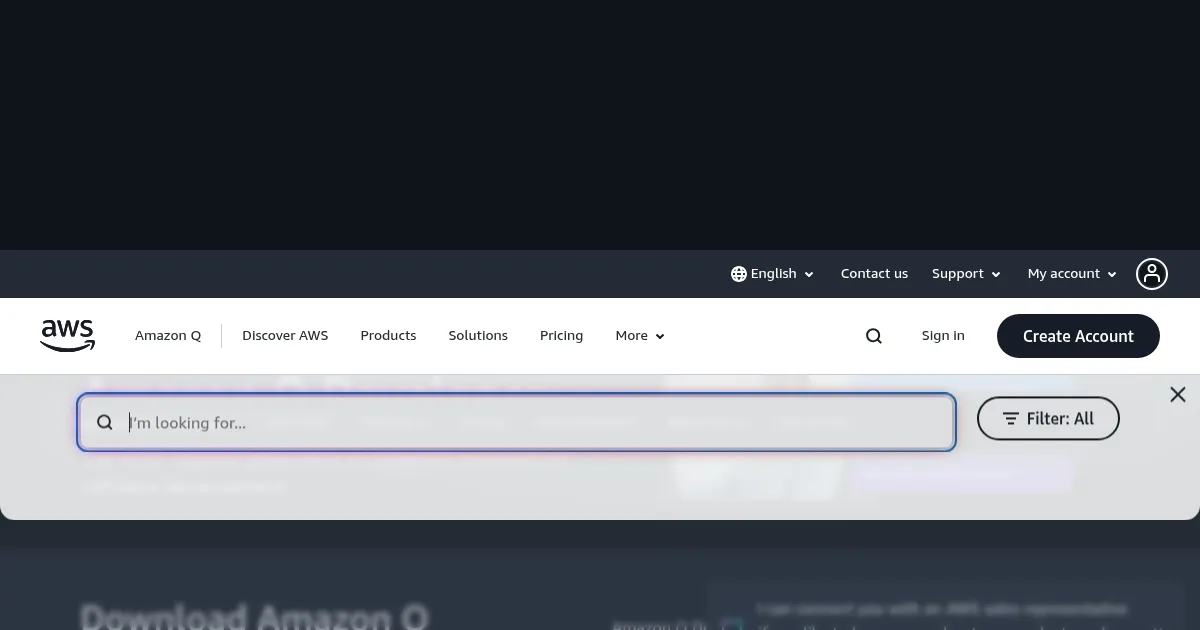
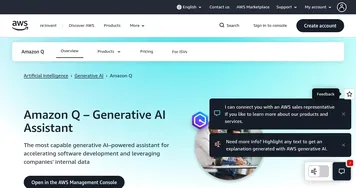
Amazon Q Developer screenshot

Video Overview 🎬

What are the key features? ✨

  • Code Suggestions: Generates real-time snippets to functions in IDEs based on context.
  • Agentic Tasks: Autonomously handles multistep development like testing and upgrades.
  • AWS Expertise: Provides guidance on architecture, costs, and operations in consoles and chat apps.
  • Security Scanning: Detects vulnerabilities and suggests instant fixes across languages.
  • Customization: Connects to private repos for tailored recommendations and queries.

Who is it for? 🤔

Amazon Q Developer helps software developers, AWS users, data engineers, and teams needing AI assisted coding, task automation, and cloud optimization to build faster and maintain secure applications.

Examples of what you can use it for 💡

  • Software Developer: Gets inline code suggestions and agentic help for refactoring legacy code.
  • AWS Architect: Queries best practices and optimizes resources via console chat.
  • Data Scientist: Builds ML models with natural language queries and governance.
  • DevOps Engineer: Troubleshoots incidents and translates commands in CLI.
  • Team Lead: Customizes to internal repos for codebase questions and reviews.

Pros & Cons ⚖️

  • High code acceptance rates
  • Autonomous task execution
  • Deep AWS integration
  • Strong security scanning
  • Free Tier monthly limits
  • Best with AWS ecosystem

FAQs 💬

What IDEs support Amazon Q Developer?
It works in VS Code, JetBrains, Visual Studio, and more via plugins.
Is there a free version?
Yes, perpetual Free Tier with 50 agentic chats and 1,000 code lines monthly.
How does it handle private code?
Connect repos securely, content not used for improvement in Pro.
Can it upgrade Java versions?
Yes, agents upgrade from Java 8 to 17 autonomously.
Does it work outside AWS?
IDE and CLI features do, full power in AWS environments.
What about security?
Scans vulnerabilities, suggests fixes, respects IAM controls.
How is it different from Copilot?
More agentic tasks and AWS expertise beyond suggestions.
Where can I use chat?
In IDEs, CLI, console, Teams, Slack, GitHub.
What languages does it support?
Popular ones like Java, Python, JS, with strong detection.
How to start?
Download plugin, sign in with AWS, begin in Free Tier.

Ready to try Amazon Q Developer?

Accelerates software development with AI code suggestions and task automation

Visit Amazon Q Developer ↗

Amazon Q Developer alternatives 🔗

  1. ChatGPT ChatGPT All-round AI assistant generating human-like responses to user queries and tasks
  2. Claude Claude Assists users in reasoning, coding, writing, and analyzing data with advanced AI models
  3. DeepSeek DeepSeek Delivers advanced AI models for coding and reasoning at low costs
  4. Cursor Cursor Supercharges coding with AI agents that build, edit, and review code autonomously.
  5. Windsurf Windsurf Empowers developers with AI-driven code generation and real-time collaboration.
  6. Lovable Lovable Builds apps and websites via AI chat prompts.
Share
Amazon Q Developer screenshot enlarged
Promote Amazon Q Developer
light badge
Copy Embed Code
dark badge
Copy Embed Code
neutral badge
Copy Embed Code
Best AI Tools

Discover the best AI tools for any use case

Explore
  • Tool Categories
  • AI Use Cases
  • AI Events
  • AI News
  • Saved Tools
Company
  • About Us
  • Contact Us
  • Media & Partnerships
  • Suggest a Tool
Legal
  • Privacy Policy
  • Terms of Service
Copyright © 2026 Best AI Tools 415 Mission Street, 37th Floor, San Francisco, CA 94105