Frequently Asked Questions
What is the best AI graphic design tool?
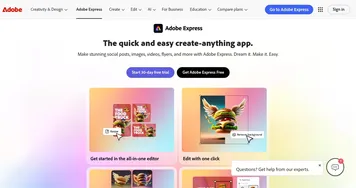
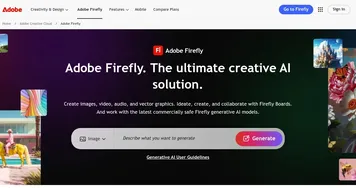
The best AI graphic design tool depends on your starting point. Canva Magic Design is the easiest for non-designers and covers the widest range of graphics, Adobe Express suits people already in the Adobe world, and Adobe Firefly is strongest for generating original imagery to drop into a design. Most have free tiers worth testing first.
Can AI design graphics for free?
Yes, several AI graphic design tools have genuinely useful free tiers. They typically let you create and download a fair number of designs, with paid plans unlocking premium templates, brand kits, higher-resolution exports, and background removal. The free versions are enough to test the workflow and finish basic projects before you commit to a subscription.
Do AI graphic design tools replace human designers?
AI graphic design tools handle routine work like resizing, layout, and template fills well, but they don't replace a skilled designer for original branding or nuanced creative direction. They're best at giving non-designers solid results fast and freeing professionals from repetitive tasks. Think of them as a capable assistant rather than a full replacement.
Can I use AI-designed graphics commercially?
Usually yes, but the details depend on the tool and your plan. Most graphic design platforms let you use exports commercially, though some restrict certain stock assets or AI-generated elements to paid tiers. Always check the license terms, especially for client work or anything you plan to sell, since rules vary between free and premium accounts.
How do AI graphic design tools work?
AI graphic design tools combine large template libraries with generative models that produce text, images, and layout suggestions. You describe what you need or pick a starting template, and the tool arranges elements, suggests fonts and colors, and can generate missing pieces. You then edit the result by hand, keeping what works and adjusting the rest.