Best AI Text to Image Tools

175 toolsRanked by traffic

Text-to-image tools turn a written description into a picture. You type a prompt, the words "a red fox in a snowy pine forest, golden hour," and a model trained on millions of captioned images renders it. This is the core technique behind modern AI art, built into dedicated engines like Midjourney, Stable Diffusion, DALL-E, and Imagen, where prompt wording is the main lever you control.

Designers, writers, and marketers use text-to-image to sketch concepts, mock up scenes, and explore ideas quickly. The skill is in the prompt: naming the subject, the lighting, the lens, and the art style steers the result far more than people expect. Each model has its own strengths, so the same prompt looks different across tools. Expect to refine and rerun a few times, since the first attempt rarely nails everything at once.

Imagen
Imagen - icon
Imagen
Generates photorealistic images from detailed text prompts
Black Forest Labs
Black Forest Labs - icon
Black Forest Labs
Generates high-quality images from text prompts with precision and speed
Midjourney
Midjourney - icon
Midjourney
Generates high-quality images from text prompts using AI.
Stable Diffusion
Stable Diffusion - icon
Stable Diffusion
Generates high-quality images from text prompts with versatile styles
DALL-E
DALL-E - icon
DALL-E
Generates detailed images from text prompts with enhanced nuance and safety features
Bing Image Creator
Bing Image Creator - icon
Bing Image Creator
Generates vivid images from text prompts instantly
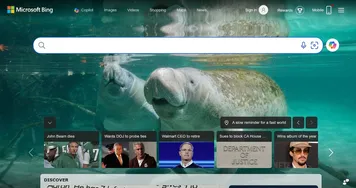
Bing
Bing - icon
Bing
Empowers searches with AI-driven insights and creative generation
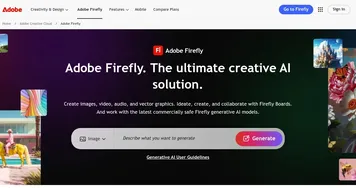
Adobe Firefly
Adobe Firefly - icon
Adobe Firefly
Generates images, videos, audio, and vectors using AI.
Freepik AI
Freepik AI - icon
Freepik AI
Creates AI images and videos with fluid motion, detailed textures, and synced audio up to 1080p
DreamUp
DreamUp - icon
DreamUp
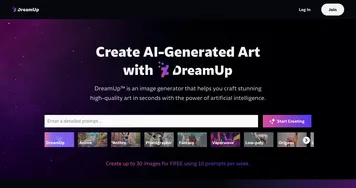
An AI-powered tool allowing users to generate unique artworks by inputting text prompts
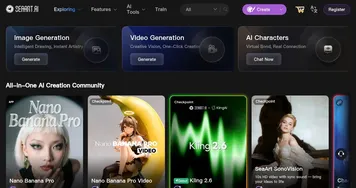
SeaArt
SeaArt - icon
SeaArt
An AI-driven art creation platform with features including various styles, face swaps, and image upscaling.
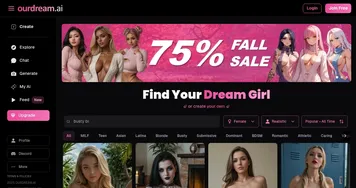
OurDream.ai
OurDream.ai - icon
OurDream.ai
Creates personalized AI companions for chat, voice, and media generation
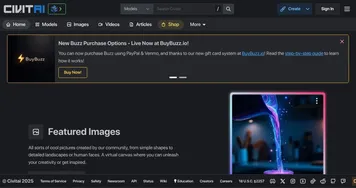
Civitai
Civitai - icon
Civitai
An open-source hub where users can share, discover, and collaborate on AI art models
Picsart
Picsart - icon
Picsart
A platform for creating, customizing, and sharing images and videos

Frequently Asked Questions

What is text-to-image AI?
Text-to-image AI is a method that generates an original picture from a written prompt. You describe what you want in words, and a model trained on captioned images produces a matching visual. It is the technique powering tools like Midjourney, DALL-E, and Stable Diffusion, and the wording of your prompt heavily shapes the output.
How do I write a good text-to-image prompt?
A good text-to-image prompt names the subject, the setting, the lighting, the mood, and the art style clearly. Specific details like "soft morning light" or "watercolor illustration" guide the model far better than a one-word request. Many tools also let you set image dimensions and add negative prompts to exclude things you don't want.
Which text-to-image model is best?
There is no single winner, since each model leans a different way. Midjourney favors bold, artistic looks, DALL-E follows literal instructions closely, Stable Diffusion offers deep customization, and Imagen aims for photorealism. The best choice comes down to the style you want and how much hands-on control you enjoy having.
Why does the same prompt look different in each tool?
Each text-to-image model was trained on different data and tuned with different defaults, so identical prompts produce different images. One tool may interpret "cinematic" as dramatic lighting while another adds a film grain. This is why prompt phrasing that works beautifully in one engine often needs adjusting when you move to another.
Can text-to-image tools make photorealistic images?
Yes, several text-to-image models produce convincingly photorealistic results, especially for landscapes, objects, and wide scenes. Faces and hands remain the weak spots, where small distortions still slip through. Adding camera and lens details to your prompt, such as "85mm portrait, shallow depth of field," noticeably improves realism in most modern tools.