Imagen by Google DeepMind
Generates photorealistic images from detailed text prompts
Imagen 4 is a powerful text-to-image model from Google DeepMind that turns detailed prompts into photorealistic or artistic visuals with impressive clarity. It can handle complex descriptions, like a fancy fashion poster or a textured landscape, delivering images up to 2k resolution. The Ultra-fast mode generates drafts quickly, often in seconds, making it ideal for creators testing multiple ideas. Compared to DALL-E, it excels in photorealism and text rendering, though Midjourney may offer more artistic flexibility for abstract styles.
The tool supports a range of styles, from watercolor to Sumi-e ink wash, and offers features such as improved spelling and typography for comics or packaging designs. Users highlight its ability to capture fine details, such as the texture of a raspberry or the brushstrokes in an impasto painting. The interface is simple: you enter a prompt, select a style or mode, and get a high-quality image, no fuss. The SynthID watermark, embedded invisibly, marks images as AI-generated to ensure transparency.
Imagen 4’s Ultra-fast mode is a standout, delivering images up to 10x faster than earlier versions, making it perfect for rapid prototyping. It is also optimized for diverse outputs, rendering everything from photorealistic animals to abstract illustrations with rich colors and textures. In fact, we would say it’s better than Stable Diffusion in polished outputs, though Stable Diffusion offers more customization for advanced users.
Some limitations exist: centered compositions, such as a perfectly aligned circle, can be slightly off, which may frustrate those who need precision. Complex prompts with multiple elements sometimes produce artifacts, especially in small faces or thin structures. Also, nonsensical inputs, like random emojis, can lead to unpredictable results.
Safety features are robust, with filtering to minimize harmful content, and the tool feels reliable for professional use. The model’s performance in benchmarks shows it outperforming earlier versions and some competitors in user preference for clarity and style.
For best results, use descriptive prompts with specific styles and lighting, like “a watercolor raspberry branch under soft light.” Test the Ultra-fast mode for quick drafts, but switch to standard for detailed work. Experiment with simpler compositions to avoid artifacts, and you’ll get stunning visuals every time.
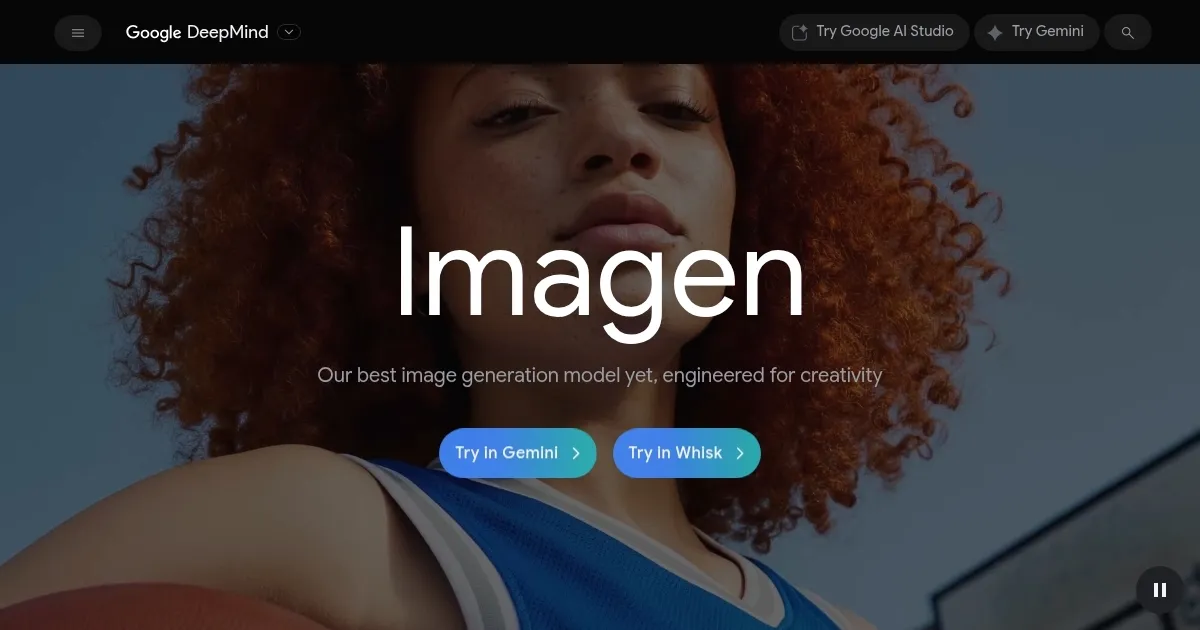
Homepage Screenshot 📸
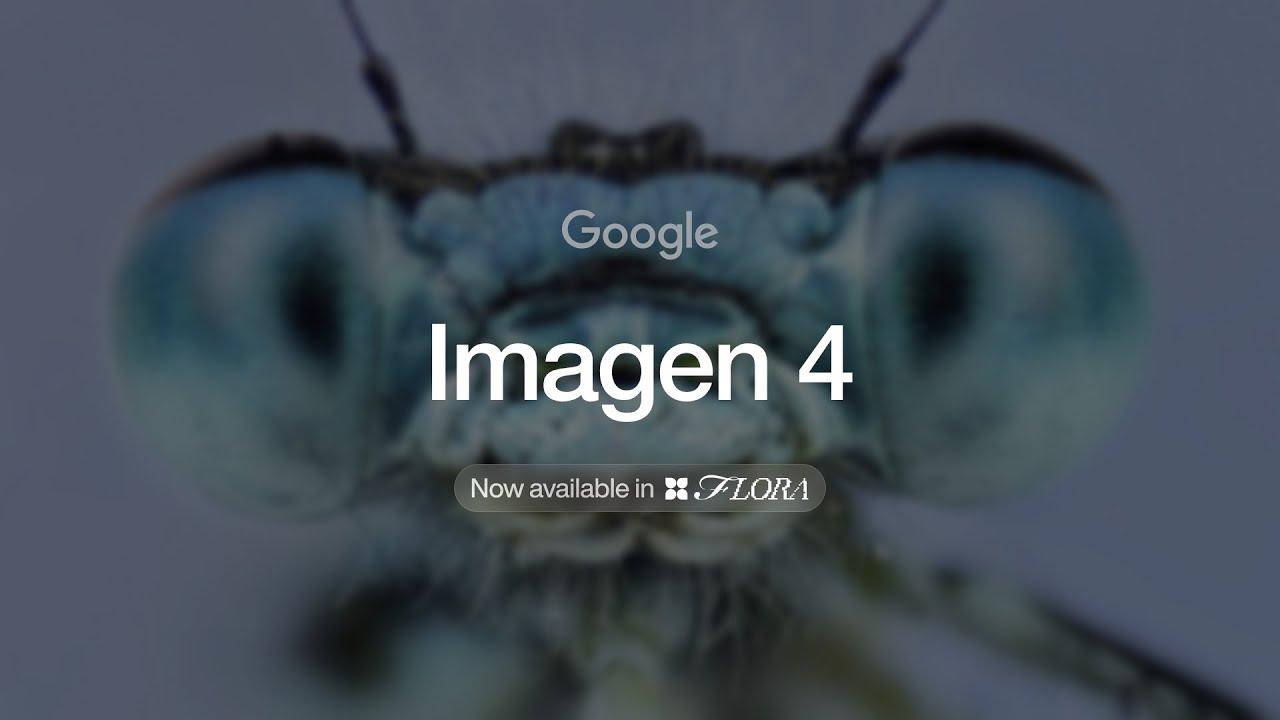
Video Overview 🎬
What are the key features? ✨
- Ultra-fast mode: Generates images up to 10x faster for quick prototyping.
- Photorealistic rendering: Produces lifelike visuals with rich textures and colors.
- Diverse art styles: Supports styles like watercolor, impasto, and Sumi-e ink wash.
- Improved typography: Renders clear, accurate text for comics and designs.
- SynthID watermark: Embeds invisible markers to identify AI-generated images.
Who is it for? 🤔
Examples of what you can use it for 💡
- Graphic designer: Creates vibrant posters with bold, stylized patterns.
- Illustrator: Designs textured landscapes with whimsical or realistic styles.
- Marketer: Produces photorealistic product visuals for campaigns.
- Educator: Generates artistic visuals for teaching art or history.
- Hobbyist: Experiments with diverse styles for personal creative projects.
Pros & Cons ⚖️
- Fast image generation
- Stunning photorealism
- Versatile art styles
- Clear text rendering
- Centered images can be off
- Complex prompts may glitch
FAQs 💬
Imagen alternatives 🔗