logo-darklogo-darklogo-darklogo-dark
  • Tool Categories
    • ๐ŸŽจArt & Creative Design505
    • ๐ŸขBusiness Management644
    • ๐Ÿ’ปCoding & Development515
    • ๐Ÿ‘ฎDetection83
    • ๐Ÿง General Use727
    • ๐ŸฅHealth & Wellness55
    • ๐Ÿ“ทImage & Photo Analysis100
    • ๐Ÿ–ผ๏ธImage Generation & Editing618
    • ๐Ÿ“Interior & Architectural Design37
    • ๐ŸŽ“Learning & Education483
    • โš–๏ธLegal & Finance90
    • ๐ŸŽญLifestyle & Entertainment236
    • ๐Ÿ“ขMarketing & Advertising627
    • ๐ŸŽงMusic & Audio138
    • ๐Ÿ‘”Office & Workplace1,014
    • ๐Ÿ”ฌResearch & Data Analysis372
    • ๐Ÿ‘ฅSocial Media245
    • ๐ŸŽฅVideo Generation & Editing426
    • ๐Ÿ‘ง๐ŸปVirtual Companion135
    • ๐ŸŽคVoice Generation & Editing381
    • โœ๏ธWriting & Editing808
    • All Categories
    • AI Use Cases
  • News
  • Events
    • Academic Conferences
    • Developer Conferences
    • Expos / Trade Shows
    • Industry Summits
    • Workshops / Training
    • All Events
    • Past Events
  • Saved Tools
  • Suggest a Tool
โœ•
Home › Art & Creative Design › Graphic Design› MiriCanvas
MiriCanvas

MiriCanvas

Creates stunning designs with AI-powered templates and editing tools

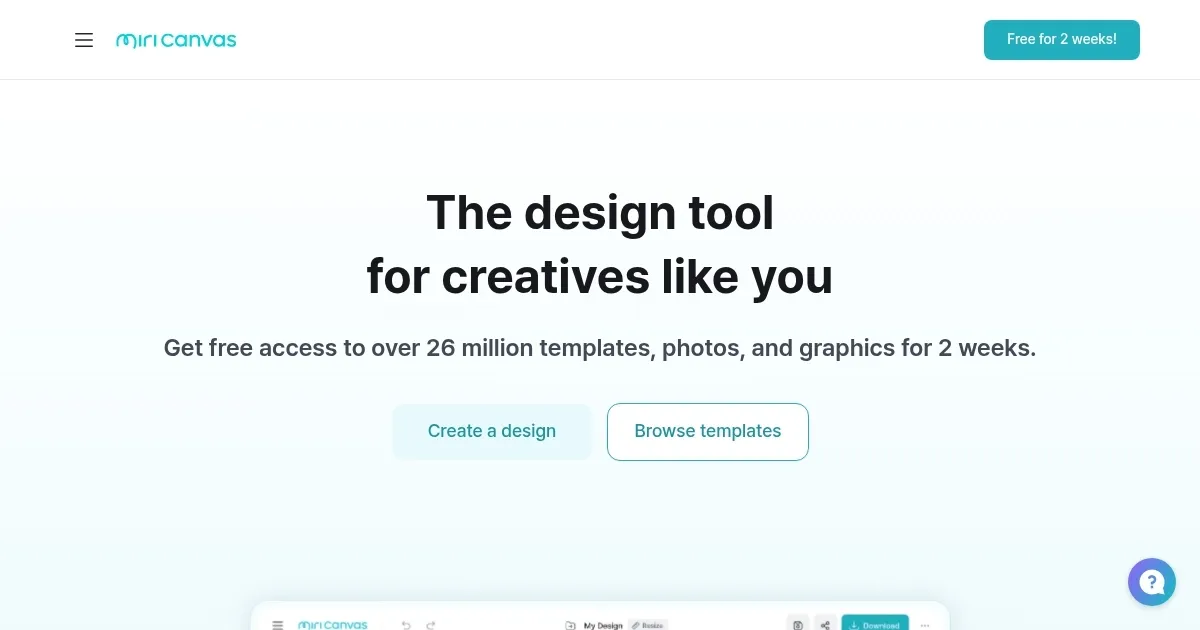
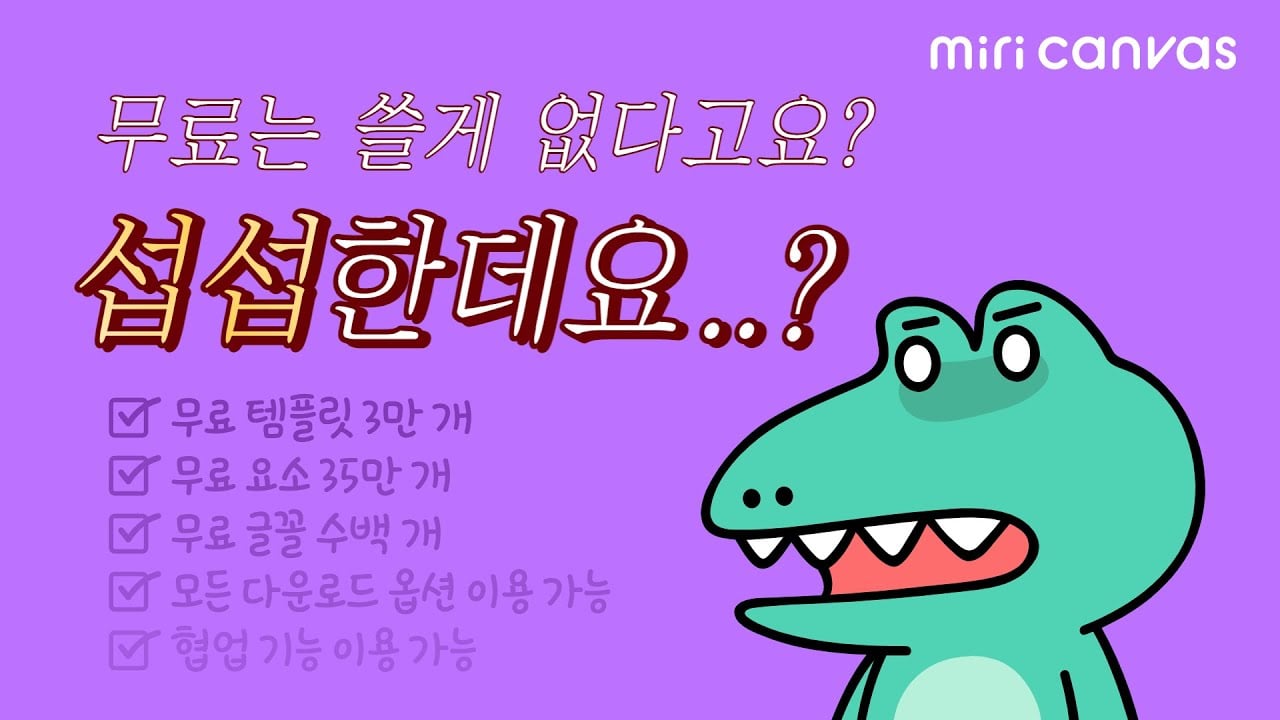
MiriCanvas bursts onto the design scene with a promise: you don’t need to be a graphic design whiz to create visuals that pop. This online platform, accessible via any device, offers a buffet of over 50,000 free templates for everything from Instagram stories to business presentations. I think it’s a bold move, aiming to simplify design for the masses, and it largely delivers. The interface feels intuitive, almost like it’s whispering, “Go ahead, make something beautiful.” You start with a topic, and the AI can whip up a draft presentation in seconds, complete with suggested layouts. It’s a time-saver that feels like magic, especially for those tight deadlines.

The AI-powered features are where MiriCanvas flexes its muscles. The Background Remover tool is a standout, letting you strip away photo backgrounds with a single click. Want to animate text or elements? One tap, and your design dances. The platform also integrates trusted AI models like DALL-E 3 and Stable Diffusion for generating images from text prompts, which is a godsend for creating unique visuals without scouring stock photo sites. Compared to competitors like Canva or Crello, MiriCanvas holds its own with a similar template-driven approach but leans harder into AI automation, which might appeal to users craving efficiency.

That said, it’s not flawless. Some users on platforms like Reddit have noted occasional bugs, like the mobile app freezing during edits. I can see how that’d frustrate someone mid-project. The free plan, while generous, limits AI feature usage, nudging you toward a Pro plan for unrestricted access. It’s a fair trade-off, but the transition might catch budget-conscious users off guard. Pricing feels competitive with Canva’s model, though exact costs depend on your needs — check their site for details. Another surprise? The DesignHub community, where creators can submit artwork and earn royalties, adds a creative side hustle angle I didn’t expect.

The platform’s strength lies in its accessibility. Students can churn out sleek reports, small businesses can design eye-catching ads, and marketers can craft social media campaigns without breaking a sweat. The versioning feature, which autosaves past designs, is a lifesaver for those “oops, I liked the old version better” moments. Yet, the sheer volume of templates can feel overwhelming, and navigating the library might take a minute to master. Still, the search function is snappy, and most users will find their groove quickly.

For anyone dipping their toes into design, MiriCanvas is a solid pick. Start with the free plan to test the waters, play with the AI tools, and explore the templates. If you’re hooked, consider upgrading for more storage and AI credits. Join the DesignHub if you’re feeling artistic — it’s a unique perk. Just keep an eye on those app bugs and save often.

Visit MiriCanvas ↗
Categories
๐ŸŽจ Art
๐Ÿ–Œ๏ธ Graphic Design ๐Ÿ–ผ๏ธ Design Generation ๐Ÿชง Poster Generation ๐Ÿ’  Logo Generation ๐Ÿ“ Mockup Generation
๐Ÿ‘ฅ Social
๐Ÿ“ Social Media Post Generation
๐Ÿ‘” Work
๐Ÿ’ฌ Presentation Generation

Homepage Screenshot 📸

MiriCanvas screenshot

Video Overview 🎬

MiriCanvas - Video Overview

What are the key features? ✨

  • Background Remover: Removes photo backgrounds with one click for clean designs.
  • AI Presentation Draft: Generates slide decks from a topic prompt in seconds.
  • AI Image Generator: Creates images from text prompts using DALL-E 3 and Stable Diffusion.
  • DesignHub: Allows users to submit artwork and earn royalties.
  • Versioning: Autosaves design versions for easy reversion to previous edits.

Who is it for? 🤔

MiriCanvas is (literally?) designed for students crafting school projects, small business owners designing ads or menus, marketers creating social media campaigns, and freelance designers seeking accessible tools. Its intuitive interface and AI features suit beginners and busy professionals, while the DesignHub appeals to creatives looking to monetize their work.

Examples of what you can use it for 💡

  • Student: Creates polished presentations for school projects using free templates.
  • Small Business Owner: Designs eye-catching posters for store promotions.
  • Marketer: Crafts engaging Instagram posts with AI-generated visuals.
  • Freelance Designer: Uses AI tools to quickly prototype client designs.
  • Content Creator: Produces YouTube thumbnails with animated effects.

Pros & Cons ⚖️

  • Over 50,000 free templates
  • Powerful AI-driven design tools
  • DesignHub for earning royalties
  • Free plan AI limits
  • AI text needs occasional tweaks

FAQs 💬

Is MiriCanvas free to use?
Yes, MiriCanvas offers a free plan with access to most features, but AI tools have usage limits.
Can I use MiriCanvas on my phone?
Yes, the mobile app is available for iOS and Android, though some editing features may be limited.
Are AI-generated designs mine to use?
You own the rights to AI-generated content, but follow legal guidelines for commercial use.
How does MiriCanvas compare to Canva?
MiriCanvas offers similar templates but emphasizes AI automation, competing closely with Canvaโ€™s features.
What is the DesignHub?
DesignHub lets users submit artwork to earn royalties, a unique feature for creatives.
Does MiriCanvas support high-resolution downloads?
Paid users can download designs in high resolution, ideal for print projects.
Can I collaborate with my team?
Yes, MiriCanvas offers collaboration tools, especially in Pro and Enterprise plans.
Are there templates for social media?
Yes, MiriCanvas provides templates for Instagram, YouTube, and other platforms.
Is MiriCanvas safe to use?
The site uses SSL encryption, and Scamadviser rates it as legit and safe.
Can I revert to older design versions?
Yes, the Versioning feature autosaves designs, letting you revert to previous versions.

Ready to try MiriCanvas?

Creates stunning designs with AI-powered templates and editing tools

Visit MiriCanvas ↗

MiriCanvas alternatives 🔗

  1. Canva Magic Design Canva Magic Design Generates custom, on-brand designs from text prompts or uploaded media in seconds.
  2. Adobe Express Adobe Express Creates on-brand content with AI-driven design and video tools
  3. Adobe Firefly Adobe Firefly Generates images, videos, audio, and vectors using AI.
  4. Shopify Logo Maker Shopify Logo Maker Creates custom, high-resolution logos for businesses quickly
  5. Remove.bg Remove.bg A free online tool that automatically removes backgrounds from images
  6. PhotoRoom PhotoRoom An AI-powered photo editing tool that removes backgrounds and enhances photos with user-friendly features.
Share
MiriCanvas screenshot enlarged
Promote MiriCanvas
light badge
Copy Embed Code
dark badge
Copy Embed Code
neutral badge
Copy Embed Code
Best AI Tools

Discover the best AI tools for any use case

Explore
  • Tool Categories
  • AI Use Cases
  • AI Events
  • AI News
  • Saved Tools
Company
  • About Us
  • Contact Us
  • Media & Partnerships
  • Suggest a Tool
Legal
  • Privacy Policy
  • Terms of Service
Copyright © 2026 Best AI Tools 415 Mission Street, 37th Floor, San Francisco, CA 94105