Best AI Social Media Post Generation Tools
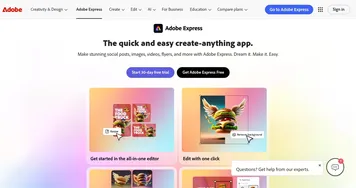
AI social media post generation tools create the actual content of a post for you: the graphic, the short video, or the ready-to-publish design. You start from a prompt or a template and get back a finished visual you can drop straight onto Instagram, TikTok, or LinkedIn. The category spans design platforms like Canva Magic Design and Adobe Express, alongside fast editors like Picsart and CapCut Creative Suite.
These are the tools you open when the calendar says "post today" and you have nothing made yet. Creators and small marketing teams use them to turn a rough idea into a polished image or reel in minutes. Pick based on what you make most: Canva and Adobe Express lean toward static graphics and carousels, while CapCut is built for the short-form video that dominates feeds now. Templates give you a head start, but a generic-looking post still reads as generic, so swap in your own photos and wording.