BrandCrowd
Creates customizable logos, business cards, and social media designs in minutes
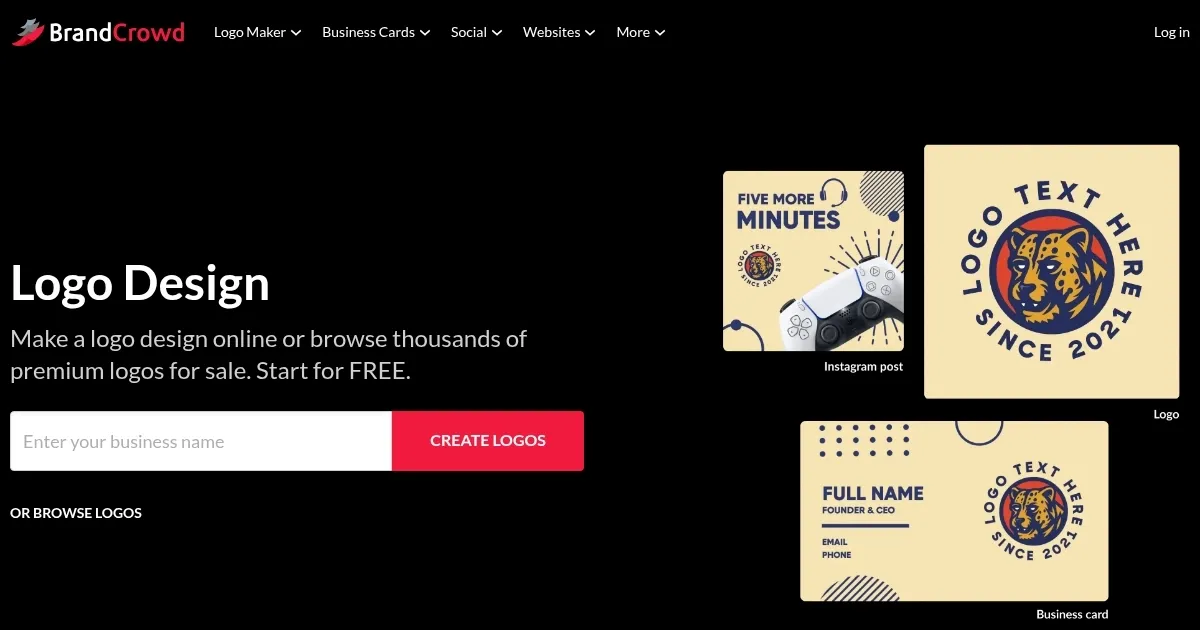
BrandCrowd is an AI tool (literally) designed for branding nerds. The homepage greets you with a clean, no-nonsense interface — just pop in your business name, and suddenly you’re swimming in logo options. I typed in “Grok’s Coffee” (don’t judge, it was a test), and within seconds, I had a slew of sleek, professional designs staring back at me. The drag-and-drop editor is a breeze, letting you swap colors, nudge fonts, and tweak layouts like you’re rearranging furniture in a dollhouse. I crafted a logo with a coffee cup icon and a bold sans-serif font in about ten minutes. Felt like a design pro, even if my skills lean more toward stick-figure doodles.
The platform’s strength is its template library — over 100,000 designs, from minimalist logos to vibrant social media posts. The business card maker is a standout, automatically pulling your logo’s colors for a polished look. I tried creating an Instagram post, and the ability to match my logo’s vibe across platforms was slick. The website builder surprised me too — I mocked up a one-page site for my fake coffee shop, complete with a contact form, in under an hour. Downloads come in multiple formats (PNG, SVG, EPS), which is great for printing or slapping on a website. Compared to Canva, which I’ve also poked around in, BrandCrowd feels more focused on branding, though Canva’s got it beat for general graphic design flexibility.
The catch? You’ll need a paid plan to download anything decent, which might annoy budget-conscious users. The free tier is more of a teaser — you can play, but you can’t keep. Also, the template overload can feel like scrolling through a never-ending menu. I got decision fatigue after ten minutes of browsing. Looka offers a similar logo-focused experience but leans harder into AI suggestions, which BrandCrowd doesn’t quite match. Pricing seems fair, with plans unlocking unlimited edits, though I’d wager Canva’s broader feature set might justify its cost for some.
A delightful surprise: the animated logo feature. I added a subtle motion effect to my coffee shop logo, and it looked ready for a YouTube intro. Less delightful? Some templates lock you into their icons, which cramped my style when I wanted a different coffee mug. Support is email-only, which isn’t ideal if you’re stuck mid-design. My tip: dive into the free tier, experiment with a logo and a social media post, and see if the workflow clicks. If you’re launching a brand, give the website builder a whirl — it’s a hidden gem for quick online setups.
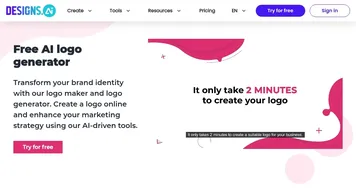
Homepage Screenshot 📸
Video Overview 🎬
What are the key features? ✨
- Logo Maker: Generates thousands of customizable logo designs based on business name or keywords.
- Business Card Maker: Creates professional business cards synced with logo colors in minutes.
- Social Media Templates: Offers designs for Instagram, Facebook, and YouTube posts, stories, and banners.
- Website Builder: Builds one-page websites with contact forms and payment integrations.
- Animated Logos: Adds motion effects to logos for video or digital media use.
Who is it for? 🤔
Examples of what you can use it for 💡
- Startup Founder: Designs a logo and business cards to establish a professional brand identity.
- Freelancer: Creates social media posts to promote services with consistent branding.
- Small Business Owner: Builds a one-page website to showcase products and accept payments.
- Content Creator: Crafts YouTube banners and animated logos for channel branding.
- Event Planner: Designs flyers and invitations for events using brand-aligned templates.
Pros & Cons ⚖️
- Supports multiple file formats
- Website builder included
- Animated logo options
- Free plan limits downloads
- Limited icon customization
FAQs 💬
Ready to try BrandCrowd?
Creates customizable logos, business cards, and social media designs in minutes
Visit BrandCrowdBrandCrowd alternatives 🔗