Shopify Logo Maker
Creates custom, high-resolution logos for businesses quickly
Shopify Logo Maker is a free, user-friendly tool that lets anyone create professional, high-resolution logos in minutes, no design skills塞拉姆 skills required. You input your brand name and industry, and it generates tailored logo suggestions, which you can customize endlessly with fonts, colors, and symbols. The platform delivers polished designs optimized for web, print, and social media, making it a go-to choice for entrepreneurs looking to build a brand quickly. It’s part of Shopify’s ecosystem, tying seamlessly into tools like their business name generator or online store setup.
The interface is intuitive, guiding you through a clean design process that feels empowering, even for beginners. I appreciate how it provides full editing access without hidden fees, unlike some competitors, such as Canva or Looka, which often restrict premium features to paid subscriptions. You can tweak every element, from font style to color palette, and download files in PNG or SVG formats. The logos are high-contrast and use Google Fonts, ensuring they display well across devices, which is critical for accessibility and brand consistency.
Speed is a standout feature. In under an hour, you can have a logo ready for business cards, websites, or product packaging. The template library is packed with trendy, professional designs, updated regularly to stay fresh. However, the selection isn’t as vast as Canva’s, which might frustrate users seeking niche-specific icons or complex design options. If you’re looking for advanced editing, such as vector manipulation, you’ll find the tool’s simplicity limiting, although that’s by design for quick results.
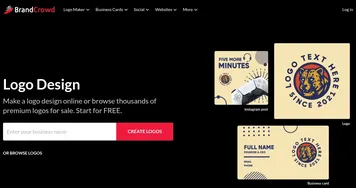
What sets it apart is the premium feel at zero cost. The fonts and layouts rival those of paid platforms like BrandCrowd, and the ability to make unlimited revisions means you’re never stuck with a design you don’t love. It’s surprising how well the tool optimizes logos for social media platforms like Instagram or X, saving time on manual adjustments. Integration with Shopify’s other tools makes it a natural starting point for launching an online store.
One downside is the lack of broader branding tools. Unlike Canva, which offers everything from social posts to presentations, Shopify Logo Maker focuses solely on logos, so you’ll need other tools for a full branding suite. Also, while the recommendations are sound, highly unique industries may require more customization to achieve the right vibe.
For the best results, experiment with multiple templates, focus on bold, high-contrast colors for versatility, and download both file formats to cover all use cases. If you need more design flexibility, consider exploring Canva or Looka; however, for a fast and free logo, this tool is hard to beat.
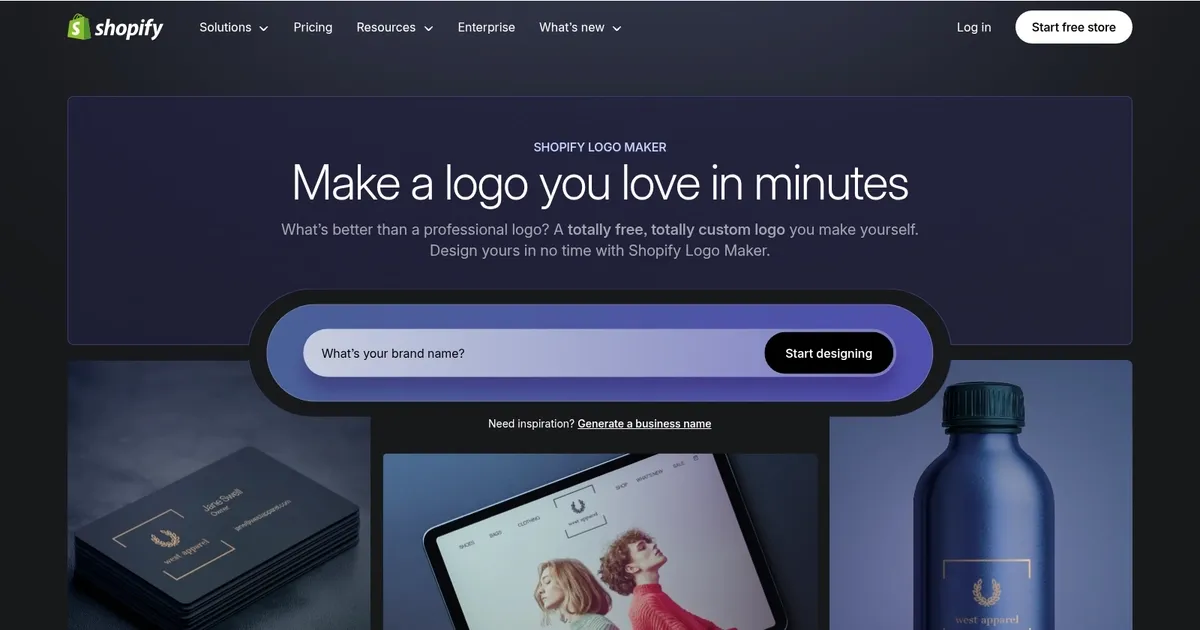
Homepage Screenshot 📸
What are the key features? ✨
- Free Customization: Design and edit logos with no hidden fees or costs.
- Tailored Recommendations: Suggests logo styles based on your brand name and industry.
- High-Resolution Downloads: Provides PNG and SVG files for versatile use.
- Designer Templates: Offers stylish, regularly updated logo templates.
- Accessibility Focus: Uses high-contrast colors and Google Fonts for cross-device clarity.
Who is it for? 🤔
Examples of what you can use it for 💡
- Small Business Owner: Creates a logo for an online store to establish brand identity.
- Freelancer: Designs a personal logo for business cards and social media profiles.
- Startup Founder: Crafts a logo for a new venture to use on websites and products.
- Etsy Seller: Builds a unique logo to brand handmade goods and packaging.
- Content Creator: Makes a logo for YouTube or TikTok to boost channel recognition.
Pros & Cons ⚖️
- Free with full editing access
- Fast, user-friendly interface
- High-res, versatile file formats
- Trendy, professional templates
- Limited template variety
- No advanced design tools
FAQs 💬
Ready to try Shopify Logo Maker?
Creates custom, high-resolution logos for businesses quickly
Visit Shopify Logo MakerShopify Logo Maker alternatives 🔗