Submagic
Adds video captions with perfect emojis and highlighted keywords, all generated by AI
Submagic is a fancy AI tool designed to enhance short-form video creation for content creators and businesses, streamlining the video editing process and enriching content with various features. By leveraging advanced AI tech, Submagic allows users to automatically generate accurate captions in 48 languages — incorporate trendy templates and emojis, and employ automatic zoom and cut functions to emphasize key moments in their videos.
Additionally, the tool allows for the inclusion of magic B-rolls and transitions, sound effects, and background music — all aimed at grabbing the audience’s attention and creating an immersive viewing experience. Submagic also aids in boosting outreach and engagement by generating auto descriptions and hashtags tailored to the video content.
Submagic positions itself as a powerful ally for content creators striving for efficiency and quality, saving time while maximizing viewer engagement. The tool is trusted by top content creators and companies, providing them with the means to post top-quality shorts daily, thus accelerating growth and monetization opportunities.
Whether for personal brands, agencies, realtors, advertisers, e-commerce platforms, coaches, marketers, or startups – Submagic offers an array of features to make viral short-form videos accessible and easy to create. Plus, through its partnership with Storyblocks, the tool further enriches its offering by providing premium stock footage that includes high-quality resources to complement video content.
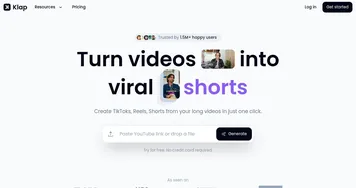
Homepage Screenshot 📸
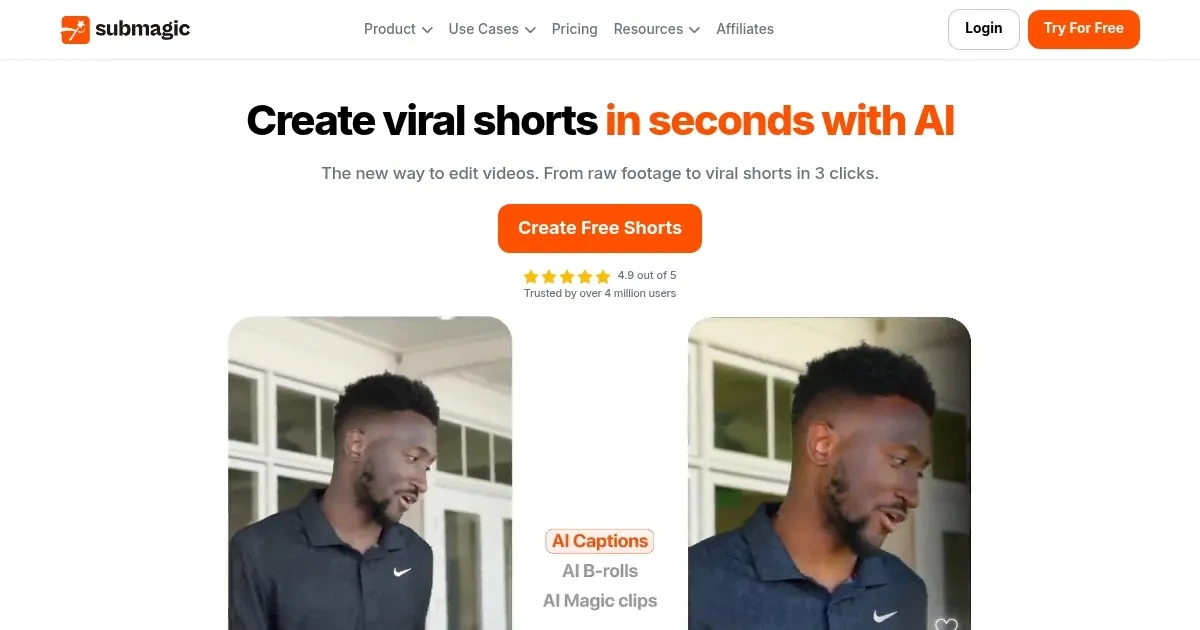
Video Overview 🎬
What are the key features? ✨
- AI captions: Automatically generate fancy captions for your videos, enhancing accessibility and engagement.
- B-roll integration: Easily add stock footage to your videos from Storyblocks to enrich your content.
- Auto-cut: Automatically remove silent or unwanted parts of your video, streamlining the editing process.
- Sound effects & music: Quickly enhance your videos with sound effects and background music, creating a more immersive experience.
- Team collaboration: You can invite team members and clients to collaborate on projects within a shared workspace to improve workflow and feedback.
Who is it for? 🤔
Examples of what you can use it for 💡
- Produce engaging short-form videos for social media platforms with minimal effort
- Create promotional videos with professional captions and seamless transitions
- Develop educational videos with clear, concise captions to aid in learning
- Enhance product videos with captivating visuals and sound to attract more customers
- Real estate agents can use it to create polished property tour videos
Pros & Cons ⚖️
- Allows anyone to create fancy short videos
- Helps you conquer platforms like TikTok, Reels, and YouTube Shorts
- Also good for educators to create short and engaging lessons
- It won't work with every video
FAQs 💬
Ready to try Submagic?
Adds video captions with perfect emojis and highlighted keywords, all generated by AI
Visit Submagic