logo-darklogo-darklogo-darklogo-dark
  • Tool Categories
    • 🎨Art & Creative Design505
    • 🏢Business Management644
    • 💻Coding & Development515
    • 👮Detection83
    • 🧠General Use727
    • 🏥Health & Wellness55
    • 📷Image & Photo Analysis100
    • 🖼️Image Generation & Editing618
    • 📐Interior & Architectural Design37
    • 🎓Learning & Education483
    • ⚖️Legal & Finance90
    • 🎭Lifestyle & Entertainment236
    • 📢Marketing & Advertising627
    • 🎧Music & Audio138
    • 👔Office & Workplace1,014
    • 🔬Research & Data Analysis372
    • 👥Social Media245
    • 🎥Video Generation & Editing426
    • 👧🏻Virtual Companion135
    • 🎤Voice Generation & Editing381
    • ✍️Writing & Editing808
    • All Categories
    • AI Use Cases
  • News
  • Events
    • Academic Conferences
    • Developer Conferences
    • Expos / Trade Shows
    • Industry Summits
    • Workshops / Training
    • All Events
    • Past Events
  • Saved Tools
  • Suggest a Tool
✕
Home › Video Generation & Editing › Long To Short Video Generation› Opus Clip
Opus Clip

Opus Clip

A generative AI video creation tool that repurposes long videos into shorts

Opus Clip is a generative AI video tool that repurposes long talking videos into shorts in one click — creating 10 viral clips from a single long video.

The service lets you gain new followers on platforms like TikTok and YouTube, and consequently increase website visitors.

It leverages big data to analyze your video content in relation to the latest social media trends from major platforms, and generates a comprehensive understanding of your video for a data-driven decision on content repurposing. Opus Clip then picks the highlighting moments of your long video, rearranges them into a viral-worthy short and polishes it with captions, AI layout, smooth transition to ensure that the clip is coherent and attention-grabbing, and ends with a call-to-action.

The tool will even highlight keywords and add emojis, which are the two tactics that have proven to work with short viral videos.

We can’t recommend it enough; you should try Opus Clip for yourself and see why it is being used by more than 1 million creators. Simply put – it works. Check it out.

Visit Opus Clip ↗
Categories
🎥 Video
✂️ Long To Short Video Generation 📲 Short Video Generation ✏️ Video Editing 🎶 Tiktok Video Generation 📱 Reel Generation
👥 Social
▶️ YouTube 🎵 TikTok 📱 Social Media Management
✍️ Writing
♻️ Content Repurposing 💬 Subtitle Generation

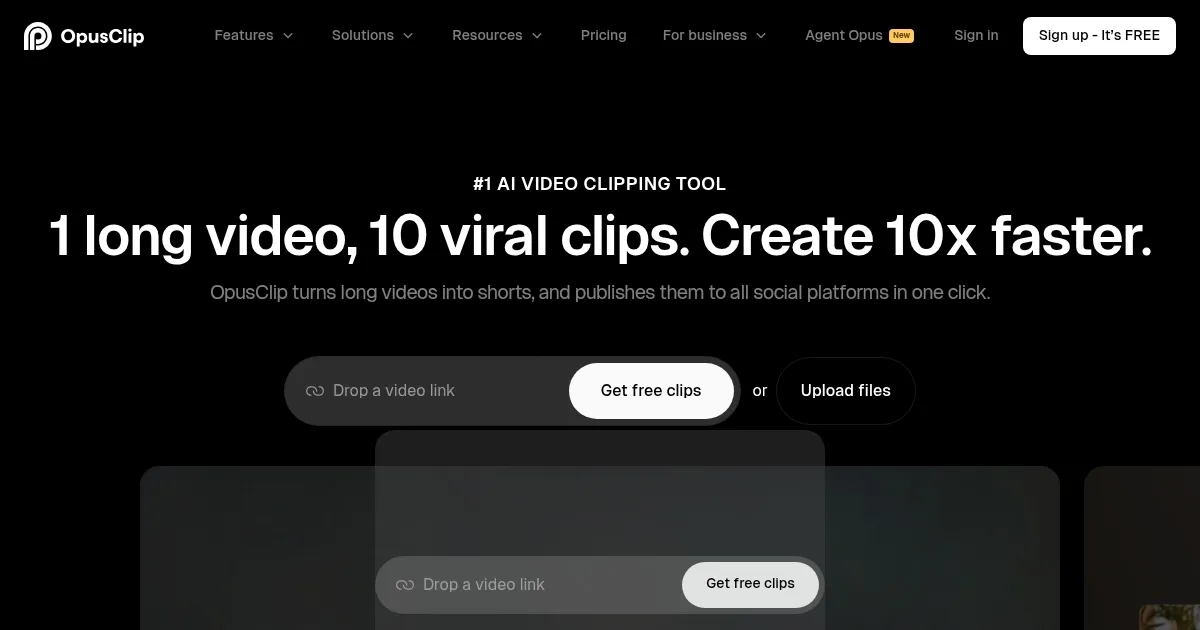
Homepage Screenshot 📸

Opus Clip screenshot

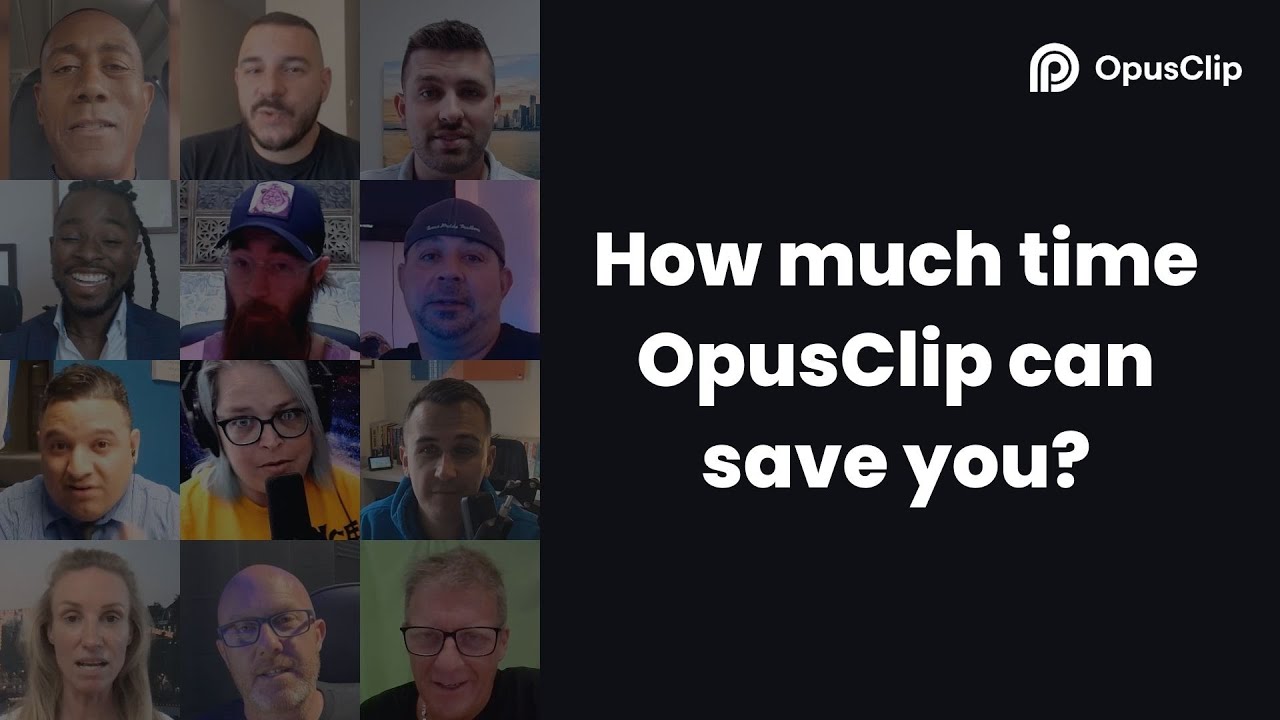
Video Overview 🎬

What are the key features? ✨

  • AI Curation: Opus Clip's AI analyzes your video to identify the most compelling hooks, extracts relevant juicy highlights from different parts of your video, and seamlessly rearranges them into cohesive viral short videos.
  • AI Virality Score: It also generates a score to show the virality potential of each short clip. This score isn't created out of thin air; rather, it is based on AI's analysis of thousands of viral videos.
  • AI Co-Pilot: The Opus Clip AI Co-Pilot allows you to select a specific timeframe to clip. You can also look for specific parts to clip based on keywords, giving you more control over what the end results should look like.
  • Active Speaker Detection: Opus Clip's predictive AI analyzes moving faces, and ensures you and your guest's face will always be at the center of the video frame.
  • AI Keyword Highlighter: The AI will also analyze your video captions and highlight the most valuable keywords. On average, highlighted keywords increase video watch time by 65%.
  • AI Emoji Generator: Finally, Opus Clip will analyze your video and automatically add relevant emojis to highlight valuable content. On average, emojis increase views by 42%.
  • Multi-language: Opus Clip supports German, French, Portuguese and Spanish - with more languages coming in the (near) future.

Who is it for? 🤔

Opus Clip is primarily made for video content creators who use it to quickly create a number of short clips from one long one. And since these days the number of folks creating videos is at a record high, it has quite a big targeted market. Everyone can create a video with their smartphone and with Opus Clip, they get to turn that video into many short ones -- helping them grow across social media platforms. This can further lead to new subscribers, leads, customers and ultimately - increased profits. As of October 2023, Opus Clip is being used by more than 1 million creators.

Examples of what you can use it for 💡

  • Quickly create a number of short videos from one long one
  • Attract new subscribers and followers to your channels on social media platforms
  • Spread your message to more people
  • Be more productive in short video creation
  • Up your game on TikTok

Pros & Cons ⚖️

  • Talk about content repurposing
  • It's a true time saver for creating short videos
  • Helps everyone master TikTok, Instagram Reels and YouTube Shorts
  • Limited customization options (not necessarily a deal breaker)

FAQs 💬

What is OpusClip, and who is it designed for?
OpusClip is an AI-powered video repurposing tool that automatically transforms long-form videos, like podcasts, webinars, or vlogs, into multiple short, engaging clips optimized for platforms such as TikTok, YouTube Shorts, and Instagram Reels. It uses advanced AI models to detect highlights, add captions, and enhance virality. It's ideal for content creators, podcasters, marketers, and small businesses who want to repurpose existing content quickly without advanced editing skills, serving over 12 million users including big names like Logan Paul and Dhar Mann Studios.
How does OpusClip's AI clipping work?
Upload a video or paste a link, and the AI analyzes audio, visuals, and sentiment to identify compelling moments using models like ClipAnything, which works across any genre from gaming to interviews. It then generates 10 or more clips per long video, scores them for virality potential, and adds features like animated captions and transitions. You can refine with prompts or let it auto-post, making the process up to 5x faster than manual editing.
What are the key features that set OpusClip apart?
Standout features include ClipAnything for genre-agnostic clipping, ReframeAnything for automatic aspect ratio adjustments with object tracking, AI-generated B-roll and captions in 20+ languages with 97% accuracy, brand templates for consistent styling, and direct scheduling to social platforms. It also offers virality scoring and API integrations for workflows. I think these make it especially handy for scaling content without losing creative control.
Is there a free trial or version available for OpusClip?
Yes, everyone gets a free forever plan with 60 monthly minutes, and new sign-ups receive a 7-day Pro trial unlocking 90 minutes of advanced features like watermark-free exports and full editing. No credit card required upfront, so you can test it risk-free. It's a solid way to dip your toes in before committing.
What types of videos does OpusClip handle best?
It excels with talk-heavy content like podcasts, interviews, webinars, and Zoom calls, where AI can pull dialogue-driven hooks easily. But ClipAnything extends to vlogs, gaming, sports, and even silent visuals by analyzing motion and sentiment. Users report great results across genres, though you might need manual tweaks for highly visual or music-focused videos.
Can OpusClip integrate with other tools or platforms?
Absolutely, it supports direct posting to YouTube Shorts, TikTok, and Instagram Reels, plus API access for custom workflows with CMS or automation tools. Pro users get exports to Adobe Premiere Pro or DaVinci Resolve, and up to 6 social connections. This makes it a seamless fit for existing content pipelines.
What do users say about OpusClip's performance and reliability?
Many praise the time savings, with reviews noting 50% faster workflows and boosts in views or watch time, like one podcaster seeing 57% higher engagement. However, some mention occasional bugs in clip selection or processing delays, especially for non-podcast content. Overall, it's reliable for quick repurposing, but expect some manual review. Mixed but mostly positive on sites like Trustpilot and G2.
Are there any limitations or common complaints with OpusClip?
The credit-based system can feel restrictive if you're processing lots of video, and free clips expire after 3 days. Some users report the AI misses nuanced hooks in creative or fast-paced videos, requiring edits, and the interface might overwhelm beginners at first. That said, support is responsive via chat or Discord, and updates address many issues.
How does OpusClip compare to alternatives like Descript or Veed?
OpusClip focuses on one-click repurposing for shorts, outperforming in speed and virality scoring for social media, while Descript shines in transcription-heavy editing and Veed in basic cuts with effects. If you're all about quick clips from long videos, OpusClip edges out, but for full-suite editing, you might pair it with others. Depends on your workflow, really.

Ready to try Opus Clip?

A generative AI video creation tool that repurposes long videos into shorts

Visit Opus Clip ↗

Opus Clip alternatives 🔗

  1. Vizard Vizard Turn long videos into shorter, social-ready clips with AI
  2. Pictory Pictory An AI text to professional video creation tool
  3. Submagic Submagic Adds video captions with perfect emojis and highlighted keywords, all generated by AI
  4. Short AI Short AI Generates viral short videos from long content or ideas in minutes
  5. Goldcast Goldcast An AI-powered video campaign platform for marketers for creating engaging videos
  6. quso.ai quso.ai Quickly make social ready short clips from your long videos with AI
Share
Opus Clip screenshot enlarged
Promote Opus Clip
light badge
Copy Embed Code
dark badge
Copy Embed Code
neutral badge
Copy Embed Code
Best AI Tools

Discover the best AI tools for any use case

Explore
  • Tool Categories
  • AI Use Cases
  • AI Events
  • AI News
  • Saved Tools
Company
  • About Us
  • Contact Us
  • Media & Partnerships
  • Suggest a Tool
Legal
  • Privacy Policy
  • Terms of Service
Copyright © 2026 Best AI Tools 415 Mission Street, 37th Floor, San Francisco, CA 94105