Short AI
Generates viral short videos from long content or ideas in minutes
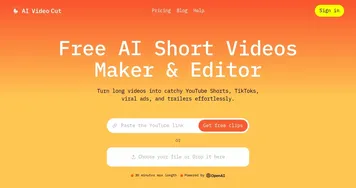
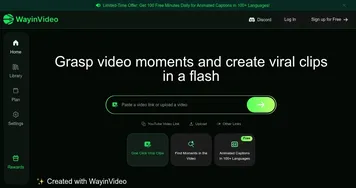
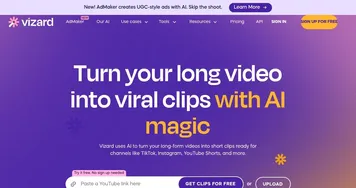
Short AI is a powerful tool that can handle your video editing to a hyper-efficient robot assistant who’s had one too many espressos. The platform promises to turn your long-winded webinars or half-baked ideas into snappy, viral-ready clips for TikTok, YouTube Shorts, and Instagram Reels. I uploaded a 20-minute podcast clip, crossed my fingers, and watched as Short AI’s AI Clip Maker churned out a handful of 30-second shorts in under five minutes. It’s fast, almost scarily so, and the results were surprisingly polished — complete with punchy captions and a sprinkle of emojis that made my dry content look like it was ready for prime time.
The magic lies in its automation. The AI analyzes your video for what it calls “hooks” — think dramatic moments or witty one-liners — and pairs them with dynamic subtitles that pop. I was impressed by the Auto Subtitle Generator, which nailed the transcription of my mumbled speech with eerie accuracy. Scheduling posts to YouTube and TikTok directly from the platform felt like cheating; it’s like Short AI knows you’d rather be sipping coffee than fiddling with posting calendars. The Faceless Video feature is a gem for shy creators like me — just pick a template like Reddit Stories or Fake Texts, and the AI whips up a video without ever needing your face on camera. But, fair warning, the AI’s viral predictions sometimes feel like they’re reading tea leaves. One clip it flagged as “high potential” got crickets, while a throwaway clip I tweaked myself took off.
Against competitors like 2short.ai and Creatify, Short AI feels like the scrappy underdog with a lot of heart. 2short.ai’s facial tracking is slicker for keeping speakers centered, but Short AI’s script generation from URLs or templates is more intuitive for beginners. Creatify’s avatars are fancier, but Short AI’s focus on quick, faceless content makes it more practical for rapid posting. The free plan is a great starting point, though you’ll hit limits on video uploads fast. Paid plans unlock more features, which seem competitively priced compared to others, but you’ll want to budget for them if you’re serious about scaling.
What I didn’t love was the occasional quirk in clip selection. The AI sometimes picks odd moments — like a long pause that felt more awkward than engaging. Customization helps, but it’s not as deep as I’d hoped; you can tweak captions or add B-roll, but don’t expect to overhaul the AI’s vision entirely. Still, the time saved is unreal. What used to take me hours of editing was done in minutes, leaving me free to brainstorm new ideas instead of wrestling with timelines.
If you’re dipping your toes into short-form content, Short AI is worth a spin. Start small — upload a short video, test the free plan, and play with the script templates. Tweak the AI’s suggestions to fit your brand, and don’t rely solely on the virality score. It’s a tool, not a crystal ball. With some trial and error, you’ll be churning out clips that could just catch fire.
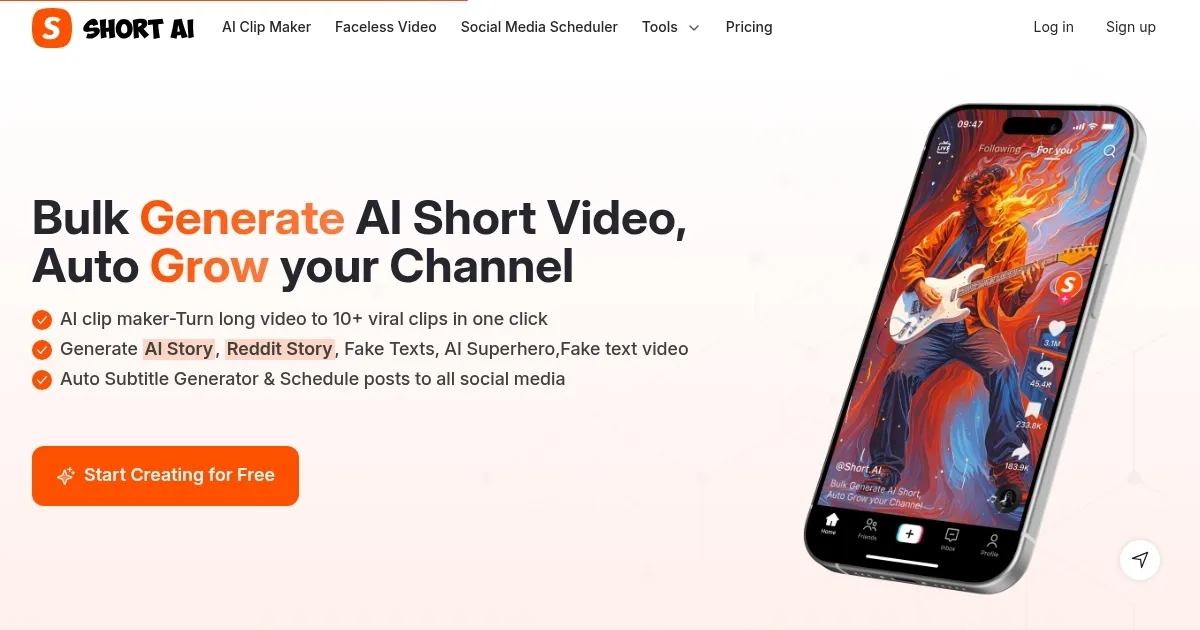
Homepage Screenshot 📸
Video Overview 🎬
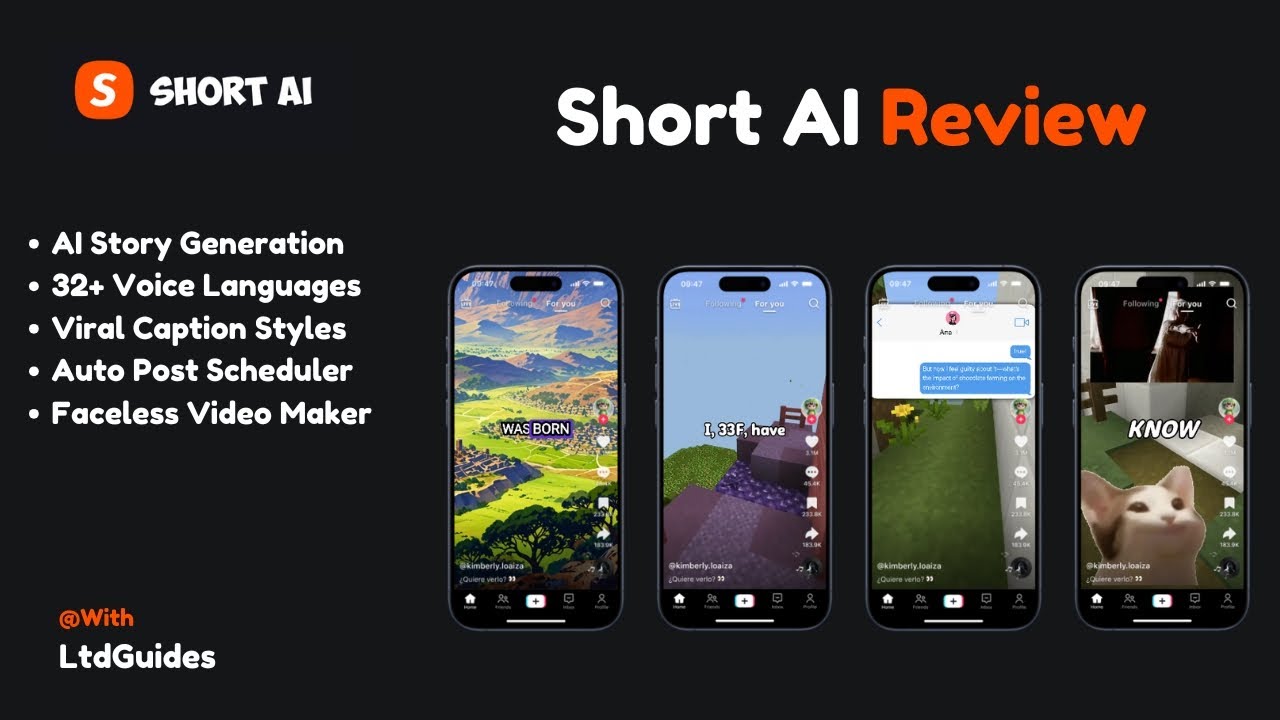
What are the key features? ✨
- AI Clip Maker: Converts long videos into 10+ viral clips with one click.
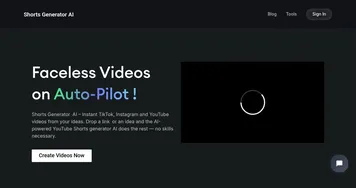
- Faceless Video Generator: Creates trending videos like Reddit Stories without on-camera presence.
- Auto Subtitle Generator: Adds dynamic captions with 99% accuracy in 32+ languages.
- Scheduled Posting: Publishes content to TikTok, YouTube, Instagram, and more with one click.
- Script Generator: Turns URLs or ideas into viral scripts using 50+ templates.
Who is it for? 🤔
Examples of what you can use it for 💡
- YouTube Creator: Repurposes a 30-minute vlog into 10 viral Shorts for audience growth.
- TikTok Marketer: Generates faceless Reddit Story videos to promote products without filming.
- Podcaster: Converts episodes into captioned clips for Instagram Reels to attract listeners.
- Small Business Owner: Schedules AI-generated promotional clips across platforms for brand visibility.
- Content Strategist: Uses script templates to create viral #catmeme videos for engagement.
Pros & Cons ⚖️
- Beginner-friendly, no skills needed.
- Supports 32+ languages for captions.
- Schedules posts across platforms.
- Free plan for testing features.
- Limited customization for advanced users.
- Free plan has upload limits.
FAQs 💬
Ready to try Short AI?
Generates viral short videos from long content or ideas in minutes
Visit Short AIShort AI alternatives 🔗