Best AI Video Summarizer Tools

64 toolsRanked by traffic

AI video summarizer tools condense a long video into its key points so you can grasp the content without watching the whole thing. They transcribe the audio, then generate a short written summary, a bullet list of takeaways, or timestamped chapters you can jump between. Tools like NoteGPT, Kapwing, and Read AI turn an hour of footage into a couple of minutes of reading, and meeting tools like Fathom do the same for calls.

Students summarizing lectures, professionals catching up on recorded meetings, and researchers scanning long talks lean on these to save time. The point is to watch less and get the gist faster. When you're choosing, look at how the summary is structured, since some give you a tidy paragraph while others produce searchable transcripts with clickable timestamps. Accuracy depends on clear audio, and a summary will always miss visual detail, so it's no substitute when the slides or on-screen demo carry the meaning.

Loom AI
Loom AI - icon
Loom AI
Record better video messages with automatic titles, summaries, share messages, and more
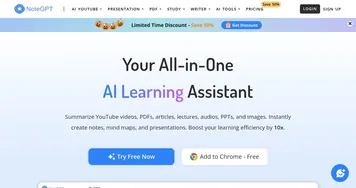
NoteGPT
NoteGPT - icon
NoteGPT
Summarizes content, creates notes, and boosts learning with AI-powered tools
Kapwing
Kapwing - icon
Kapwing
Transforms text or images into edited videos with AI-driven features
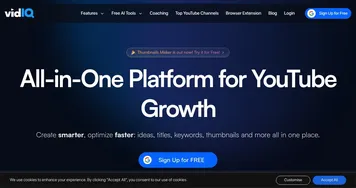
VidIQ
VidIQ - icon
VidIQ
Boosts YouTube channel growth with AI-driven analytics and optimization tools
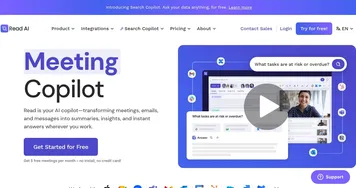
Read AI
Read AI - icon
Read AI
AI-generated summaries, transcripts, playback, and highlights to improve your meetings
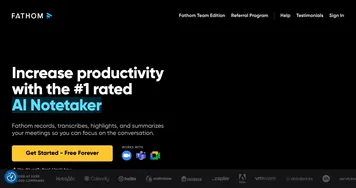
Fathom
Fathom - icon
Fathom
An AI assistant for recording, transcribing, highlighting, and summarizing your meetings
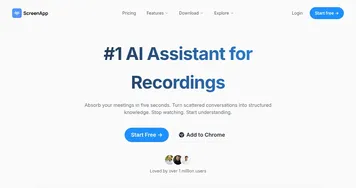
ScreenApp
ScreenApp - icon
ScreenApp
Transforms screen recordings into searchable AI transcripts and summaries
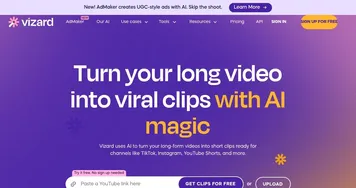
Vizard
Vizard - icon
Vizard
Turn long videos into shorter, social-ready clips with AI
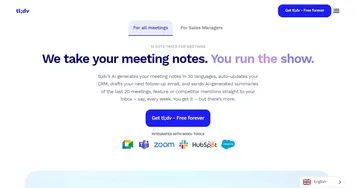
tl;dv
tl;dv - icon
tl;dv
AI tool that automatically transcribes, takes notes, and summarizes meetings
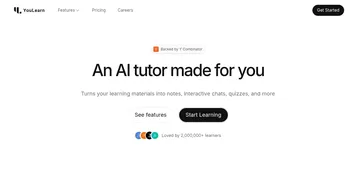
YouLearn
YouLearn - icon
YouLearn
An AI-powered educational platform designed to enhance the learning experience
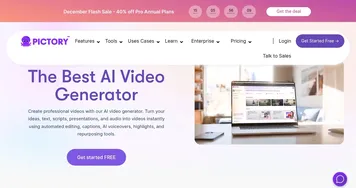
Pictory
Pictory - icon
Pictory
An AI text to professional video creation tool
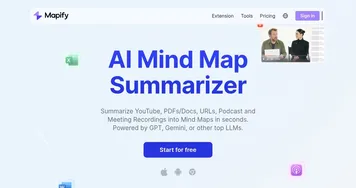
Mapify
Mapify - icon
Mapify
An AI-powered tool designed to enhance the efficiency of generating mind maps
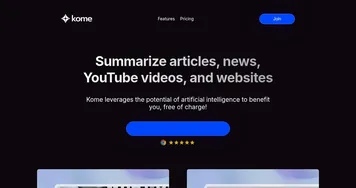
Kome AI Summarizer
Kome AI Summarizer - icon
Kome AI Summarizer
Condense lengthy content into concise summaries with the help of AI
Mindgrasp
Mindgrasp - icon
Mindgrasp
AI learning assistant that creates notes and answers questions from documents, videos, and more

Frequently Asked Questions

What is the best AI video summarizer?
The best AI video summarizer depends on the source. NoteGPT is popular for YouTube videos and lectures, Read AI and Fathom focus on summarizing meetings and calls, and Kapwing pairs summaries with editing tools. Many people pick based on whether they summarize content they watch or meetings they attend.
How do AI video summarizers work?
AI video summarizers first transcribe the spoken audio into text, then a language model condenses that transcript into key points, a short paragraph, or chapter markers. Because they work from the words, accuracy depends on clear speech. They capture what was said well but miss meaning carried only by visuals on screen.
Can AI summarize a YouTube video?
Yes, many AI summarizers accept a YouTube link and return key points within seconds by reading the video's captions or transcript. You get a written overview, often with timestamps so you can jump to the parts that matter. This works best for talks and tutorials where the value is in the spoken content.
Are AI video summarizers accurate?
AI video summarizers are reliable for clear, single-speaker audio and capture the main ideas well. Accuracy drops with poor sound, heavy accents, or technical jargon, and a summary naturally compresses detail, so nuance can be lost. For anything important, treat the summary as a starting point and verify against the original.
Are AI video summarizers free?
Many AI video summarizers offer a free tier that covers a limited number of videos or minutes per month. Paid plans raise those limits and add features like longer videos, bulk processing, and export options. For occasional use the free tiers are often enough, so it's worth testing one before paying.