
Best AI YouTube Tools
42 toolsRanked by traffic
AI YouTube tools help creators grow and run a channel: they research keywords, optimize titles and tags for search, score thumbnails, and turn long uploads into short clips for Shorts. The category spans channel-growth suites like VidIQ and TubeBuddy, clipping tools like Opus Clip and 2short.ai, and influencer research like Favikon.
YouTubers reach for these to spend less time guessing and more time publishing. The honest split is between growth and SEO tools that tell you what to make and how to title it, and repurposing tools that cut one video into many. A keyword tool won't edit your footage, and a clipping tool won't fix a weak topic. Most channels end up running one of each, plus whatever editor they already like.

VidIQ
Boosts YouTube channel growth with AI-driven analytics and optimization tools
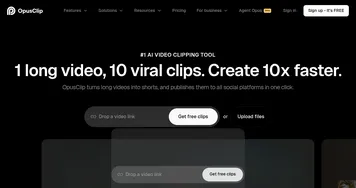

Opus Clip
A generative AI video creation tool that repurposes long videos into shorts
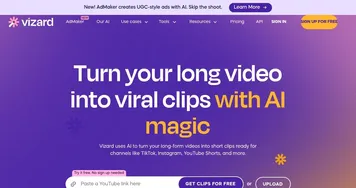

Vizard
Turn long videos into shorter, social-ready clips with AI
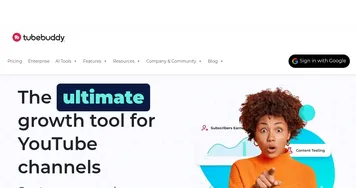

TubeBuddy
An AI tool that will help you create, manage, and grow your YouTube channel


Favikon
Аn AI marketing platform that streamlines discovering, analyzing, and managing influencers
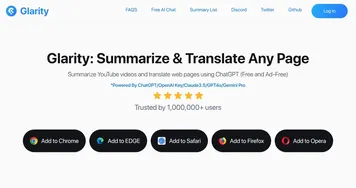

Glarity
An online tool that provides concise summaries of content across different platforms

quso.ai
Quickly make social ready short clips from your long videos with AI
2short.ai
Extracts the best moments of your videos and turns them into short clips
Klap
Make short videos for TikTok, Reels, and YouTube Shorts 10x faster
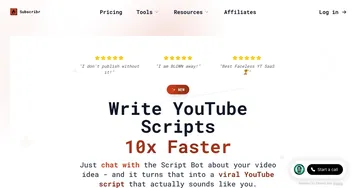
Subscribr
Creates engaging YouTube scripts with AI-driven research and optimization
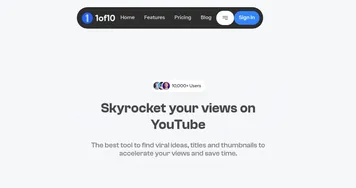
1of10
Generates viral YouTube video ideas, titles, and thumbnails to boost channel growth

Eklipse
An AI tool that generates short clips with highlights from longer videos

Eightify
An AI-powered tool that creates concise, multilingual summaries of YouTube videos.


Video Highlight
Summarizes videos instantly with timestamped transcripts, insights, and interactive chat
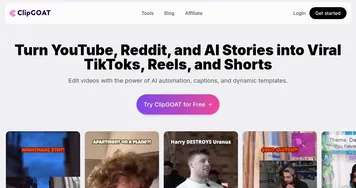

ClipGOAT
Transforms long videos into viral short-form clips for social media in seconds
Frequently Asked Questions
What is the best AI tool for YouTube?
The best AI tool for a YouTube channel depends on your bottleneck. VidIQ and TubeBuddy lead for keyword research, title ideas, and competitor tracking, while Opus Clip and 2short.ai are stronger for turning long videos into Shorts. Many creators run a growth suite alongside a separate clipping tool.
Can AI help grow a YouTube channel?
AI can help a YouTube channel grow by surfacing topics people are searching for, suggesting titles and tags that match those queries, and flagging which thumbnails tend to earn clicks. It speeds up the research and packaging work, but the watch time that actually drives growth still comes from the video itself.
How do AI YouTube SEO tools work?
AI YouTube SEO tools analyze search volume, competition, and how existing videos rank for a keyword, then recommend titles, tags, and descriptions built around terms viewers actually type. They pull data from YouTube and their own indexes to estimate which topics are worth making and how to package each upload for discovery.
Are AI tools for YouTube free?
Most AI YouTube tools offer a free tier with limited keyword lookups or a small number of clips per month, then charge for full access. Paid plans typically unlock unlimited research, bulk clipping, and analytics. Trying the free versions first is the easiest way to see which fits your workflow.
Is a YouTube SEO tool the same as a YouTube summary tool?
No, they serve opposite users. A YouTube SEO tool helps creators get their own videos found, optimizing titles, tags, and thumbnails for search. A YouTube summary tool helps viewers skip watching by condensing someone else's video into key points. One is for publishing, the other is for consuming.