Frequently Asked Questions
What does an AI meeting recorder do?
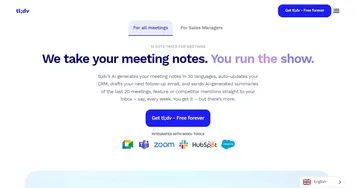
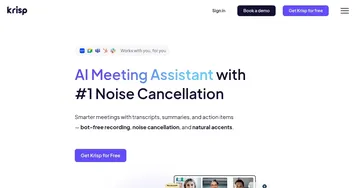
An AI meeting recorder joins or captures your call, records the audio and often the video, then transcribes and summarizes it automatically. It produces a recap with key points, decisions, and action items, plus a searchable transcript. The goal is to let you focus on the conversation and walk away with reliable notes you did not have to type.
What is the best AI recording tool for meetings?
It depends on your workflow. Otter.ai is strong for shared, searchable meeting notes, Fathom is popular for fast automatic summaries and CRM syncing, and Loom suits screen recordings with narration. For in-person conversations rather than video calls, a dedicated recording device with AI summaries fills the gap that call bots cannot.
Can AI summarize a recorded meeting?
Yes, summarizing is the core feature of AI recording tools. After the call they generate a concise recap with the main topics, decisions, and follow-up tasks, often assigning owners to action items. The summary links back to the transcript, so you can jump to the exact moment something was said to confirm the detail.
Do AI recorders need everyone's permission?
Recording laws vary by region, and some places require consent from everyone on the call. Most AI recorders join visibly and can announce that recording has started, which keeps things transparent. As a rule, tell participants you are recording, both to stay on the right side of the law and to maintain trust.
Can AI record my screen, not just audio?
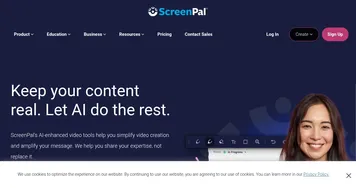
Yes, several AI recording tools capture your screen along with voice narration, which is ideal for demos, tutorials, and async updates. They transcribe the narration and let viewers skim or search the recording. Some also trim filler and generate a summary, so a quick walkthrough becomes a tidy, shareable clip without manual editing.