Camtasia by TechSmith
Records and edits professional-quality videos with ease
Camtasia is a screen recording and video editing software by TechSmith designed for creating professional tutorials, demos, and marketing videos. It supports 4K screen capture, multi-track editing, and AI-powered tools like Camtasia Rev for layout adjustments and text-to-speech with over 200 voices. The software runs on Windows 10/11 and macOS 13 or later, requiring at least 8GB RAM and 4GB disk space. Its drag-and-drop interface simplifies adding transitions, annotations, and effects, while a library of royalty-free assets enhances projects. Pricing includes a free version with a watermark and paid plans (Essentials, Create, Pro) with increasing features like AI script generation and collaboration tools.
The software excels in ease of use, with an intuitive timeline for layering media and tools like cursor effects to highlight screen actions. Camtasia Rev streamlines layout design, and audio cleanup removes background noise effectively. It supports PowerPoint imports and iOS device capture, making it versatile for educators and businesses. Compared to Adobe Premiere Pro, which offers advanced editing for filmmakers, or ScreenPal, a lighter alternative, Camtasia balances accessibility and power. Its pricing is moderate, sitting between free tools and high-end suites.
Drawbacks include the free version’s watermark, which limits professional use, and high system requirements that may challenge older hardware. The online version lacks the desktop app’s full functionality, and large projects can slow performance. Some users report occasional bugs, though TechSmith provides responsive support. The AI features, while useful, sometimes produce less accurate translations or scripts.
Camtasia’s asset library, with millions of stock photos and videos in the Pro plan, is a standout, as is the ability to export captions in multiple formats. Collaboration features in the Pro plan allow team feedback, ideal for business settings. The software supports dynamic captions and ADA-compliant subtitling, enhancing accessibility.
To maximize Camtasia, try the free version to test core features. Use tutorials on TechSmith’s site to learn advanced tools like motion paths. Ensure your hardware meets requirements, and consider the Create or Pro plan for watermark-free exports and AI enhancements.
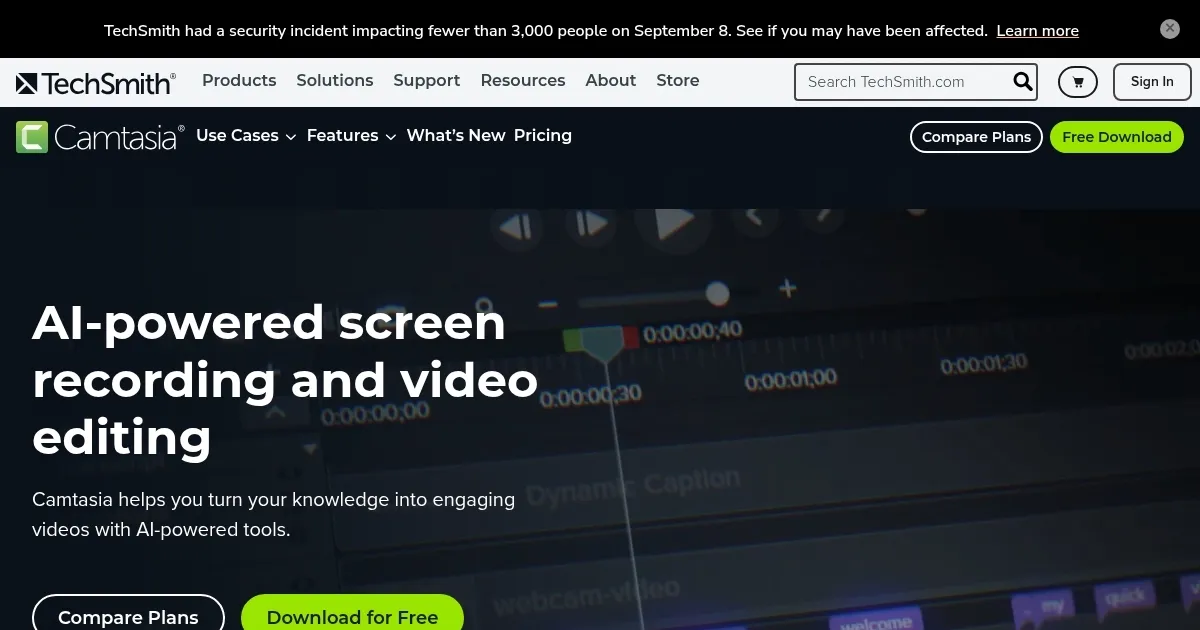
Homepage Screenshot 📸
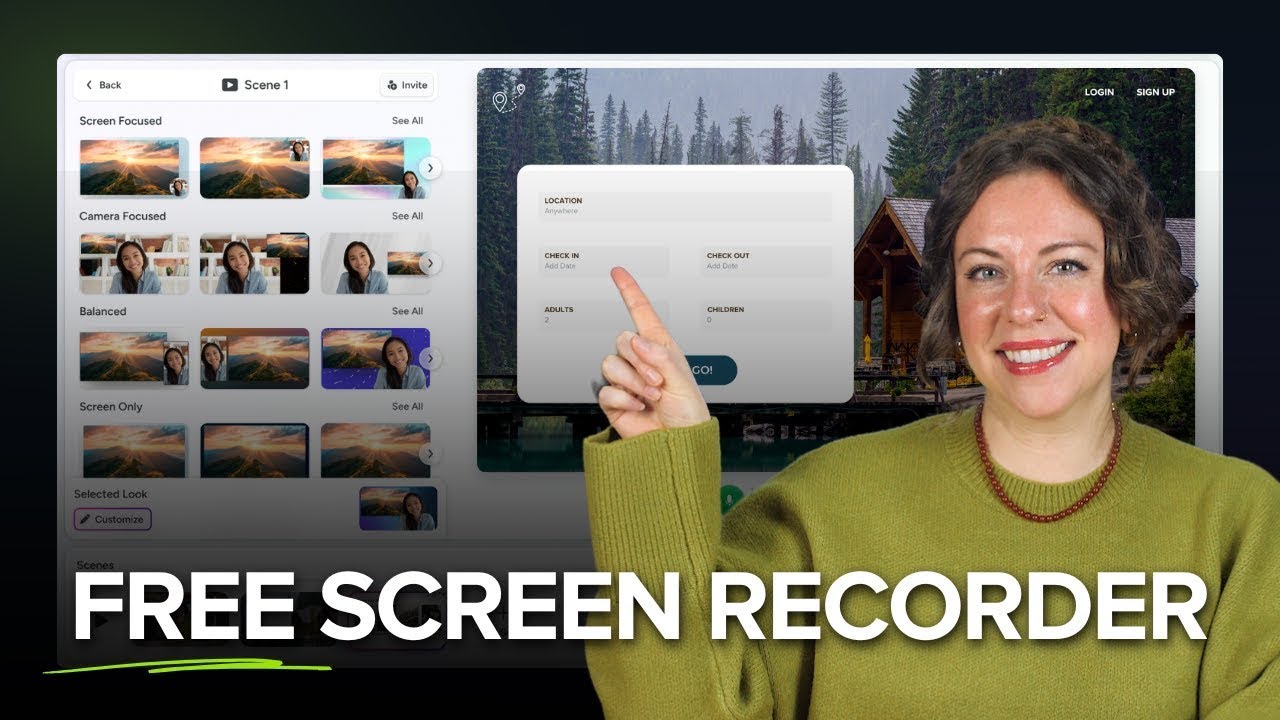
Video Overview 🎬
What are the key features? ✨
- Screen Recording: Captures screen, webcam, and audio in up to 4K resolution.
- Camtasia Rev: AI-powered tool adjusts video layouts instantly for quick design.
- Text-to-Speech: Offers over 200 AI-generated voices for narration.
- Asset Library: Provides royalty-free music, icons, and video clips for projects.
- Dynamic Captions: Auto-generates animated captions synced to narration.
Who is it for? 🤔
Examples of what you can use it for 💡
- Teacher: Records interactive lessons with annotations to engage students.
- Marketer: Creates product demos with dynamic captions for social media.
- Trainer: Builds onboarding videos with AI-generated narration for clarity.
- Content Creator: Edits tutorials with stock assets for a professional look.
- Business Owner: Collaborates on team training videos with review features.
Pros & Cons ⚖️
- Rich library of stock assets
- AI tools speed up editing
- Supports 4K screen recording
- Free version has watermark
- Online version lacks depth
FAQs 💬