Best AI Content Repurposing Tools

100 toolsRanked by traffic

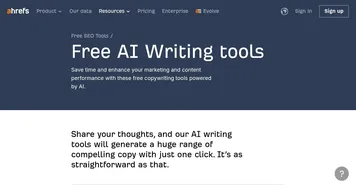
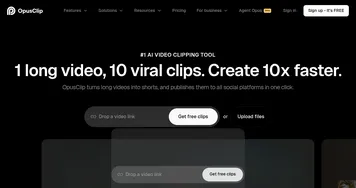
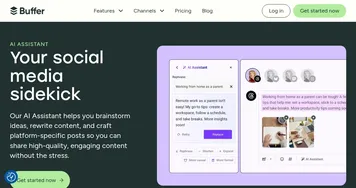
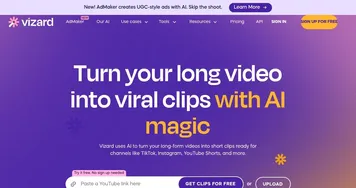
AI content repurposing tools turn one piece of content into many formats, taking a blog post, video, or podcast and reshaping it into social posts, short clips, newsletters, and summaries. Video-to-clip tools like Opus Clip and Vizard pull highlight reels from long footage, while writers like Ahrefs AI writing tools and schedulers like Buffer AI Assistant spin one article into a week of posts.

Creators and lean marketing teams lean on these because making something once and publishing it five ways beats starting from scratch on every channel. When you're picking a tool, match it to your source material: clip tools for video, text tools for articles. The output usually needs a quick human edit so each version fits the platform and audience, but the heavy lifting of reformatting is what you're buying back.
beehiiv AI
beehiiv AI - icon
beehiiv AI
A set of AI-powered tools for newsletter operators, enabling them to produce better content with less effort
Ahrefs AI writing tools
Ahrefs AI writing tools - icon
Ahrefs AI writing tools
Enhance your marketing and content performance with Ahrefs' free copywriting tools powered by AI
Opus Clip
Opus Clip - icon
Opus Clip
A generative AI video creation tool that repurposes long videos into shorts
Buffer AI Assistant
Buffer AI Assistant - icon
Buffer AI Assistant
An advanced tool for streamlining social media content creation
Vizard
Vizard - icon
Vizard
Turn long videos into shorter, social-ready clips with AI
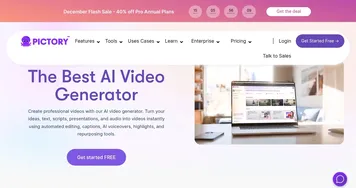
Pictory
Pictory - icon
Pictory
An AI text to professional video creation tool
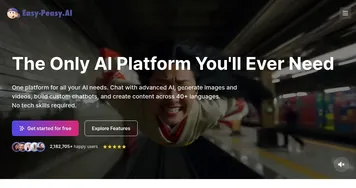
Easy-Peasy.AI
Easy-Peasy.AI - icon
Easy-Peasy.AI
AI-powered content creator for blog posts, social media, product descriptions, and more
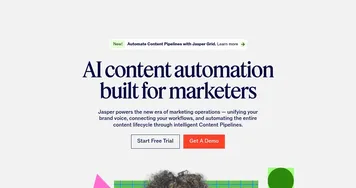
Jasper
Jasper - icon
Jasper
Automates content creation for marketers, ensuring brand consistency
AISEO
AISEO - icon
AISEO
The undetectable AI writing assistant for your site, blog, and more
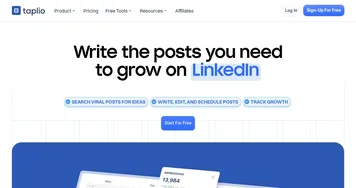
Taplio
Taplio - icon
Taplio
A LinkedIn assistant that helps create content, schedule posts, and grow your personal brand
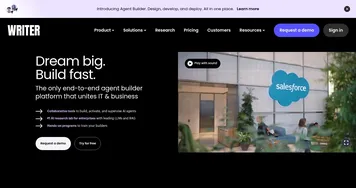
Writer
Writer - icon
Writer
An enterprise AI platform that hosts a suite of writing tools for business
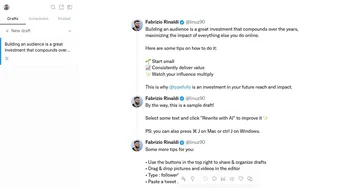
Typefully
Typefully - icon
Typefully
Write better tweets and grow your audience powered by AI
Goldcast
Goldcast - icon
Goldcast
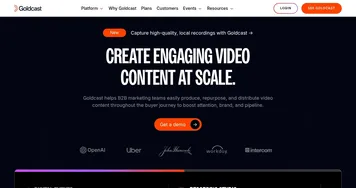
An AI-powered video campaign platform for marketers for creating engaging videos
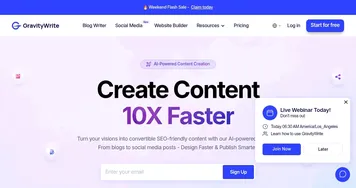
GravityWrite
GravityWrite - icon
GravityWrite
Create blogs, ad copies, emails, social media posts, and more in seconds
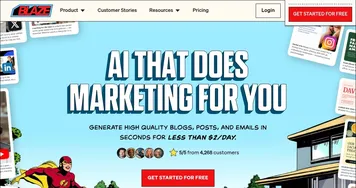
Blaze AI
Blaze AI - icon
Blaze AI
An AI-powered tool for managing content creation and marketing tasks

Frequently Asked Questions

What does an AI content repurposing tool do?
An AI content repurposing tool takes one finished piece and reformats it for other channels. It can cut a long video into vertical clips, turn a blog post into a thread or carousel, or pull a podcast episode into quotes and show notes. The goal is more reach from work you already did.
How do I turn a long video into short clips automatically?
You upload the video to a clip tool like Opus Clip or Vizard, and it scans for the most engaging moments, then exports them as captioned vertical clips ready for TikTok, Reels, or Shorts. You review the picks, trim a few seconds, and adjust captions before posting. The detection is fast but not flawless.
Can AI repurpose a blog post into social media content?
Yes, AI can break a blog post into social posts, threads, and short summaries in seconds. You paste the article or link, choose the platforms, and the tool rewrites the key points to fit each format and length. A quick edit to add personality and a strong hook makes the difference between filler and engagement.
Is repurposing content with AI considered duplicate content?
Repurposing is not duplicate content when each version is genuinely rewritten for its format and platform. Search engines and social algorithms reward content shaped for their medium, so a thread, a clip, and an article from the same idea read as distinct. Copying identical text across channels is what causes problems.
Does repurposed AI content need editing?
Repurposed AI content almost always needs a light edit before it goes out. The tool handles the reformatting, but it can miss platform conventions, flatten your voice, or pick a weak clip. A minute spent fixing the hook, tightening captions, and confirming the message still lands keeps quality consistent across every channel.