Google Lens Homework by Google
A mobile app that uses AI to help students by providing visual explanations of concepts
Formerly called Socratic, Google Lens’ Homework feature uses the search giant’s powerful AI technology to help students understand their school work at a high school and university level.
Simply ask Google Lens Homework a question and the app will find the best online resources for you to learn the concepts. It supports most high school subjects, such as science, math, literature, and social studies — with more being added all the time.
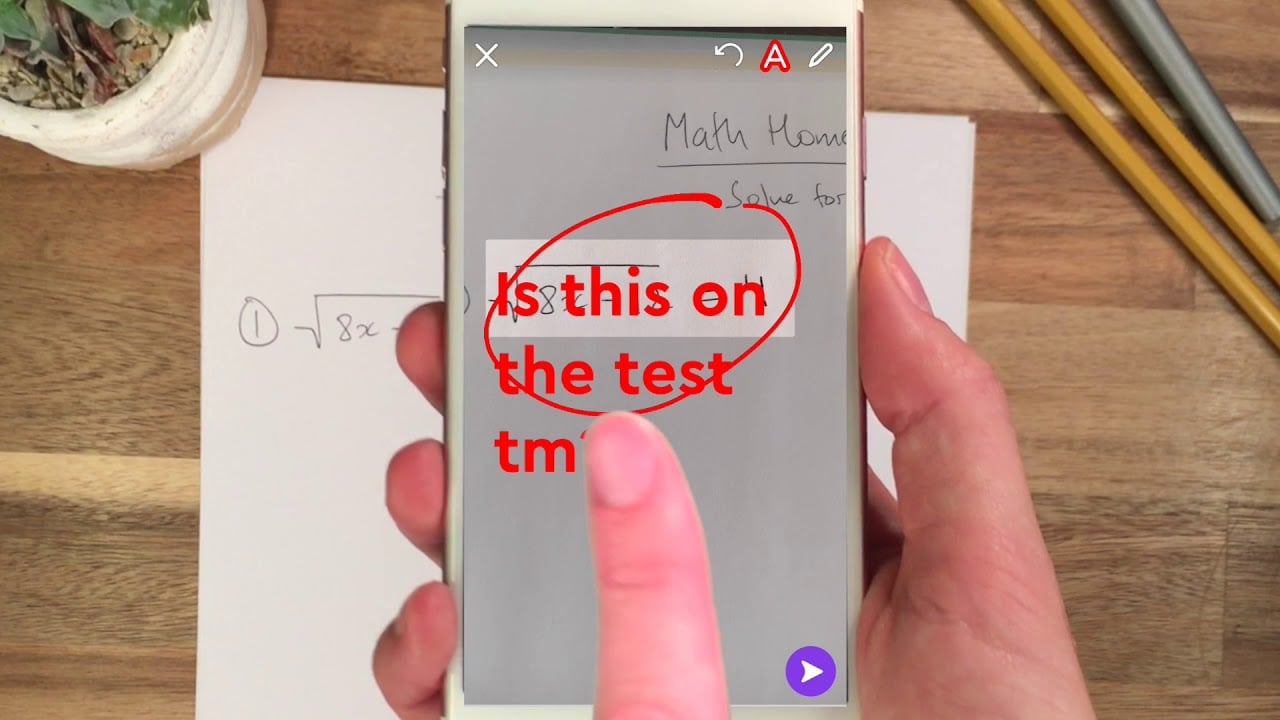
The cool thing is that you don’t have to type it all. Instead, you can use your voice or camera to connect to online resources and understand any problem.
Once it understands the subject, Google Lens will help you find videos, step-by-step explanations, and everything else that will help you learn subjects at your own pace.
It’s not a generic search, mind you — Google partnered with teachers and experts to bring visual explanations to Google Lens, making it easier to learn the concepts behind any problem.
In a nutshell, this is one mobile app every student should have installed on their smartphones.
Homepage Screenshot 📸

Video Overview 🎬
What are the key features? ✨
- Your mobile tutor: Google Lens is your very own mobile tutor waiting to answer any question you may have or provide a detailed explanation for any problem. Just fire up the app, and get instant answers, explanatory videos, and more.
- You don't have to type: Instead of typing information on your phone, you can use your voice and camera and let Google Lens figure out what you need. And it works, with the underlying AI tech figuring out what your problem is and returning relevant answers.
- Many subjects supported: The app includes support for subjects such as Algebra, Geometry, Trigonometry, Calculus, Biology, Chemistry, Physics, Earth and Environmental Science, US and World History, and Literature.
- Developed with teachers: Google partnered with teachers and experts to make learning with Google Lens that much easier. In that sense, the app is bursting with visual explanations that make it easier to learn the concepts behind any problem.
- Students love it: The app's rating in the Apple AppStore is 4.9, based on almost half a million ratings. (September 2023 numbers)
Who is it for? 🤔
Examples of what you can use it for 💡
- Get explanations for concepts you don't understand
- Scan the math problem and let Google Lens explain the solution to you
- Go deeper into subjects you care about
- Ask any question related to your homework
- Get better grades
Pros & Cons ⚖️
- It's like having your own AI tutor in your pocket
- Using your voice and camera to get answers is cool
- All popular subjects are covered by Google Lens
- At the moment, it's an English-only app
FAQs 💬
Ready to try Google Lens Homework?
A mobile app that uses AI to help students by providing visual explanations of concepts
Visit Google Lens Homework