Best AI Image Translation Tools
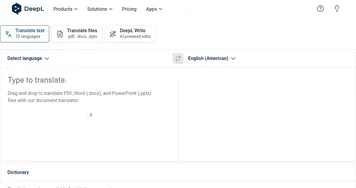
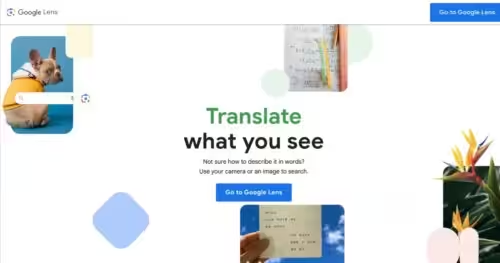
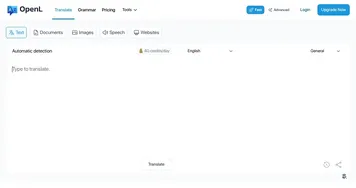
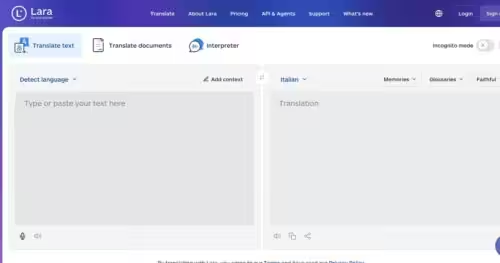
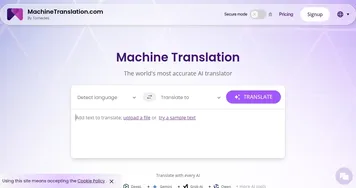
AI image translation tools translate the text inside a picture, like a sign, a menu, a screenshot, or a scanned page, by reading the words with optical character recognition and swapping in the translation. The category includes broad translators with image support like DeepL and OpenL, the camera-based Google Lens Homework, and comic localizers like Inkr.
Travelers point a camera at a foreign menu, and students photograph a textbook page to read it in their own language. When you're choosing one, what matters is how well the tool reads text from a photo, since blurry shots, handwriting, and unusual fonts trip up the recognition step. The best tools overlay the translation right on the image so it reads in context, while simpler ones just give you the translated text on its own.