Skip to content
logo-darklogo-darklogo-darklogo-dark
  • Tool Categories
    • 🎨Art & Creative Design505
    • 🏢Business Management644
    • 💻Coding & Development514
    • 👮Detection83
    • 🧠General Use728
    • 🏥Health & Wellness55
    • 📷Image & Photo Analysis100
    • 🖼️Image Generation & Editing618
    • 📐Interior & Architectural Design37
    • 🎓Learning & Education483
    • ⚖️Legal & Finance90
    • 🎭Lifestyle & Entertainment236
    • 📢Marketing & Advertising627
    • 🎧Music & Audio138
    • 👔Office & Workplace1,014
    • 🔬Research & Data Analysis373
    • 👥Social Media245
    • 🎥Video Generation & Editing426
    • 👧🏻Virtual Companion135
    • 🎤Voice Generation & Editing381
    • ✍️Writing & Editing808
    • All Categories
    • AI Use Cases
  • News
  • Events
    • Academic Conferences
    • Developer Conferences
    • Expos / Trade Shows
    • Industry Summits
    • Workshops / Training
    • All Events
    • Past Events
  • Saved Tools
  • Suggest a Tool
    ✕
    Home › Learning & Education › Translation› OpenL
    OpenL

    OpenL by MagickPen

    An AI-powered translation software that supports more than 100 languages

    OpenL is an AI-powered translation software that supports more than 100 languages, including English, Chinese, Japanese, Arabic, French, German, Hebrew, and Indonesian, making it ideal for professional translations.

    The tool relies on AI and machine learning tech to deliver accurate translations and provide content creation assistance, grammar correction and language learning features.

    Beyond basic text, OpenL can also translate documents in the most popular formats, as well as PNG and JPEG images. Yes, it will help you understand what’s written on that poster you were looking at.

    OpenL’s free account provides 20 trial credits per day, which can be used without logging in. For more credits, you can purchase a subscription account — which at the time of writing (October 2023) was selling for $7.9/month, with discounts being offered for students.

    Finally, there is a writing assistant, MagickPen, which is offered through a dedicated website.

    Visit OpenL ↗
    Categories
    🎓 Education
    🈸 Translation 🗣️ Language Learning 🌍 Image Translation
    ✍️ Writing
    🤖 Writing Assistant 🔤 Grammar Checking

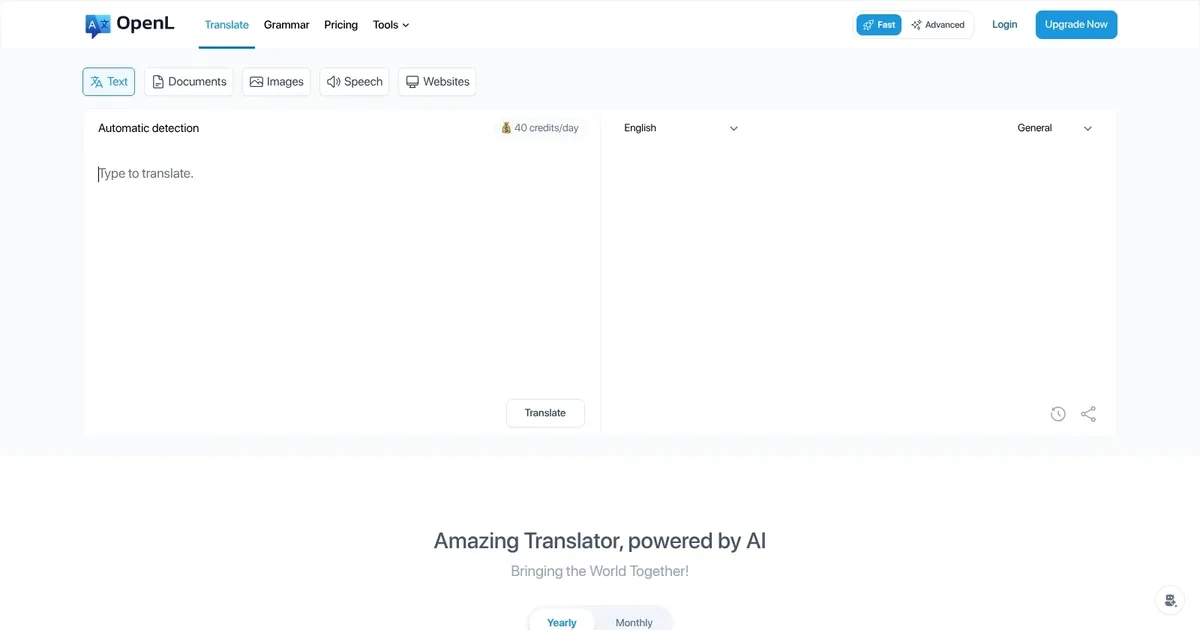
    Homepage Screenshot 📸

    OpenL screenshot

    What are the key features? ✨

    • Translate: OpenL supports more than 100 languages. You can either write or paste your text, upload a document (DOCX, PDF, MD, or SRT) or an image (PNG or JPEG), and get an instant translation of it.
    • Write: The tool also lets you write better, again in multiple languages. You can select a ton, including Normal, Formal, Joyful and Sad.
    • Grammar Fix: Or you can use it to fix your grammar. Just copy/paste text in the text field and let OpenL do its magic, starting with automatic detection of the written text.
    • Learn: Type a word or phrase to learn about it. OpenL will again detect the language, but you can get the explanation in any language you want. And, as mentioned, there are 100+ languages supported.
    • Assistant: Made by OpenL's parent company, MagickPen, it is designed to write for you and you can use it to pen your articles, blog posts, modify your existing work, and more. It is powered by GPT.

    Who is it for? 🤔

    Like any other translation tool, OpenL will mostly be used by those working in a multinational environment where they have to deal with documents in different languages. However, considering the global nature of today's world - it could also find an audience among the general public. Beyond translation, OpenL could also prove helpful to bloggers and publishers, who could rely on it to improve their writing. It is one versatile and easy-to-use tool we advise you to try out.

    Examples of what you can use it for 💡

    • Translate any text, document or image in 100+ languages
    • Fix grammar in your text with ease
    • Write better with help from OpenL
    • Learn about new words and phrases in different languages
    • Get an AI assistant for writing

    Pros & Cons ⚖️

    • Free, high-quality translations in multiple languages
    • Better than Google Translate
    • Additional tools that will make your writing better
    • The free plan is somewhat limited

    FAQs 💬

    What is OpenL Translate, and what does it do?
    OpenL is an AI-powered translation tool that supports over 100 languages, translating text, images, documents, and audio with high accuracy. It also offers grammar correction and language learning features. Ideal for personal, academic, or professional use.
    What languages does OpenL support?
    It handles over 100 languages, including English, Spanish, Chinese, Arabic, French, German, and even niche ones like Ancient Greek and Emoji. Perfect for diverse translation needs.
    Can OpenL translate images or photos?
    Yes, OpenL extracts and translates text from images (JPG, PNG, WebP) in seconds, great for menus, signs, or screenshots. It ensures accuracy across 100+ languages.
    Does OpenL support document translation?
    Absolutely, it translates PDFs, Word, and PowerPoint files while preserving formatting. It’s a go-to for business contracts or academic papers.
    Is my data safe with OpenL?
    OpenL prioritizes privacy, deleting all translation data after processing. History stays in your local browser, not on their servers.
    Can OpenL help with grammar or writing?
    Yes, it includes AI grammar tools and writing refinement features, boosting your language skills for professional or academic work.
    Does OpenL offer a free version?
    You get 30 daily translation credits for free, no account needed, covering up to 1,500 characters per translation. Pro plans unlock more features.
    What’s the difference between Fast Mode and Advanced Mode?
    Fast Mode delivers quick translations for casual use, while Advanced Mode offers precise, detailed translations for professional or academic needs.
    Can OpenL translate speech or audio?
    Yes, it supports audio translation, including MP3 files, and offers text-to-speech for pronunciation practice. Great for language learners.
    Is OpenL suitable for businesses?
    Definitely, its neural AI ensures native-level accuracy for emails, presentations, or global communication, streamlining cross-border collaboration.

    Ready to try OpenL?

    An AI-powered translation software that supports more than 100 languages

    Visit OpenL ↗

    OpenL alternatives 🔗

    1. DeepL DeepL Delivers remarkably natural AI translations that capture nuance better than most rivals
    2. O.Translator O.Translator An AI-powered document translation tool that supports more than 30 file formats
    3. LanguageTool LanguageTool Checks grammar, spelling, and style across multiple languages
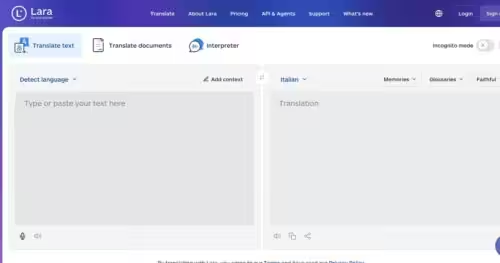
    4. Lara Lara Translates text and documents across 200 languages with contextual accuracy
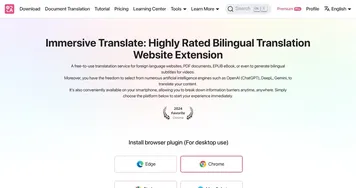
    5. Immersive Translate Immersive Translate A browser extension designed to break down language barriers by offering bilingual translations
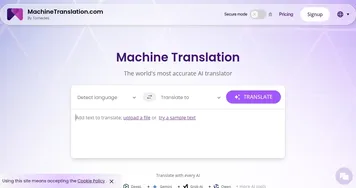
    6. MachineTranslation.com MachineTranslation.com An AI-powered platform designed to make language translation both accessible and efficient
    Share
    OpenL screenshot enlarged
    Best AI Tools

    Discover the best AI tools for any use case

    Explore
    • Tool Categories
    • AI Use Cases
    • AI Events
    • AI News
    • Saved Tools
    Company
    • About Us
    • Contact Us
    • Media & Partnerships
    • Suggest a Tool
    Legal
    • Privacy Policy
    • Terms of Service
    Copyright © 2026 Best AI Tools 415 Mission Street, 37th Floor, San Francisco, CA 94105