Photomath
Solves math problems using a smartphone camera, providing step-by-step explanations
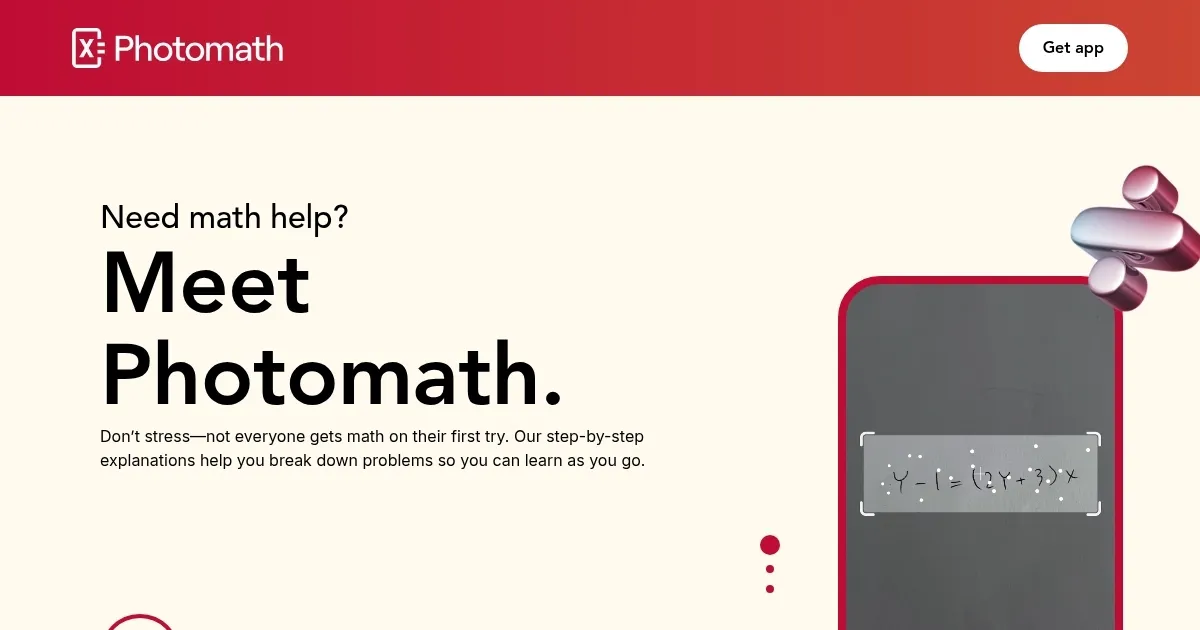
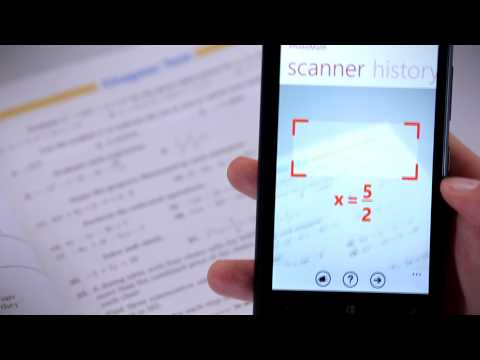
I downloaded Photomath yesterday, and it felt like cheating at first. I scribbled a quadratic equation on a napkin, snapped a photo, and bam — within seconds, the app laid out the solution like a roadmap, each step clear as day. Photomath, now a Google-owned gem, uses your phone’s camera to scan math problems, from simple fractions to tricky integrals, and delivers answers with detailed explanations. I tried it on a few algebra problems and a geometry proof, and I think it’s a game-changer for anyone who’s ever stared at a textbook in despair. The app’s like a friend who’s really good at math, always ready to help.
The “Steps” feature is where the magic happens. It doesn’t just solve; it teaches. For my quadratic, it showed factoring and the quadratic formula, with little notes explaining why each step works. The interactive graphs are a nice touch, too — seeing a parabola shift on-screen helped me visualize the problem better. I also played with the scientific calculator, which handles everything from logarithms to trigonometric functions. Photomath Plus, the paid version, adds deeper explanations and textbook solutions, but I found the free version solid for basic needs. One downside? My sloppy handwriting confused it once, forcing me to rewrite neater digits. Lighting matters, too — my dim desk lamp didn’t cut it.
What I love is how approachable it feels. The interface is clean, almost playful, with animations that make math less intimidating. It supports tons of math topics: algebra, geometry, calculus, even statistics. I tested a word problem about distance and time, and Photomath pulled the equation from the text like a pro. But it’s not flawless. Some users on X mention occasional hiccups with complex calculus problems, and I noticed the app leans on an internet connection, which could be a pain on the go. Also, if you’re not careful, it’s easy to lean on it too much instead of learning.
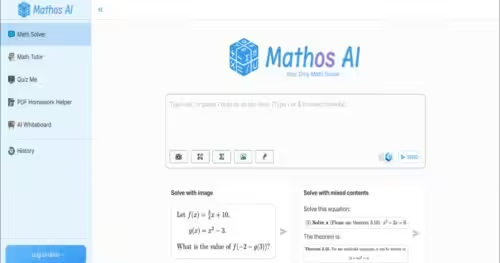
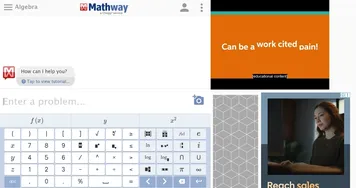
Against Mathway or WolframAlpha, Photomath shines for its photo-scanning ease. Mathway’s great for typed equations but feels clunkier, while WolframAlpha is a beast for advanced math but overkill for high schoolers. Photomath’s strength is its balance — simple enough for beginners, robust enough for college students. I was surprised by how well it handled my geometry proof, offering two solution paths I hadn’t considered.
For students, it’s a homework lifesaver. Parents can use it to keep up with their kids’ assignments. Teachers might find it a fun classroom tool, though some on Reddit warn about cheating risks. My advice? Use it to learn the steps, not just get answers. Play with the free version first, and keep your handwriting neat for best results. If you’re studying on the bus, make sure you’ve got Wi-Fi. It’s a tool that makes math feel doable, and that’s no small feat.
Homepage Screenshot 📸
Video Overview 🎬
What are the key features? ✨
- Steps: Breaks down solutions into clear, step-by-step explanations.
- Interactive Graphs: Visualizes functions like parabolas or trigonometric curves.
- Scientific Calculator: Handles complex operations like logarithms and exponents.
- Word Problem Solver: Extracts equations from text for detailed solutions.
- Multilingual Support: Offers functionality in over 30 languages for global use.
Who is it for? 🤔
Examples of what you can use it for 💡
- High School Student: Scans algebra homework to understand factoring steps.
- College Student: Uses interactive graphs to visualize calculus problems.
- Parent: Checks child’s geometry homework with step-by-step solutions.
- Teacher: Integrates app in class to demonstrate multiple solution methods.
- Self-Learner: Explores trigonometry concepts with detailed explanations.
Pros & Cons ⚖️
- Easy-to-use camera scanning
- Clear step-by-step solutions
- Free version is robust
- Struggles with sloppy handwriting
- Risk of misuse for cheating
FAQs 💬
Ready to try Photomath?
Solves math problems using a smartphone camera, providing step-by-step explanations
Visit Photomath