logo-darklogo-darklogo-darklogo-dark
  • Tool Categories
    • 🎨Art & Creative Design505
    • 🏢Business Management644
    • 💻Coding & Development515
    • 👮Detection83
    • 🧠General Use727
    • 🏥Health & Wellness55
    • 📷Image & Photo Analysis100
    • 🖼️Image Generation & Editing618
    • 📐Interior & Architectural Design37
    • 🎓Learning & Education483
    • ⚖️Legal & Finance90
    • 🎭Lifestyle & Entertainment236
    • 📢Marketing & Advertising627
    • 🎧Music & Audio138
    • 👔Office & Workplace1,014
    • 🔬Research & Data Analysis372
    • 👥Social Media245
    • 🎥Video Generation & Editing426
    • 👧🏻Virtual Companion135
    • 🎤Voice Generation & Editing381
    • ✍️Writing & Editing808
    • All Categories
    • AI Use Cases
  • News
  • Events
    • Academic Conferences
    • Developer Conferences
    • Expos / Trade Shows
    • Industry Summits
    • Workshops / Training
    • All Events
    • Past Events
  • Saved Tools
  • Suggest a Tool
✕
Home › General Use › Chatbot› Kimi
Kimi

Kimi by Moonshot AI

An AI assistant that can interpret images, analyze code, and provide real-time information

Kimi is a fancy platform that blends advanced language processing with multimodal capabilities. It can understand your words as well as interpret images, analyze code, and provide real-time information. That’s the essence of Kimi… But let’s look at the details.

Kimi’s multimodal processing makes it capable of handling text, images, and code simultaneously — which, in turn, makes it an AI companion for developers, researchers, and content creators. For instance, you can upload a complex diagram alongside a code snippet, and Kimi will seamlessly analyze both.

Speaking of coding, Kimi can understand and debug code across multiple languages. Moreover, it will also suggest optimized solutions to reduce the overall development time.

Lastly, we should mention Kimi’s performance in mathematical reasoning. It can provide step-by-step explanations, making it useful for understanding complex concepts and, consequently, a viable tool for various academic applications.

To sum it up, Kimi is a robust platform that integrates advanced language processing with multimodal capabilities. Its proficiency in handling diverse tasks, from coding to content creation, makes it a valuable tool for professionals and students alike.

Visit Kimi ↗
Categories
🧠 General
💬 Chatbot 🧠 Large Language Model 🤖 Assistant 🔍 Search Engine
✍️ Writing
🤖 Writing Assistant 📝 Summarizer
🎓 Education
❓ Answer 📰 Article Summarization
👔 Work
📕 PDF 📑 PDF Summarizer
🔬 Research
🔬 Research
💻 Coding
🤖 Code Assistant

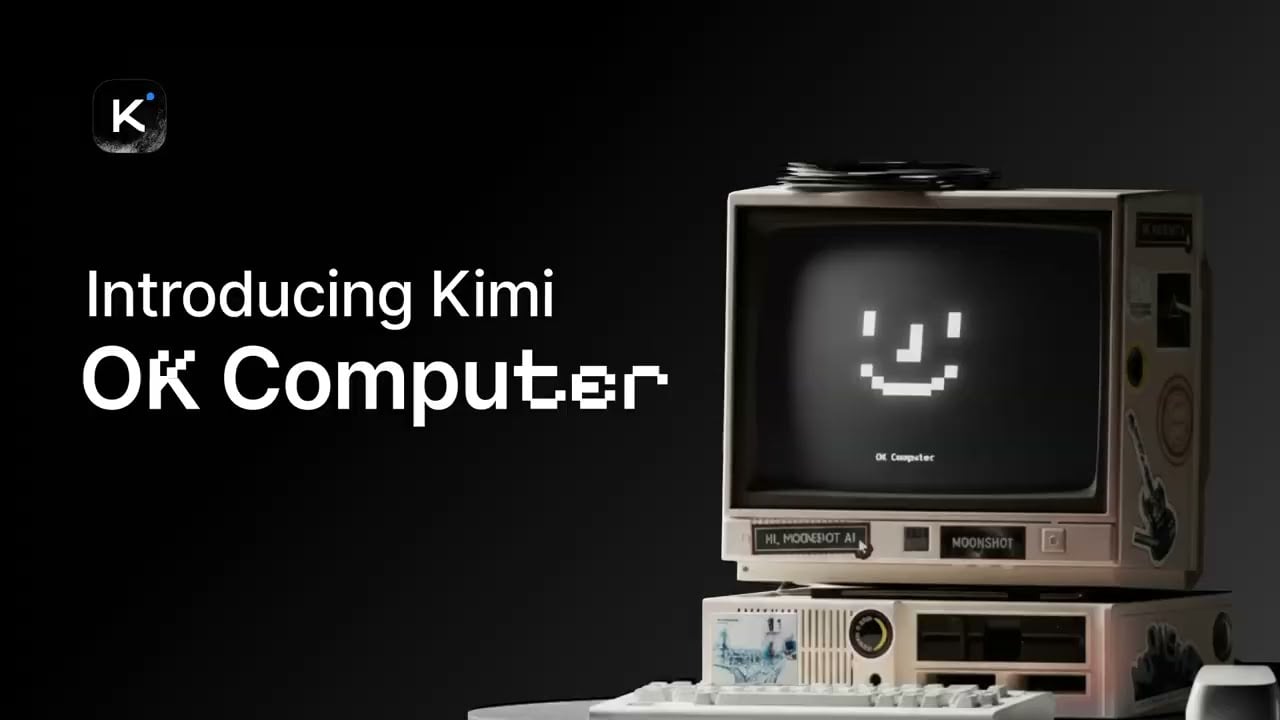
Homepage Screenshot 📸

Kimi screenshot

Video Overview 🎬

Kimi - Video Overview

What are the key features? ✨

  • Multimodal processing: Handles text, images, and code simultaneously, making it a versatile tool for diverse tasks.
  • Real-time web search: Accesses and retrieves up-to-date information from the internet to ensure responses are current and relevant.
  • Advanced code analysis: Understands, debugs, and optimizes code snippets across multiple programming languages.
  • Mathematical reasoning: Excels in solving complex mathematical problems with high accuracy.
  • Continuous learning: Utilizes reinforcement learning with human feedback to improve its performance over time.

Who is it for? 🤔

Kimi is primarily designed for students, educators, developers, content creators, and business professionals seeking an intelligent assistant to enhance productivity and efficiency. Its diverse capabilities cater to those requiring (or who could benefit from) assistance in coding, research, content generation, and data analysis. By integrating Kimi into their workflows, users can streamline tasks, access real-time information, and receive accurate, context-aware responses.

Examples of what you can use it for 💡

  • Students and educators can leverage Kimi for solving complex mathematical problems
  • Developers benefit from its ability to analyze, debug, and optimize code across various programming languages
  • Writers and marketers can use Kimi to generate ideas, draft content, and obtain real-time data
  • Professionals can analyze market trends, generate detailed reports, and extract insights from complex data
  • Researchers can process and summarize large volumes of text and data

Pros & Cons ⚖️

  • Supports multiple modalities, including text, images, and code
  • Real-time information retrieval
  • Exceptional performance in mathematical reasoning and coding tasks
  • Language limitations - certain nuances or idiomatic expressions may pose challenges

FAQs 💬

What is Kimi AI's core model?
Kimi AI runs on Kimi K2 Thinking, a 1T-parameter MoE model optimized for agentic tasks with 32B active parameters.
Is Kimi AI free to use?
Yes, the free tier provides unlimited chats and core features like long-context processing without token limits.
How does Kimi handle large files?
It supports uploads up to 100MB and 2 million characters, using RAG for analysis without truncation.
What makes Kimi's agentic capabilities unique?
It executes 200-300 tool calls autonomously via RL-trained reasoning, outperforming GPT-5 on Tau-Bench.
Can I fine-tune Kimi models?
Yes, open-source weights on Hugging Face allow fine-tuning under Modified MIT License for custom applications.
How does Kimi compare to ChatGPT in pricing?
Kimi's API costs $0.15/million input tokens, about 80 percent less than ChatGPT's premium rates.
Does Kimi support multimodal inputs?
It processes text, images, and files, with vision-language integration for tasks like chart generation.
What are Kimi's benchmark strengths?
It leads in agentic tool use (93 percent Tau-Bench) and research (69 percent xbench-DeepSearch).
Is Kimi available on mobile?
Yes, via iOS and Android apps with full syncing to web for seamless cross-device use.
How can I optimize Kimi for speed?
Use third-party hosts like Groq or vLLM inference; pro tiers reduce latency with priority queues.

Ready to try Kimi?

An AI assistant that can interpret images, analyze code, and provide real-time information

Visit Kimi ↗

Kimi alternatives 🔗

  1. ChatGPT ChatGPT All-round AI assistant generating human-like responses to user queries and tasks
  2. Gemini Gemini Generates responses from text, images, audio, and video inputs using advanced multimodal AI
  3. Claude Claude Assists users in reasoning, coding, writing, and analyzing data with advanced AI models
  4. Grok Grok Delivers witty, real-time AI responses with advanced reasoning and image generation
  5. DeepSeek DeepSeek Delivers advanced AI models for coding and reasoning at low costs
  6. Perplexity Perplexity Delivers cited AI answers from web searches instantly
Share
Kimi screenshot enlarged
Promote Kimi
light badge
Copy Embed Code
dark badge
Copy Embed Code
neutral badge
Copy Embed Code
Best AI Tools

Discover the best AI tools for any use case

Explore
  • Tool Categories
  • AI Use Cases
  • AI Events
  • AI News
  • Saved Tools
Company
  • About Us
  • Contact Us
  • Media & Partnerships
  • Suggest a Tool
Legal
  • Privacy Policy
  • Terms of Service
Copyright © 2026 Best AI Tools 415 Mission Street, 37th Floor, San Francisco, CA 94105