Whimsical Mind Maps
An AI-powered tool for the quick and collaborative creation of mind maps
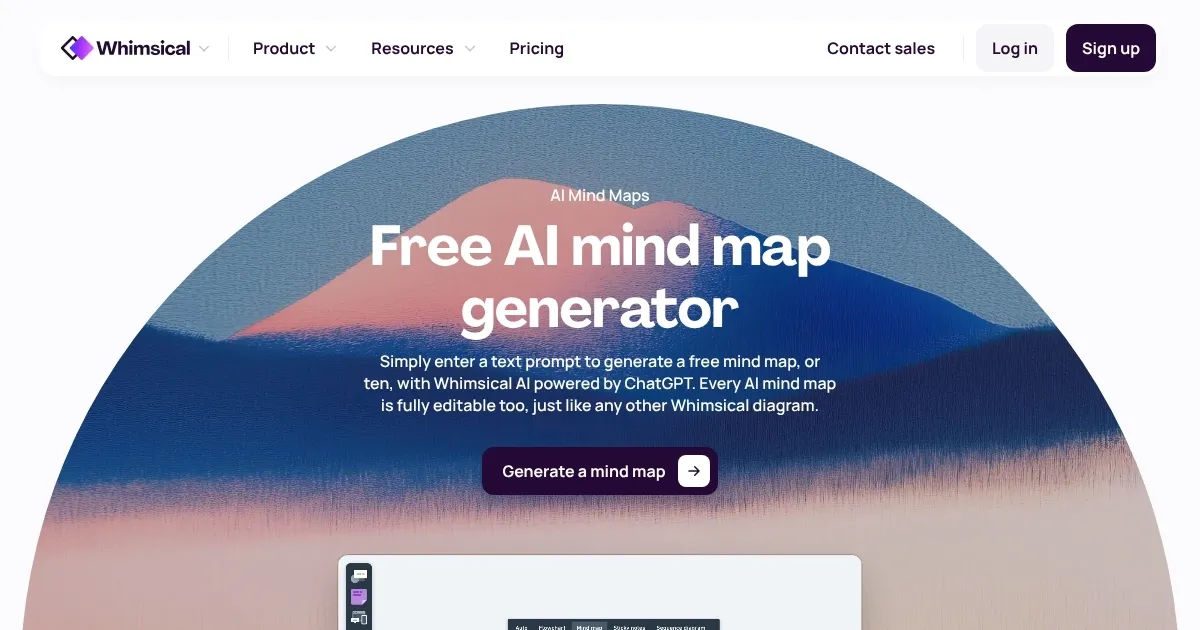
Whimsical AI has developed an innovative mind map maker to help users generate ideas and summarize information quickly and efficiently. With the assistance of artificial intelligence, this tool enables users to overcome mental blocks, streamline research processes, brainstorm new concepts, and broaden their creative thinking. Additionally, it offers the capability to summarize and compare web page content, as well as ask questions and receive structured answers all within a single platform.
Whimsical AI provides 100 AI actions free of charge, helping users in transforming text into visual mental models — which can significantly enhance the initial stages of drafting, project planning, or conceptual development.
Beyond mind mapping, Whimsical AI extends its utility through various productivity tools such as docs for shaping ideas and aligning teams, wireframes for building low-fidelity prototypes, and flowcharts for creating user flows and process diagrams.
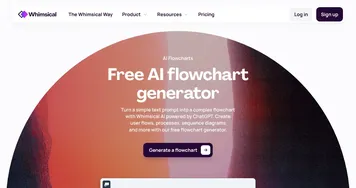
For users subscribed to ChatGPT Plus, Whimsical offers the integration of AI with flowcharts, mind maps, and sequence diagrams — promoting clarity and streamlined communication throughout various stages of workflow management.
Whether for data product design, engineering, marketing, or simple brainstorming, Whimsical AI provides a comprehensive suite of tools that align solutions within a single workspace, aiming to effortlessly get teams on the same page.
Homepage Screenshot 📸
Video Overview 🎬

What are the key features? ✨
- Idea generation: Generate new ideas and expand your thinking with AI assistance, making brainstorming sessions more productive.
- Summarization: Summarizes content from web pages into concise points so you can understand and compare information effortlessly.
- Structured answers: Provides clear and structured answers to your questions, simplifying complex topics.
- Integration: Seamlessly integrates with existing workflows, making it easy to incorporate AI-generated mind maps into your projects.
- Interactive visualization: Turns text into interactive mental models, allowing for better visualization of ideas.
Who is it for? 🤔
Examples of what you can use it for 💡
- Enhance brainstorming by generating diverse ideas quickly
- Summarize and compare information from multiple sources
- Organize and structure key points for more effective meeting agendas and discussions
- Aid in teaching and learning by breaking down complex topics into manageable parts
- Visualize project tasks and milestones, improving team alignment and project management
Pros & Cons ⚖️
- Makes it easy to create mind maps
- Could improve brainstorming sessions
- Also summarizes documents
- Onboarding could take some time
FAQs 💬
Ready to try Whimsical Mind Maps?
An AI-powered tool for the quick and collaborative creation of mind maps
Visit Whimsical Mind MapsWhimsical Mind Maps alternatives 🔗