Creately AI
An AI-powered tool that aims to revolutionize how users create and manage visual content
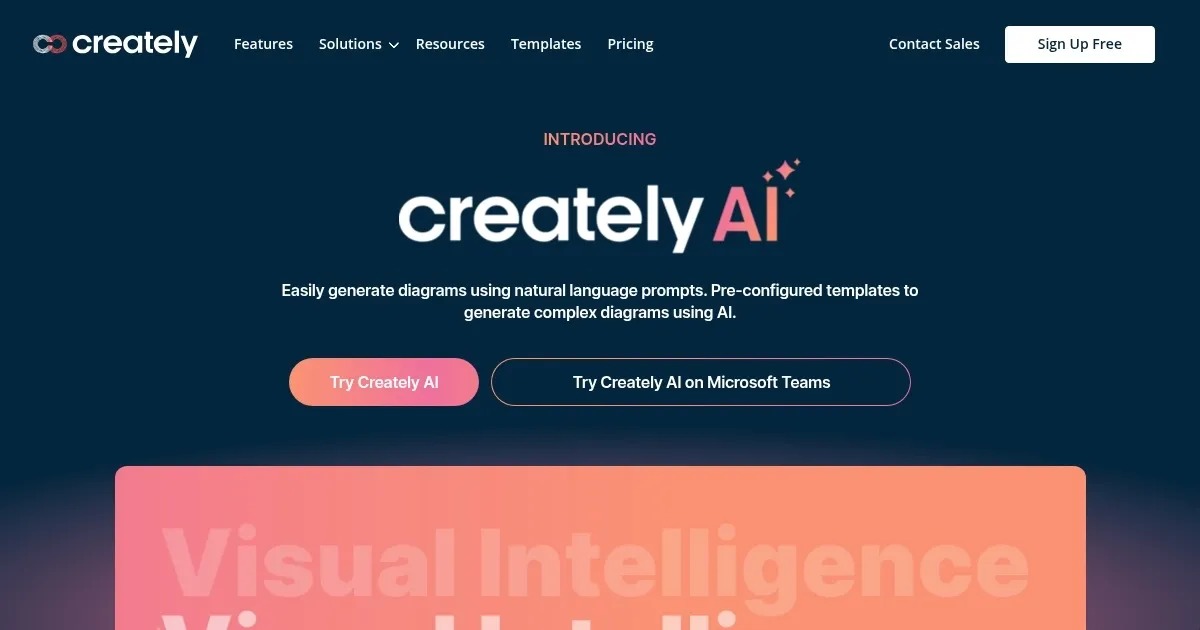
Formerly called Creately VIZ, Creately AI is a robust AI-powered tool that aims to revolutionize how users create and manage visual content. By leveraging AI, it allows users to generate various diagrams and visuals through simple text prompts. This makes the tool particularly useful for brainstorming sessions, as it swiftly transforms raw ideas into structured visual frameworks.
Creately AI supports a range of diagram types — including flowcharts, mind maps, and organizational charts — making it helpful for different professional needs.
The tool enables real-time collaboration, which is essential for remote and hybrid work environments. Users can share diagrams with team members, receive feedback, and make edits in real time — ensuring everyone is on the same page.
Creately AI integrates with popular tools such as Microsoft Teams, allowing users to integrate it into their existing workflows.
The tool can also convert designs into actionable items, categorize content, and provide summaries — which streamlines project management tasks. This automation then reduces the time spent on administrative tasks and allows users to focus on more strategic aspects of their projects.
So, whether you are a seasoned professional or a novice, Creately AI’s intuitive design ensures you can create high-quality visuals without a steep learning curve. And that matters.
Homepage Screenshot 📸
Video Overview 🎬

What are the key features? ✨
- Diagram with prompts: Easily create different diagrams using simple text prompts, making it accessible for users of all skill levels.
- Multi-perspective visualizations: Convert ideas into multiple diagram types and visual frameworks to see different perspectives and insights.
- Templates: Access hundreds of visual frameworks that generate insights to match your specific context, even if you're not an expert.
- Automate workflows: Transform ideas and designs into actionable items, automate task summaries, and categorize elements instantly.
- Real-time collaboration: Collaborate with your team in real time during meetings and brainstorming sessions, enhancing productivity and creativity.
Who is it for? 🤔
Examples of what you can use it for 💡
- Use AI to generate and organize ideas during team brainstorming
- Automatically create Kanban boards and flowcharts from meeting notes to keep projects on track
- Develop SWOT diagrams and business model canvases from strategic discussions to visualize and plan business growth
- Generate user journey maps from interview transcripts to improve product design and user satisfaction
- Create detailed process maps from text documents
Pros & Cons ⚖️
- Create charts and diagrams with text prompts
- Different kinds of diagrams are supported
- Great for brainstorming and project management
- I doubt existing Visio users will use it
FAQs 💬
Ready to try Creately AI?
An AI-powered tool that aims to revolutionize how users create and manage visual content
Visit Creately AICreately AI alternatives 🔗