Napkin AI
Turn text into visually engaging content like infographics, flowcharts, and diagrams
Napkin AI is a fancy tool designed to turn text into visually engaging content like infographics, flowcharts, and diagrams — making it a great choice for anyone looking to simplify complex information. Its primary use case is converting text data into visuals, making it much easier for users to convey ideas — especially in presentations, educational materials, or project workflows.
Napkin AI is easy to use and with just a few clicks, users can quickly input text and generate visually appealing graphics — making it accessible even for those without design skills.
The tool offers real-time collaboration capabilities, which enable teams to work together seamlessly. This makes it a great tool for project managers, educators, and businesses that rely on visual storytelling to communicate ideas. Multiple users can edit, comment, and contribute to a single project in real time — which helps streamline the brainstorming and content creation process. This collaborative feature works in a similar way to popular tools like Google Docs but with a focus on visual content.
Napkin AI also includes many customization options, allowing users to adjust everything from color schemes to layout designs. Furthermore, the AI-powered suggestions enhance the experience by offering insights based on the content to help users highlight key points effectively.
Napkin AI offers a free plan that includes essential features, but its more advanced capabilities — such as unlimited visuals and access to premium templates — are part of its paid plans.
In summary, Napkin AI is an excellent choice for anyone needing to convert ideas into visually engaging formats, especially in collaborative settings.
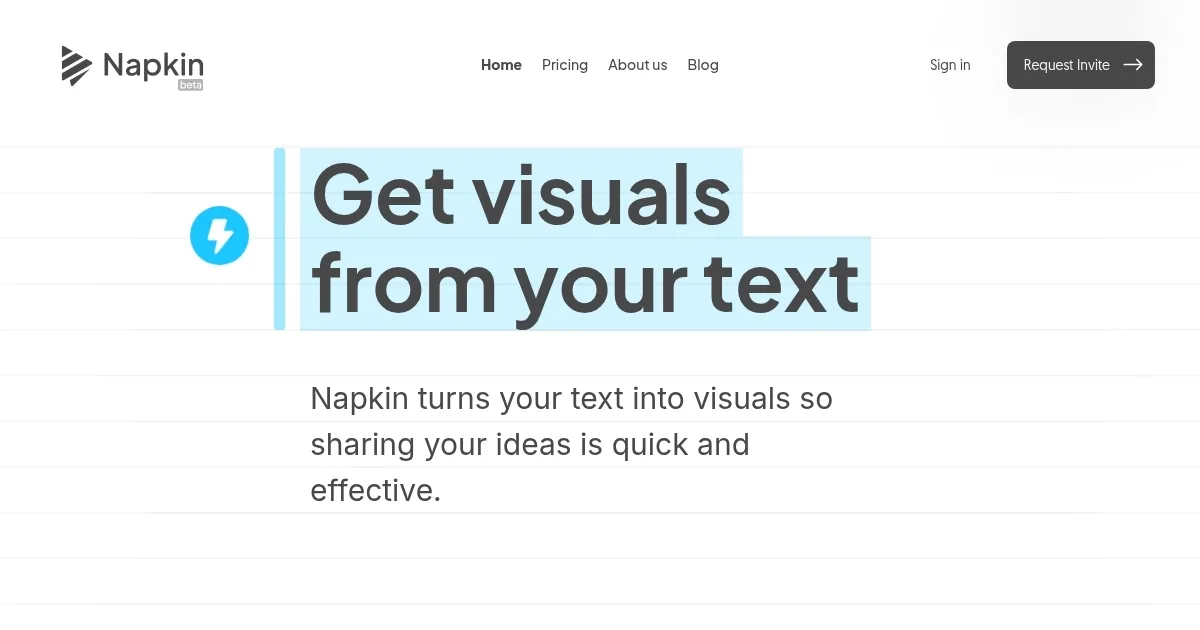
Homepage Screenshot 📸
Video Overview 🎬
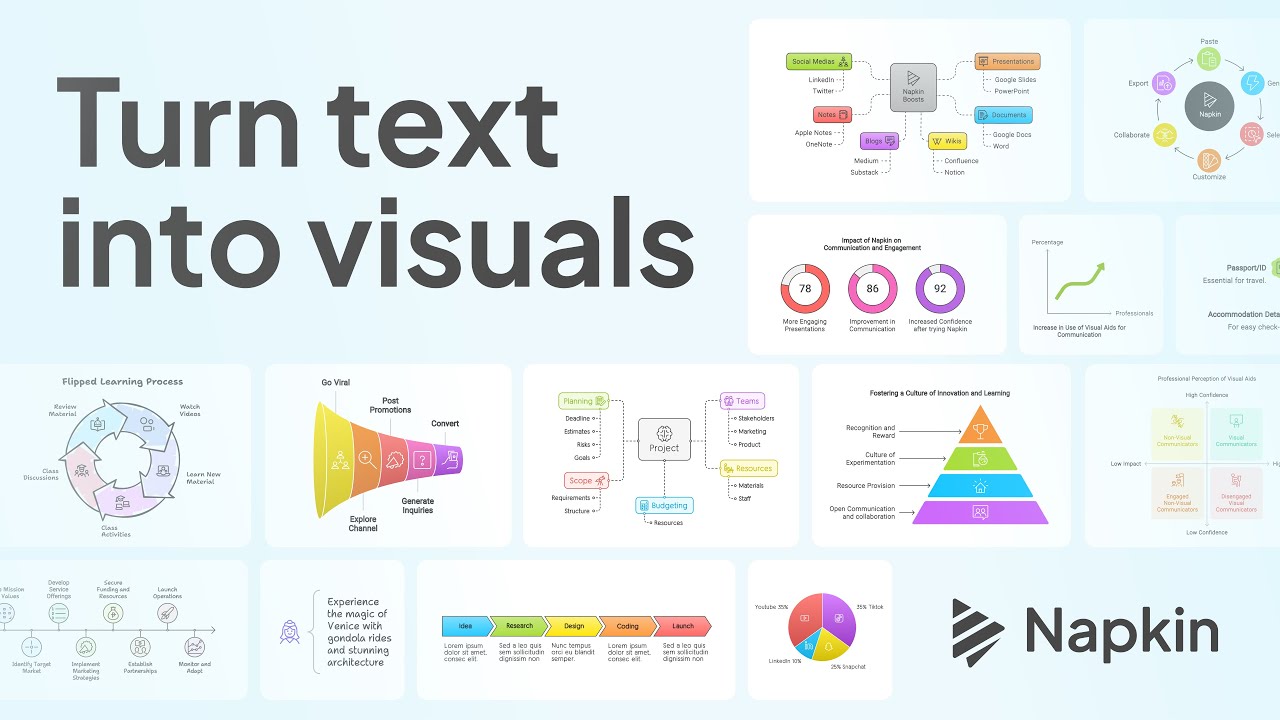
What are the key features? ✨
- Text-to-visual generation: Napkin AI lets you turn text into visuals like diagrams, charts, or images, automatically and quickly.
- Editable visuals: Customize every aspect of the visuals to match your needs, from colors to fonts and connectors.
- Wide export options: Export your visuals in various formats, including PNG, PDF, and SVG, for use anywhere.
- Icon library: Choose from an extensive icon database to enhance your visuals.
- Simple interface: Easy-to-use, without the need for complex prompts or commands.
Who is it for? 🤔
Examples of what you can use it for 💡
- Create engaging slides with visuals that explain ideas clearly
- Turn your written content into attractive, easy-to-understand visuals
- Generate visual content to capture the attention of your audience
- Simplify complex documents by adding visuals like flowcharts and diagrams
- Enhance eBooks or reports with visually appealing illustrations that summarize key points
Pros & Cons ⚖️
- Converts text into visuals quickly
- User-friendly for non-designers
- Automates diagram and chart creation
- Outputs might seem basic or generic
FAQs 💬
Ready to try Napkin AI?
Turn text into visually engaging content like infographics, flowcharts, and diagrams
Visit Napkin AINapkin AI alternatives 🔗