VideoProc by Digiarty
Enhances, converts, compresses, and edits videos with AI and GPU acceleration
VideoProc Converter AI is an all-in-one tool for video enthusiasts, packing a surprising array of tools into a single, intuitive package. I think it’s the kind of software that makes you wonder how you managed without it, especially if you’re juggling 4K footage from a GoPro or drone. Its core strength lies in its AI-driven features, like Super Resolution and Frame Interpolation, which breathe new life into grainy, low-res videos by upscaling them to crisp 4K or even 8K. The software leverages Level-3 Hardware Acceleration, tapping into Intel, AMD, NVIDIA, and Apple M1/M2/M3/M4 GPUs to ensure buttery-smooth processing, even for hefty files. You’re not just editing — you’re transforming footage with minimal quality loss, which is a big win for anyone working with high-res content.
What stands out is the sheer versatility. Need to stabilize shaky mountain bike footage? Done. Want to compress a massive 4K video to share on YouTube without sacrificing clarity? VideoProc has you covered with its Max-Quality Compression Engine, which can shrink files by up to 90%. The interface is clean, almost deceptively simple, guiding you through tasks like cropping, merging, or adding subtitles with ease. It supports an impressive 370 input codecs and 420+ output formats, meaning you can convert nearly any video to play nicely on your iPhone, Android, or even a dusty old PSP. For creators, the ability to batch-process clips is a time-saver, and the built-in downloader pulls videos from over 1,000 sites, which is handy for grabbing inspiration or assets.
But it’s not all smooth sailing. Some users might find the AI upscaling, while impressive, doesn’t always match the razor-sharp results of pricier competitors like Topaz Video AI. The software’s focus on clip-based editing can feel limiting for pros craving multi-track timelines, something Adobe Premiere Pro handles better. Also, the free trial, while generous, restricts exporting, which could frustrate those wanting to test-drive full projects. A surprise perk? The screen recorder. With modes for capturing your desktop, webcam, or both, it’s a boon for tutorial creators or streamers, adding unexpected value.
The pricing feels reasonable for what’s offered, especially compared to subscription-heavy giants like Adobe. You get yearly or lifetime licenses, with the latter being a cost-effective choice for long-term users. Competitors like HandBrake (free, but less feature-rich) or DaVinci Resolve (robust, but complex) can’t match VideoProc’s all-in-one simplicity. Still, the hardware acceleration has quirks — some users report it doesn’t fully utilize Apple’s Media Engine, which can slow HEVC encoding on Macs.
For anyone dipping their toes into video editing or needing a quick fix for old footage, VideoProc is a solid bet. Start with the free trial to see if it fits your workflow. If you’re handling 4K drone clips or restoring family videos, tweak the Super Resolution settings for best results. And don’t sleep on the compression tool — it’s a lifesaver for storage woes.
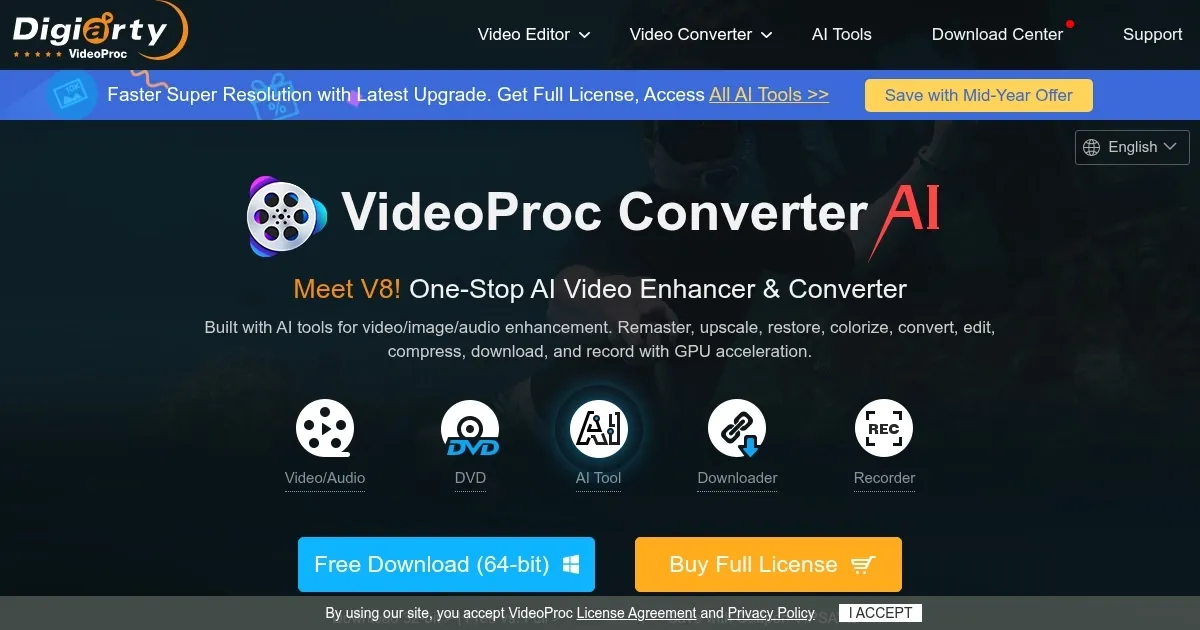
Homepage Screenshot 📸
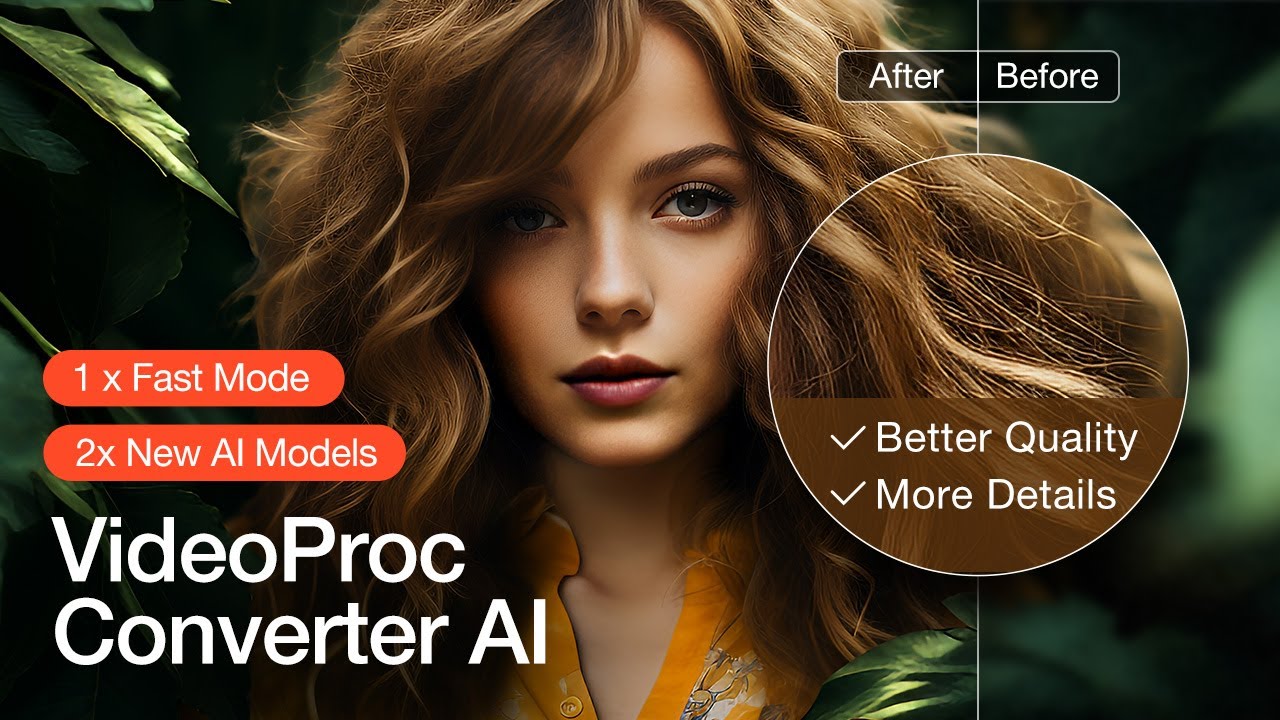
Video Overview 🎬
What are the key features? ✨
- Super Resolution: Upscales low-res videos to 4K/8K with AI-driven clarity.
- Max-Quality Compression: Reduces video file sizes by up to 90% with minimal quality loss.
- Stabilization: Corrects shaky footage from GoPro, drones, or action cams.
- Media Downloader: Downloads videos and music from over 1,000 online sites.
- Screen Recorder: Captures desktop, webcam, or both with four recording modes.
Who is it for? 🤔
Examples of what you can use it for 💡
- Vlogger: Compresses and edits 4K clips for YouTube uploads.
- Photographer: Upscales low-res images to 8K for printing.
- Streamer: Records gameplay with webcam overlay for tutorials.
- Traveler: Stabilizes shaky drone footage for travel videos.
- Archivist: Enhances old VHS footage to 4K for preservation.
Pros & Cons ⚖️
- Intuitive interface for all skill levels.
- Supports 370+ input, 420+ output formats.
- AI upscaling enhances low-res videos.
- Clip-based editing limits complexity.
- Free trial restricts exporting.
FAQs 💬
Ready to try VideoProc?
Enhances, converts, compresses, and edits videos with AI and GPU acceleration
Visit VideoProc