Vidyard
An online tool designed to help businesses create, host, and share videos
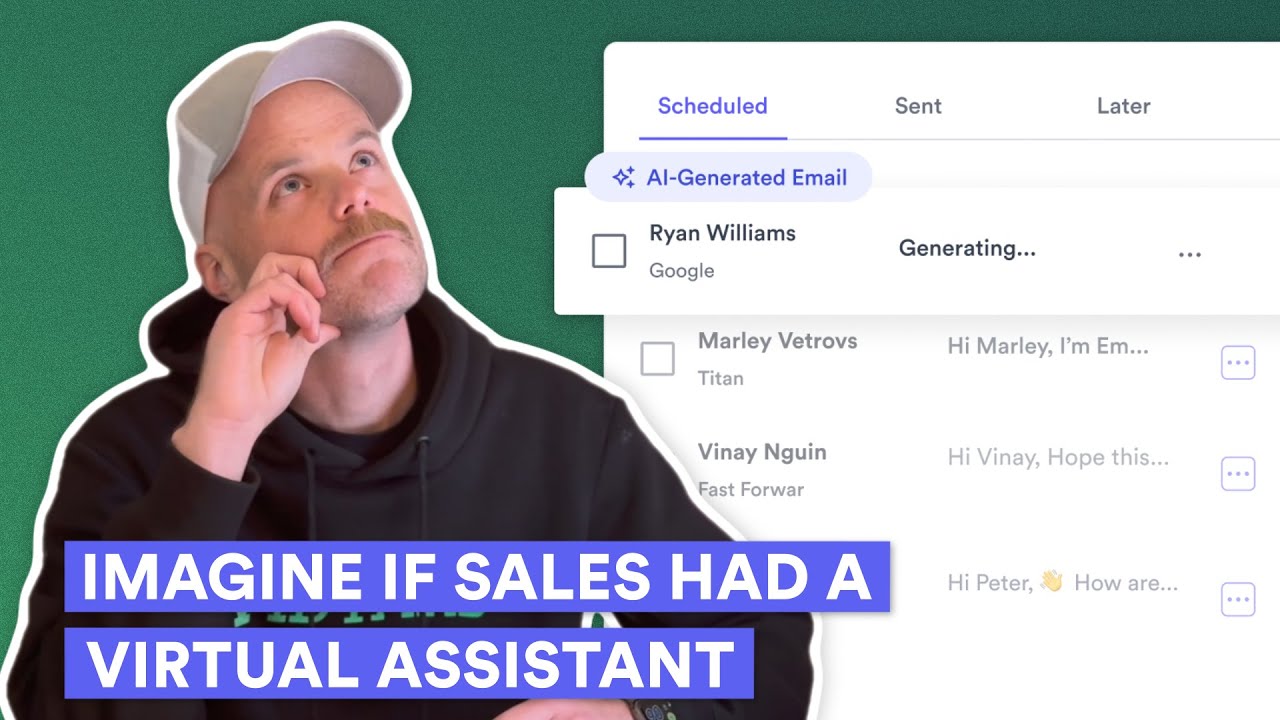
Vidyard is an online tool designed to help businesses create, host, and share videos to drive engagement and conversions. It makes video creation accessible, offering easy tools to record, edit, and personalize videos.
Whether you’re using a webcam, screen recording, or uploading pre-existing content – Vidyard’s intuitive interface delivers a smooth and straightforward experience, while its built-in editor allows trimming, adding custom branding, and inserting calls to action.
Vidyard also offers in-depth analytics, giving users insights into their videos’ performance. You can see who’s watching, for how long, and which parts they’re rewatching. These analytics can be integrated with CRM systems like Salesforce, enabling teams to identify high-value leads and optimize follow-up actions based on viewer behavior.
Also worth noting are Vidyard’s personalization tools, enabling users to create dynamic, custom messages tailored to individual viewers or customer segments. This approach increases viewer engagement and helps build strong connections with clients.
Vidyard connects with tools such as HubSpot, Marketo, and LinkedIn — streamlining workflows and enhancing the effectiveness of marketing campaigns.
All in all, Vidyard simplifies video creation and distribution, making it useful for businesses looking to leverage video for growth.
Homepage Screenshot 📸

Video Overview 🎬
What are the key features? ✨
- Video creation & editing: Record, edit, and personalize videos using a webcam, screen recording, or pre-uploaded files.
- Analytics: Track who's watching your videos, for how long, and which parts they're rewatching to refine your content strategy.
- Personalization: To better engage your audience, create custom, unique video messages tailored to individual viewers or specific customer groups.
- Integrations: Vidyard can connect with marketing and sales tools like HubSpot, Marketo, and LinkedIn to streamline workflows and enhance campaigns.
- Security: Protect your sensitive content with password protection and restricted access, ensuring videos reach only the intended audience.
Who is it for? 🤔
Examples of what you can use it for 💡
- Create and share promotional videos that capture attention, build brand awareness, and drive leads
- Record personalized video messages to connect with potential clients, explain complex products or services, and establish trust quickly
- Share important company updates, onboarding instructions, or training materials
- Create a library of video tutorials and troubleshooting guides that help customers solve common issues on their own
- Promote webinars, virtual events, or conferences with invitation videos
Pros & Cons ⚖️
- Allows organizations of any size to create professional-looking videos
- You can easily create personalized videos for custom audiences or just a single (potential) customer
- Good for different use cases
- It could take some time to get used to Vidyard's video editing interface
FAQs 💬
Ready to try Vidyard?
An online tool designed to help businesses create, host, and share videos
Visit Vidyard