Best AI Vocal Removal Tools

31 toolsRanked by traffic

AI vocal removal tools separate a finished song into its parts, splitting the vocals away from the instrumental so you can make a karaoke track, an acapella, or an isolated drum or bass stem. You upload a mixed file and the model reconstructs each layer it was trained to recognize. Vocal Remover, LALAL.AI, and Moises lead here, with Fadr adding stem splitting aimed at remixers and DJs.

Musicians, remixers, karaoke fans, and music teachers use these to practice over a backing track, sample a clean vocal line, or rebuild a song from its pieces. When you're comparing them, listen for artifacts: lesser tools leave watery echoes or bleed between stems, while the best ones keep the separation clean. Quality also varies by song, so a dense, layered mix is always harder to split cleanly than a simple one.

Vocal Remover
Vocal Remover - icon
Vocal Remover
Separates vocals from instrumentals in songs using AI
Media.io
Media.io - icon
Media.io
An online platform offering AI-powered video, audio, and image editing tools
Moises
Moises - icon
Moises
Separates vocals and instruments from songs using AI for practice and production.
AudioCleaner
AudioCleaner - icon
AudioCleaner
Removes background noise and enhances audio clarity with AI
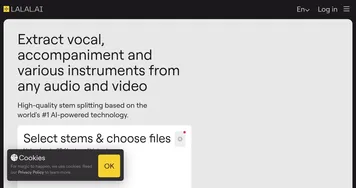
LALAL.AI
LALAL.AI - icon
LALAL.AI
Splits audio into vocals, instruments, and stems with AI precision
FineShare
FineShare - icon
FineShare
A set of AI tools that lets you create videos, record your voice, and more
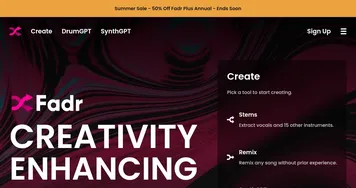
Fadr
Fadr - icon
Fadr
Transforms songs into remixes with AI stem separation and sync
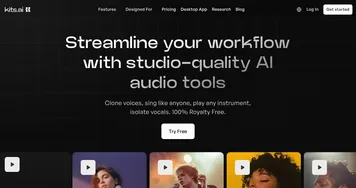
Kits.AI
Kits.AI - icon
Kits.AI
Generate your own AI voices in one click with a library of officially licensed AI voices
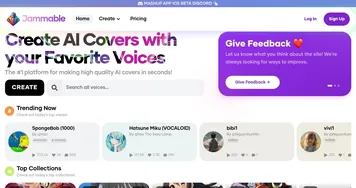
Jammable
Jammable - icon
Jammable
Create AI covers with AI voice models of your favorite voices
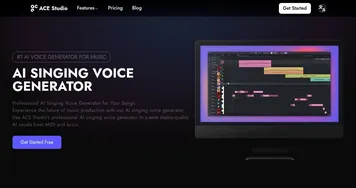
ACE Studio
ACE Studio - icon
ACE Studio
Bringing the power of artificial intelligence to vocal creation
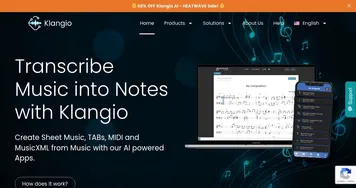
Klangio
Klangio - icon
Klangio
An AI-powered music transcription tool for musicians looking to convert audio into sheet music
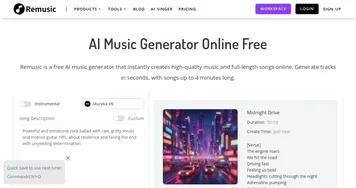
Remusic
Remusic - icon
Remusic
An AI-powered platform designed to revolutionize music creation and learning
Brev AI
Brev AI - icon
Brev AI
A fancy AI-powered music generator that transforms text descriptions into musical compositions
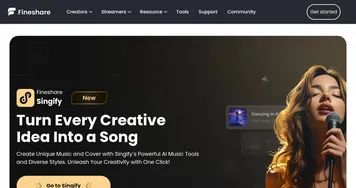
Singify
Singify - icon
Singify
An innovative AI tool that allows users to easily create song covers
VocalRemover
VocalRemover - icon
VocalRemover
Remove vocals from any song and enjoy its instrumental and acapella (vocals only) versions

Frequently Asked Questions

What is the best AI vocal remover?
The best AI vocal remover for clean results is usually LALAL.AI or Moises, both known for minimal artifacts on the separated stems. Vocal Remover is a solid free browser option for quick karaoke tracks. The right pick depends on how much you value separation quality versus cost.
Is vocal removal the same as noise cancellation?
No, vocal removal and noise cancellation solve different problems. Vocal removal separates a finished song into its musical layers, pulling the singing away from the instrumental. Noise cancellation removes unwanted background sound, like hum or chatter, from a recording. One splits a clean mix apart; the other cleans up a messy one.
How do AI vocal removers work?
AI vocal removers use models trained on thousands of songs to recognize what a voice, drum, bass, or instrument sounds like inside a mix. When you upload a track, the model rebuilds each part as its own audio file. This stem separation is far cleaner than the old trick of inverting channels.
Can I make a karaoke track by removing vocals?
Yes, removing the vocals from a song leaves the instrumental, which is exactly what a karaoke track is. Most vocal removers export the instrumental and the isolated vocal separately, so you can also keep the acapella. Results sound best on well-produced songs where the vocals sit clearly above the music.
Are AI vocal removers free to use?
Several AI vocal removers are free for basic use, often letting you process a few tracks at standard quality in your browser. Paid plans remove limits and add higher-fidelity separation, batch processing, and extra stems like drums and bass. For a one-off karaoke track, a free tool is usually plenty.