LALAL.AI by OmniSale
Splits audio into vocals, instruments, and stems with AI precision
LALAL.AI is an AI-powered tool that separates audio and video files into vocals, instruments, and specific stems, such as drums or piano, with high precision. Built on transformer-based neural networks like Phoenix and Perseus, it processes files fast, delivering clean stems in seconds. You can upload MP3, WAV, FLAC, or even MP4 files, choose your stem type, and tweak settings like Enhanced Processing or Noise Canceling Level for tailored results. It is a go-to for musicians, podcasters, and video editors needing isolated audio tracks.
The tool offers 10 stem separation types, including vocals, drums, bass, piano, and guitars, far surpassing competitors like Moises, which focuses on fewer stems, or VocalRemover, which sticks to basic vocal extraction. The Enhanced Processing feature, with Clear Cut and Deep Extraction modes, lets you control bleed between stems. Clear Cut minimizes overlap for cleaner output, while Deep Extraction captures more detail but risks some bleed. The De-Echo feature is a standout, reducing reverb in vocals for a polished sound.
Pricing is minute-based, with options like Lite (90 minutes) and Plus (500 minutes), offering flexibility without an expiration date. The free Starter pack processes 10 minutes but restricts downloads, which may disappoint casual users. Compared to Moises’ subscription model, LALAL.AI’s pay-per-minute system suits irregular users, although heavy users might find it costly, as a 5-minute track with three stem types deducts 15 minutes. Batch processing and API access add value for professionals.
The interface is straightforward, featuring a preview option that allows you to check stem quality before complete processing, saving time and effort. Supported formats are robust, including MP3, WAV, FLAC, MP4, AVI, and, for premium users, the option to choose output formats. However, complex mixes with overlapping sounds can lead to minor artifacts. High-bitrate files, such as 320 kbps or lossless, yield the best results, and the preview step helps avoid wasting time on poor inputs.
Cross-platform support, including a desktop app and API, makes it versatile for creators on the move. Video file support is a unique edge, letting users extract audio from MP4 or AVI files, unlike Moises or VocalRemover, the Noise Canceling Level, Mild, Normal, Aggressive, helps clean up background noise, especially for voice recordings.
For optimal use, upload high-quality files and use the preview to assess stem quality. Experiment with neural network settings, Phoenix, Orion, and Perseus, to find the best fit for your audio. If you are splitting multiple stems, track your minute usage to avoid running out mid-project. Start with the Lite pack to test the waters, and consider the Plus pack for larger projects or frequent use.
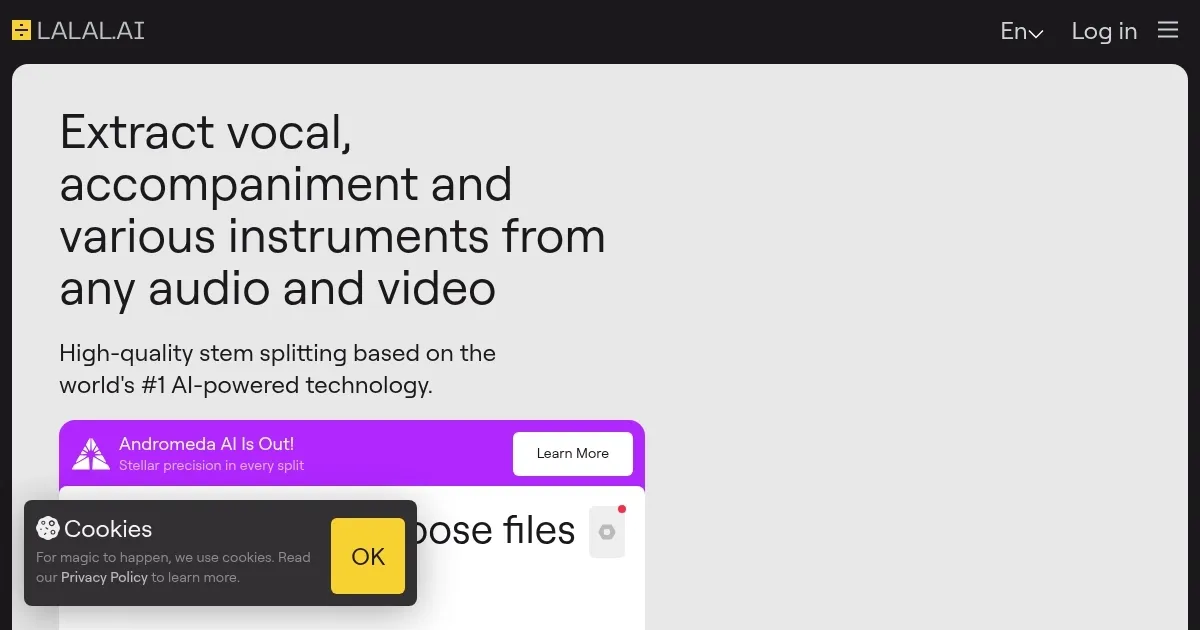
Homepage Screenshot 📸
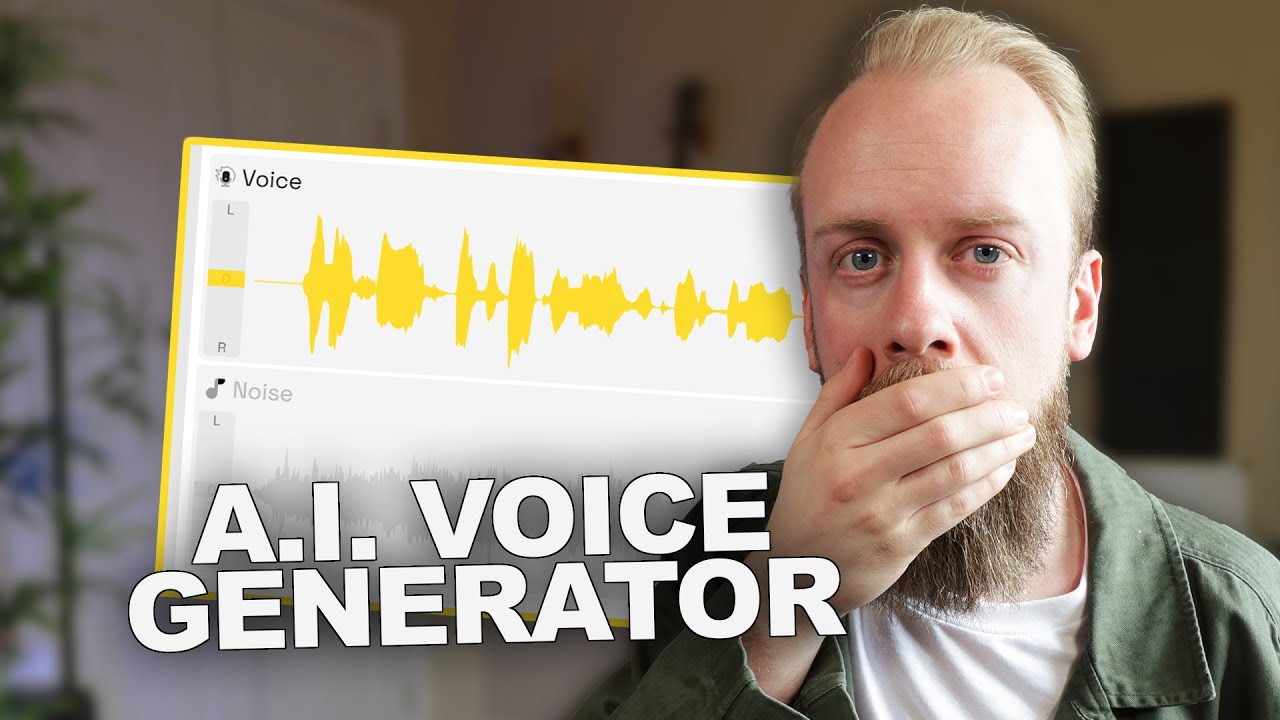
Video Overview 🎬
What are the key features? ✨
- Stem Separation: Splits audio into up to 10 stems like vocals, drums, or piano.
- Enhanced Processing: Offers Clear Cut and Deep Extraction modes for precise stem isolation.
- De-Echo Feature: Removes echo and reverb from vocals for cleaner output.
- Noise Canceling Level: Provides Mild, Normal, Aggressive settings to reduce background noise.
- Video Support: Extracts audio from MP4, AVI, MKV files for versatile use.
Who is it for? 🤔
Examples of what you can use it for 💡
- Musician: Isolates vocals for remixing or creating instrumental versions.
- Podcaster: Removes background noise from recordings for clearer audio.
- Video Editor: Extracts audio from MP4 files for precise sound editing.
- Karaoke Creator: Separates vocals to produce backing tracks for karaoke.
- Producer: Splits drums or bass for detailed music production tweaks.
Pros & Cons ⚖️
- Fast, precise stem separation
- Supports video file inputs
- Flexible minute-based pricing
- Cross-platform with API access
- Free plan restricts downloads
- Minutes deplete quickly
FAQs 💬
Ready to try LALAL.AI?
Splits audio into vocals, instruments, and stems with AI precision
Visit LALAL.AILALAL.AI alternatives 🔗